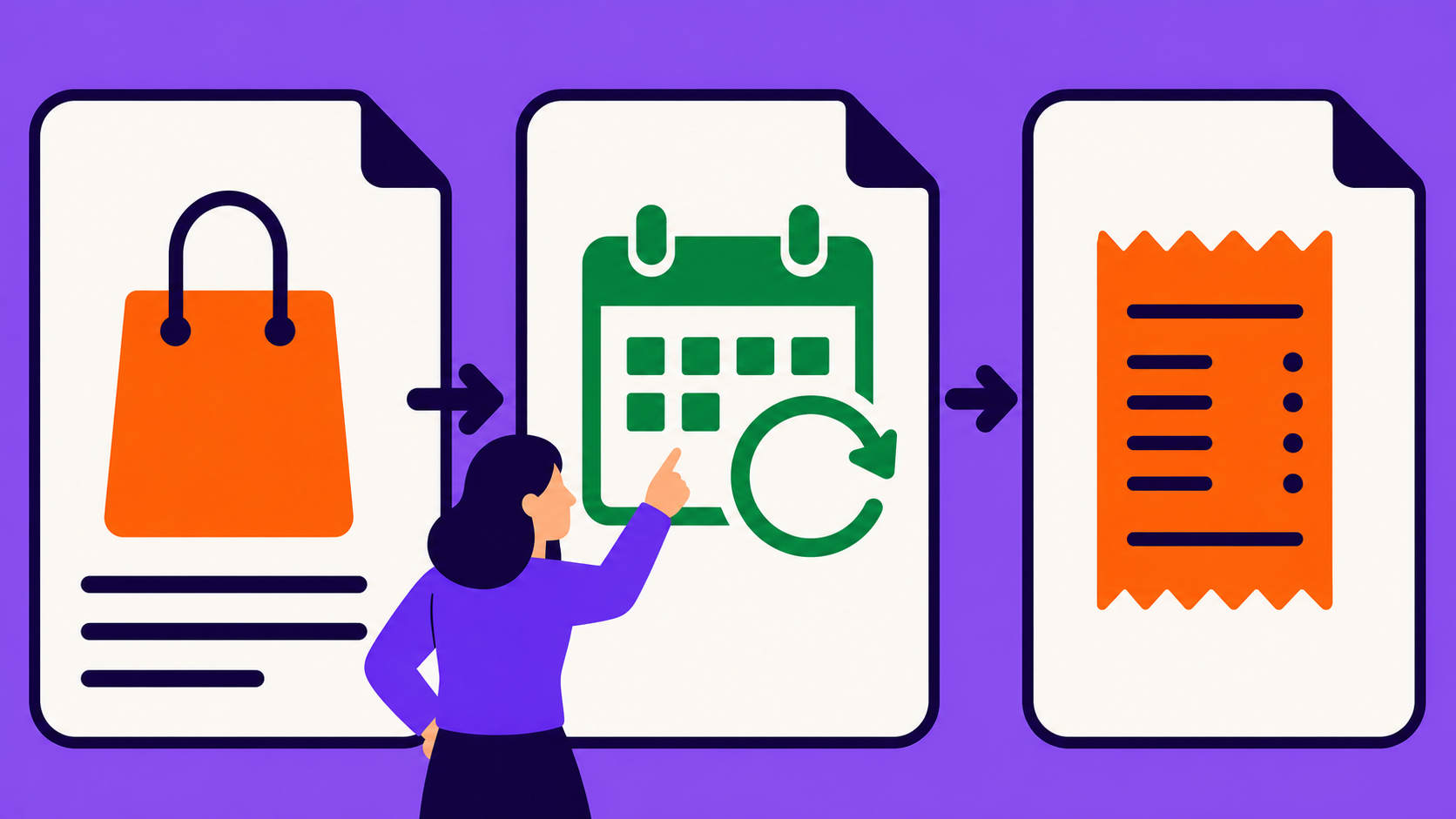
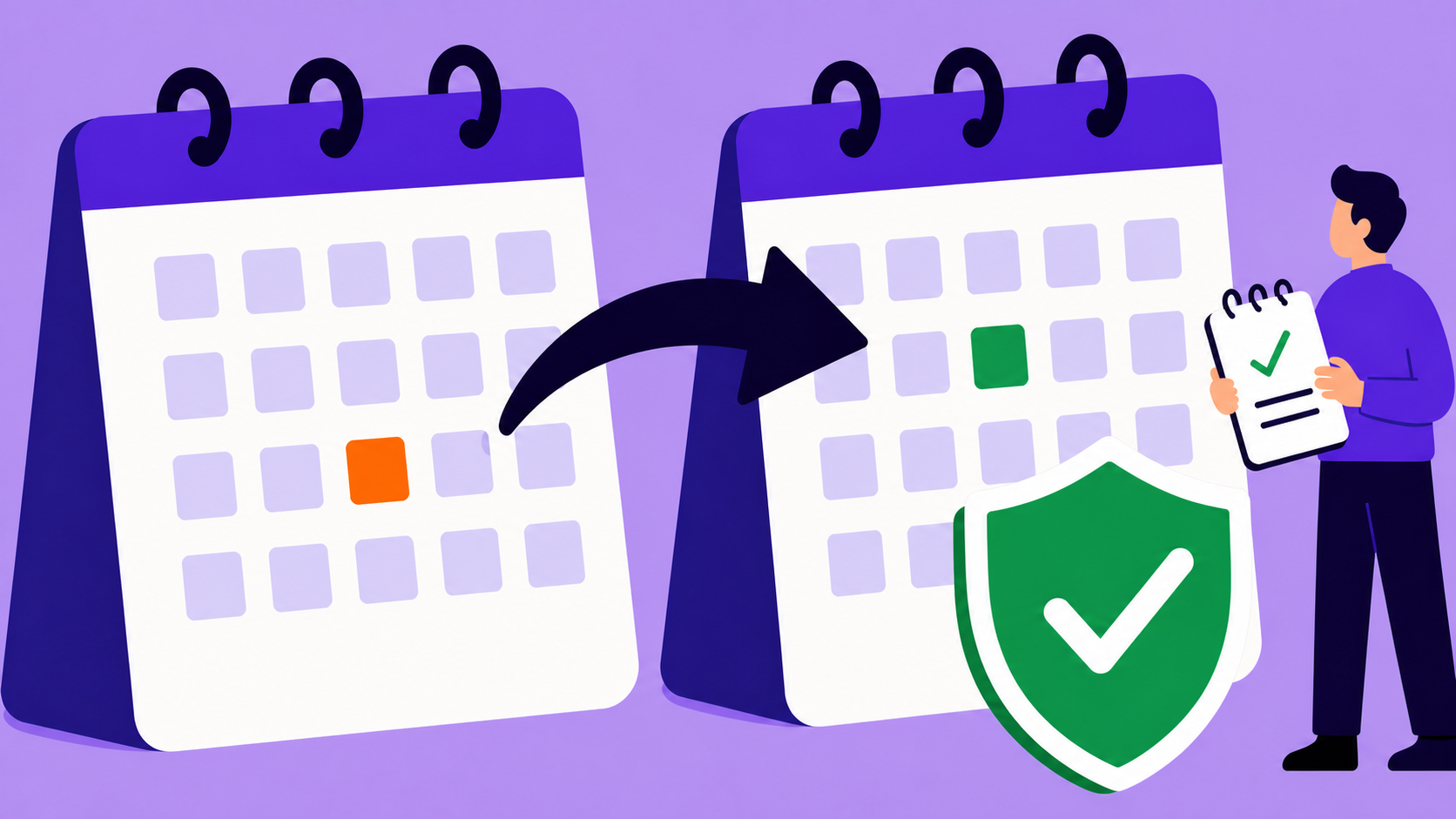
Manage every WooCommerce subscription from one admin dashboard
One wp-admin dashboard for every subscription: search, filter, and edit records, create subscriptions manually for migrations and phone orders, export filtered CSV or JSON, and troubleshoot with notes, refund workflows, and password-free Login as User.
No credit card required · Free core on WordPress.org
Subscription operations live or die in the admin, so ArraySubs puts every subscription in one dashboard — search it, filter it, open the record, edit supported fields, and run lifecycle actions without leaving wp-admin. Staff can create subscriptions manually for migrations, phone orders, and comped accounts, and every record carries a permanent notes timeline of what happened and why. Filtered CSV and JSON exports cover reporting, finance, and migration work from the same screen.
Capabilities
What Manage Subscriptions gives you
Every capability listed here reflects the current plugin build — free means free.
Free
Central subscription list
Search and filter every subscription record, then open any row into a full detail screen — all from one wp-admin page.
Free
Edit & lifecycle actions
Update supported subscription fields and run lifecycle actions directly from the admin record.
Free
Create subscriptions in wp-admin
Add records for migrations, phone orders, support corrections, and comped accounts — with customer details prefilled.
Free
CSV & JSON exports
Export filtered subscription data for finance, reporting, migrations, and custom tooling.
Free
Subscription notes timeline
A permanent record combining automatic lifecycle, renewal, and gateway events with private admin notes and customer-visible notes.
Free
Refund workflows on the record
Issue full or partial refunds, or preview and process a prorated refund based on unused time, from the subscription itself.
Pro
Pro detail cards
Gateway, checkout-fields (Checkout Builder data), and shipping cards plus the Feature Log from Feature Manager join the record.
Pro
Member Insight
One unified customer dashboard: look up any member and see their profile and commerce overview in a single screen.
Free
Login as User
Open a non-admin customer's frontend session for support — no password, excluded from session limits, no admin-to-admin impersonation.
What does the subscription admin dashboard include?
The dashboard is a central list of every subscription with search and filters, and each row opens a detail screen where staff edit supported fields and run lifecycle actions. It ships in the free core and is the operational home for billing, support, and account work.
It is built for current WooCommerce — HPOS-compatible — and admin, customer portal, and reporting all read the same subscription records. What support sees on the record matches what the customer sees in their account, which removes a whole class of "works for me" tickets.
Can I create a subscription manually from wp-admin?
Yes — creating subscriptions from wp-admin ships free, built for what checkout can't cover: migrations, phone orders, support corrections, and comped accounts. Customer details prefill, so staff aren't retyping what the store already knows.
Admin-created records are not second-class: they enter the same lifecycle, notes, portal, and reporting flows as checkout subscriptions. The customer sees the subscription in their account, and every report counts it.
What can I see on a single subscription record?
Every record opens into detail cards, and the free core covers the story of the subscription: lifecycle, cancellation, and coupon usage at a glance.
Pro modules add cards to the same screen: a gateway card for payment context, a checkout-fields card with Checkout Builder data captured at purchase, a shipping card, and the Feature Log from Feature Manager. The record grows with your stack instead of spreading data across admin pages.
How are subscription changes tracked over time?
Every subscription carries a permanent notes timeline with three streams: automatic notes for lifecycle, renewal, and gateway events; private admin notes customers never see; and customer-visible notes for updates worth publishing.
That makes a record self-explanatory months later: who changed what, which renewal failed, what support promised. Skip reasons, retry activity, and gateway events land in the same timeline, so nobody reconstructs history from email threads.
Automatic notes: lifecycle, renewal, and gateway events
Private admin notes customers never see
Customer-visible notes for support updates
Can I export WooCommerce subscriptions to CSV?
Yes — filtered subscription data exports to CSV or JSON from the dashboard, free. The export follows your active filters, so a segment-level pull is a filter plus one click rather than spreadsheet surgery.
CSV fits finance and reporting workflows; JSON fits migrations and custom tooling. Both formats export the same filtered dataset, so operations and engineering work from identical numbers.
Which support tools help me troubleshoot a customer's subscription?
Start with Login as User (free): it opens a non-admin customer's frontend session without their password, so staff see exactly what the customer sees. Impersonation sessions are excluded from session limits, and admin-to-admin impersonation is blocked.
Member Insight (Pro) adds one unified customer dashboard — member lookup, profile, and a commerce overview in a single place. Refunds run from the subscription record itself: full, partial, or prorated with a preview, plus refund to store credit with Pro.
Set up
Set it up in 4 steps
From install to live — no developer required.
01
Open the subscription dashboard
Install ArraySubs free — every subscription appears in one wp-admin list with search and filters.
02
Open a record and act
Edit supported fields, run lifecycle actions, add notes, and process refunds from the detail screen.
03
Create what checkout can't
Add subscriptions manually for migrations, phone orders, and comped accounts — customer details prefill.
04
Export for finance and tooling
Filter the list, then export the matching subscriptions to CSV for reports or JSON for migrations.
Free vs Pro
Manage Subscriptions: what's free, what's Pro
The free core is a real product, not a demo. Pro adds the automation and revenue layer.
In the free core
Free
Central dashboard with search, filters, and detail screens
Manual subscription creation for migrations and phone orders
Lifecycle actions and supported field editing from admin
Yes. The central list, search and filters, detail screens, editing, lifecycle actions, manual creation, notes, and CSV/JSON exports are all free. Pro adds gateway, checkout-fields, shipping, and Feature Log cards plus Member Insight.
Yes. Staff create subscriptions directly from wp-admin instead of requiring a storefront checkout — used for migrations, phone orders, support corrections, and comped accounts. Created records join the same lifecycle, notes, portal, and reporting flows as checkout subscriptions.
Filter the subscription list in the dashboard, then export — the file contains exactly the filtered records. JSON is available alongside CSV for migrations and custom tooling, and both formats are free.
Three streams on one permanent timeline: automatic notes for lifecycle, renewal, and gateway events; private admin notes; and customer-visible notes. Support gets the full history of a subscription without leaving the record.
Yes — Login as User is free. It opens a non-admin customer's frontend session without their password, is excluded from session limits, and blocks admin-to-admin impersonation.
Member Insight (Pro) is one unified customer dashboard: look up any member and see their profile and commerce overview in a single screen. It complements the per-subscription record when a ticket spans a customer's whole relationship with the store.
Yes. ArraySubs is HPOS-compatible (high-performance order storage), so the subscription dashboard and its records work on stores running WooCommerce's modern order storage.
Try it on your store
Put manage subscriptions to work
Install the free core from WordPress.org today, then start a Pro trial when you want the automation and revenue features.