Keep an audit trail on every WooCommerce subscription
ArraySubs keeps subscription operations explainable: a permanent per-subscription timeline and free troubleshooting logs in the core, with Pro adding activity audits, scheduled-job logs, and per-gateway webhook monitoring.
No credit card required · Free core on WordPress.org
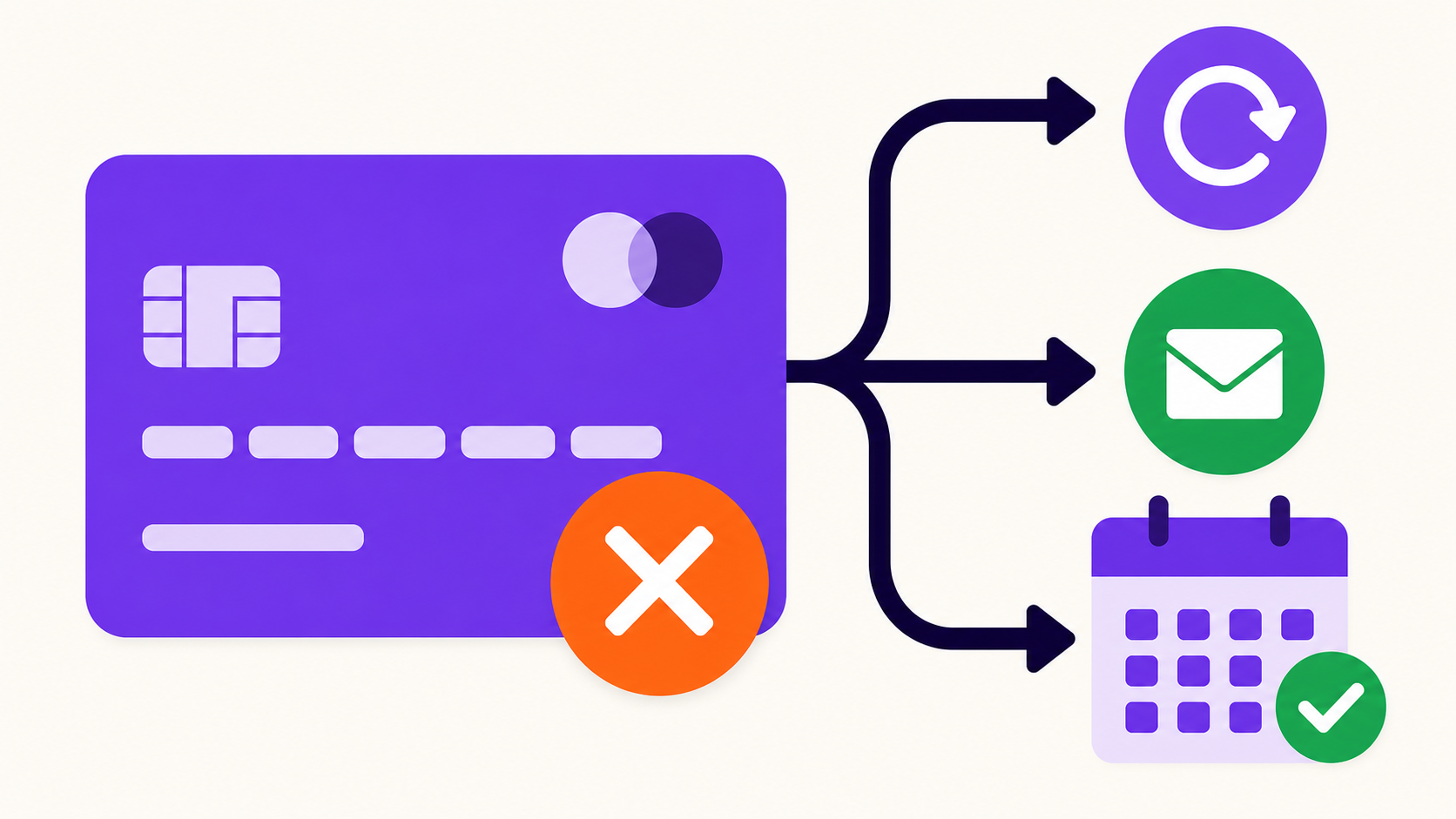
When a customer asks "why was I charged?", the answer should come from a record, not a reconstruction. ArraySubs writes a permanent timeline on every subscription — automatic lifecycle, renewal, and gateway events plus private admin notes and customer-visible notes — and backs it with free troubleshooting logs for renewal failures, portal action failures, and access-rule conflicts. Pro adds the accountability layer: activity audits, scheduled-job logs, and per-gateway webhook health. Support answers from the timeline; operations sees where a renewal stopped.
Capabilities
What Audits & Logs gives you
Every capability listed here reflects the current plugin build — free means free.
Free
Subscription Notes timeline
Every subscription keeps a permanent timeline of automatic lifecycle, renewal, and gateway events — the first place support looks.
Free
Private & customer-visible notes
Staff add internal context customers never see, or publish a note to the customer-facing subscription record when it helps.
Free
Renewal Failures log
See which renewals failed in one list, so billing problems surface as work items instead of surprise support tickets.
Free
Portal Action Failures log
When a customer's self-service action fails in the portal, the failure is logged for support to chase down.
Free
Access-Rule Conflicts detector
Flags member-access rules that fight each other — before members start reporting content they can't reach.
Pro
Activity Audits
A filterable record of who changed what and when across subscription operations — accountability for multi-staff stores.
Pro
Scheduled Job Logs
Visibility into the Action Scheduler jobs behind renewals, retries, and expirations: what ran, what's queued, what failed.
Pro
Gateway Health
Webhook status and connection monitoring per gateway, with gateway event logs and a Stripe webhook refresh control.
What is a subscription audit trail?
A subscription audit trail is the recorded history of everything that happened to a subscription — lifecycle changes, renewal and gateway events, and the staff actions behind them. Subscriptions live for years and pass through many hands, so the record has to outlast anyone's memory of what was done.
ArraySubs builds the trail in layers: free Subscription Notes write the per-subscription timeline automatically, free logs catch renewal failures, portal action failures, and access-rule conflicts, and Pro adds activity audits and scheduled-job logs across the whole operation. When a customer disputes a charge, support answers from the timeline instead of guessing.
Can I see which admin changed a subscription?
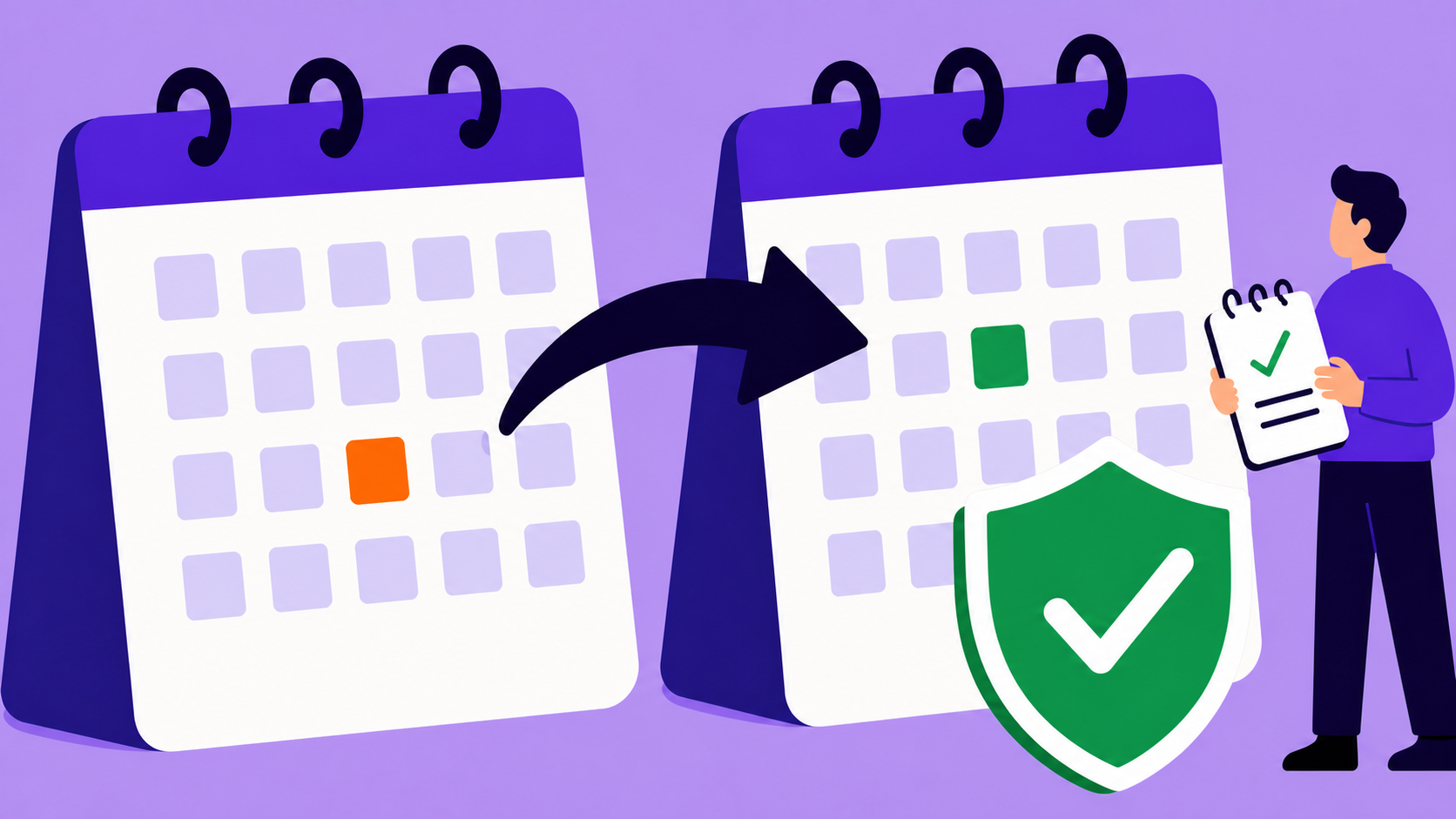
Yes — Activity Audits (Pro) record who changed what and when across subscription operations. When a renewal date moves or a plan is switched, the trail shows which account did it, turning "who touched this subscription?" from an investigation into a lookup.
For stores with more than one admin, that is the difference between accountability and archaeology. Disputes about a refund, a mis-edited record, or an unexpected cancellation resolve from a filterable record, and the same trail sits alongside the automatic events those changes triggered.
How do I troubleshoot a renewal that didn't run?
Start with the free Renewal Failures log — it shows renewals that didn't complete, so you immediately know whether you are looking at one subscription or a pattern. The affected subscription's own timeline adds the gateway events around the failure.
With Pro, Scheduled Job Logs go a level deeper: renewals, retries, and expirations run as background jobs through Action Scheduler, and the logs show what ran, what's queued, and what failed. A renewal that "didn't happen" stops being a mystery — you can see exactly where in the chain it stopped.
How do I debug customer portal errors?
Start with the free Portal Action Failures log, which records customer self-service actions that didn't complete — so support sees the failure before the customer writes in, with the subscription it belongs to.
Then pair it with Login as User (free): open the customer's own frontend session without a password, reproduce what they hit, and check it against the log entry and the subscription's timeline. Debugging from the customer's actual session beats debugging from a description of it.
How do I monitor payment gateway webhooks?
Gateway Health (Pro) monitors webhook status and connections per gateway — the plumbing automatic renewals depend on. Status cards show each gateway's condition, alongside subscription counts per gateway, the webhook URLs you need for setup, and gateway event logs for diagnosis.
Webhook problems are the silent kind: payments succeed at the gateway while your store never hears about them. Gateway Health surfaces the disconnect, and a Stripe webhook refresh control re-establishes the connection without leaving wp-admin.
What history is kept on each subscription record?
Every subscription record keeps three note streams: an automatic timeline of lifecycle, renewal, and gateway events; private admin notes; and customer-visible notes for messages that belong on the record the customer sees.
The timeline is permanent, so a subscription stays explainable years later — the product engine even tracks deleted products and cached product data, so an old subscription still tells you what it was for. Notes ship free and run on every record.
Automatic events: lifecycle, renewal, and gateway activity, logged without admin work
Private admin notes: internal context customers never see
Customer-visible notes: published to the customer-facing subscription record
Set up
Set it up in 4 steps
From install to live — no developer required.
01
Install ArraySubs free
Subscription Notes and the troubleshooting logs are active from the first subscription — no configuration required.
02
Open the troubleshooting logs
Renewal failures, portal action failures, and access-rule conflicts each have a dedicated free log to work from.
03
Activate Pro for audits and job logs
Activity Audits record who changed what and when; Scheduled Job Logs show the background jobs behind renewals and retries.
04
Monitor gateways from Gateway Health
Watch webhook status and connections per gateway, review event logs, and refresh the Stripe webhook when needed.
Free vs Pro
Audits & Logs: what's free, what's Pro
The free core is a real product, not a demo. Pro adds the automation and revenue layer.
WooCommerce itself has no subscription records, so there is nothing native to log. ArraySubs writes a permanent notes timeline on every subscription in the free core, and Pro adds Activity Audits that record who changed what and when across subscription operations.
Free: Subscription Notes plus the Renewal Failures, Portal Action Failures, and Access-Rule Conflicts logs. Pro: Activity Audits, Scheduled Job Logs, and Gateway Health webhook monitoring.
Check the free Renewal Failures log first, then the subscription's own timeline for the gateway events around it. With Pro, Scheduled Job Logs show the background job chain — what ran, what's queued, and what failed — so you can see exactly where the renewal stopped.
No. Private admin notes stay internal. Customer-visible notes are a separate stream you publish deliberately to the customer-facing subscription record.
Renewals, retries, and expirations run as background jobs through Action Scheduler. Scheduled Job Logs (Pro) make that layer visible — execution history with status and errors — so scheduled work is verifiable instead of assumed.
Gateway Health (Pro) shows webhook status and connection monitoring per gateway, along with gateway event logs and subscription counts per gateway. For Stripe, a webhook refresh control re-establishes the connection from wp-admin.
The subscription product engine tracks product lifecycle handling, including deleted products and cached product data, so old subscriptions stay explainable. The notes timeline on the subscription itself is permanent.
Try it on your store
Put audits & logs to work
Install the free core from WordPress.org today, then start a Pro trial when you want the automation and revenue features.