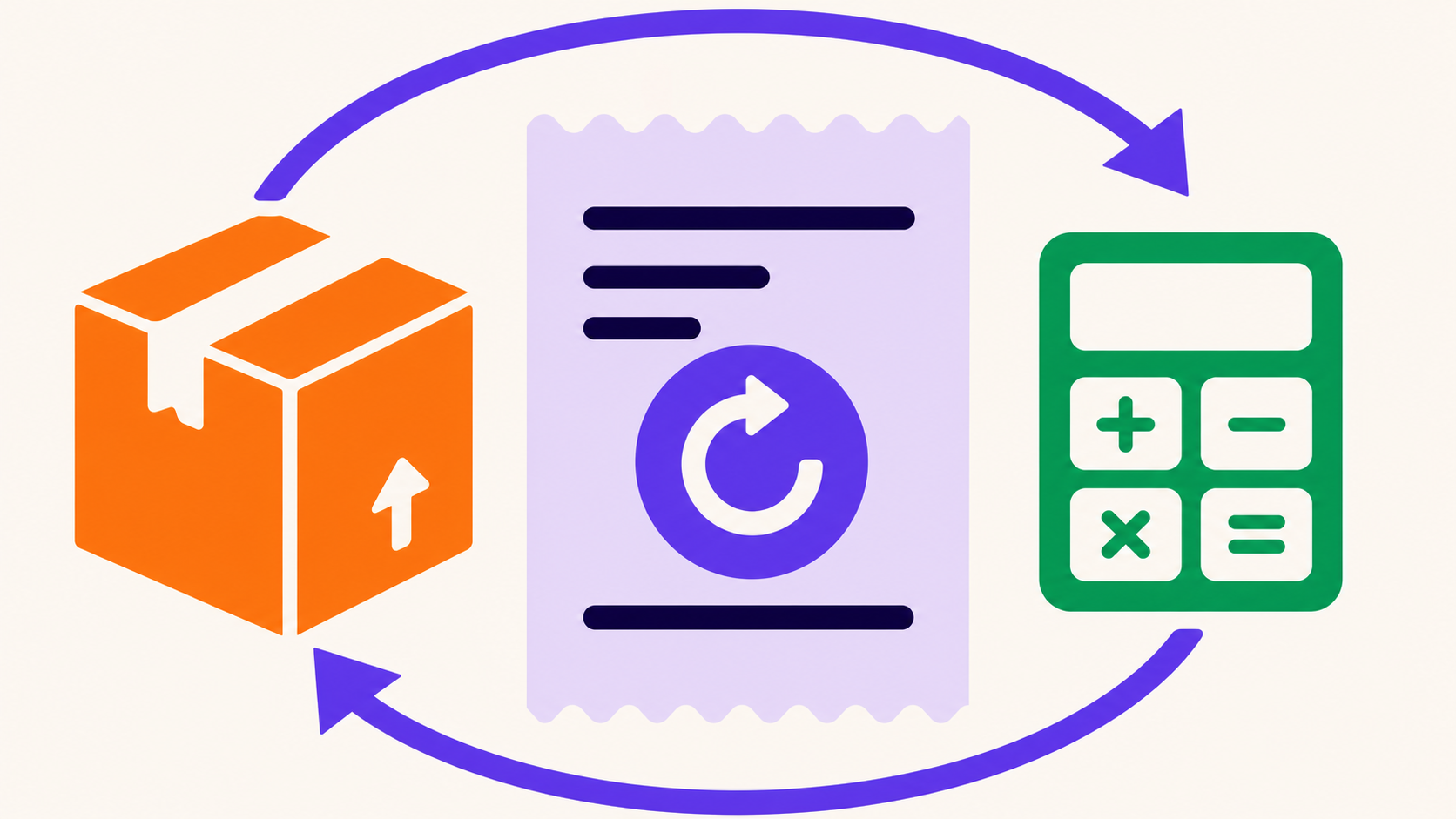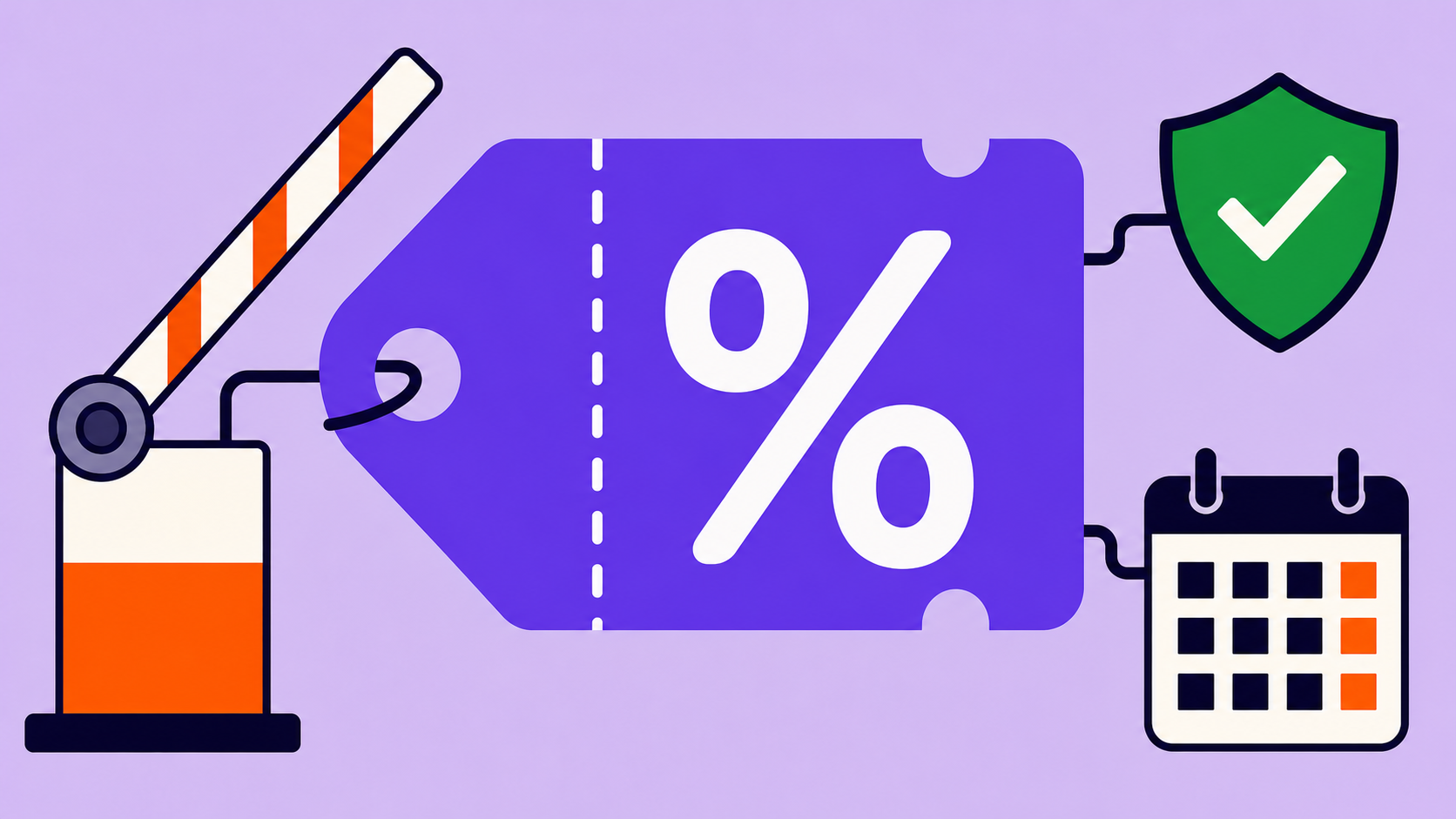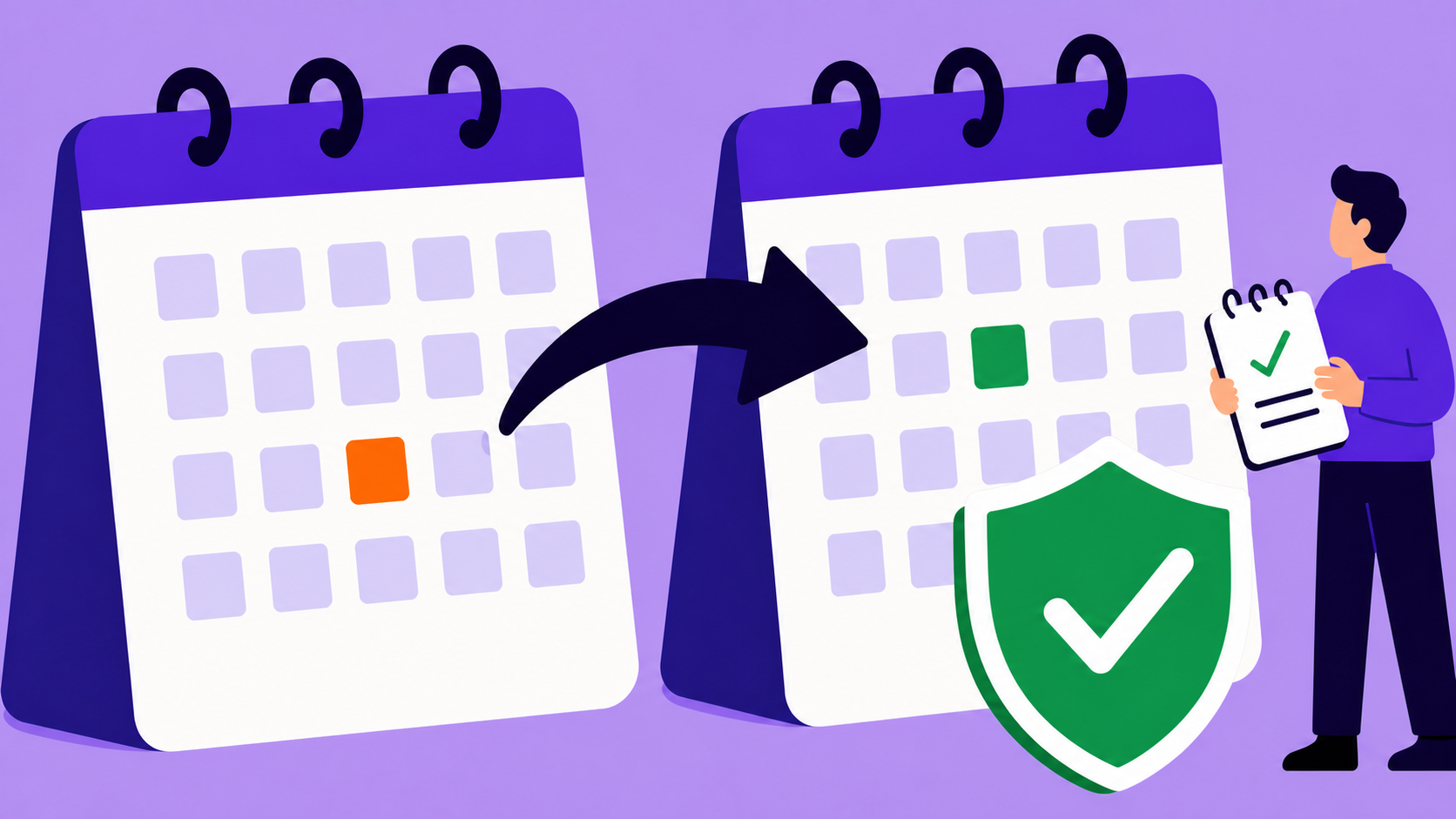
Changing a renewal date safely means changing the subscription’s authoritative schedule and every dependent job—not editing a database date alone. Confirm who owns billing, resolve any existing renewal order, use a supported skip, pause, sync, or gateway workflow, then verify the next invoice, charge, reminder, access window, and audit trail before considering the change complete.
Key takeaways
- A renewal date coordinates invoices, charges, reminders, access, shipping, and lifecycle changes.
- Current ArraySubs rejects arbitrary manual next-payment-date edits.
- Use skip, pause/resume, new-signup sync, or supported gateway reconciliation for the intended outcome.
- Plugin-controlled Stripe/manual schedules differ from PayPal/Paddle remote schedules.
- Exactly one future invoice and charge path should remain after a change.
Why a direct edit is dangerous
Changing only _next_payment_date can leave an old scheduled charge, invoice, reminder, retry, cancellation, or deferred switch. A remote gateway may also keep its own date. WooCommerce developer guidance similarly warns that direct date changes without rescheduling actions leave the prior action in place (subscription data structures).
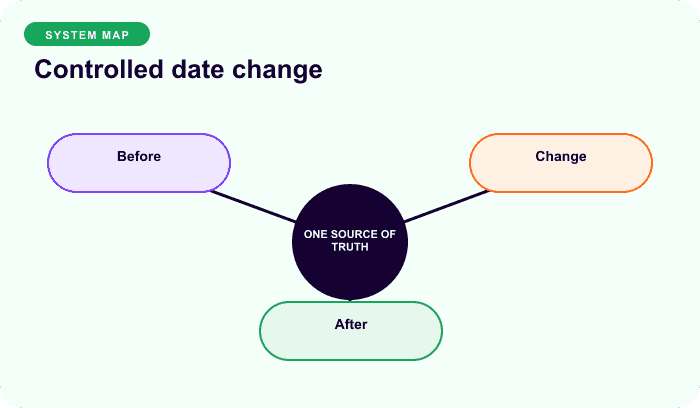
Current ArraySubs schedules both invoice generation and renewal processing, with separate reminder and lifecycle actions. Its admin REST paths intentionally reject arbitrary next_payment_date changes. Do not use SQL or update_post_meta() as a how-to shortcut.
Choose the workflow by outcome
| Intended result | Safer current concept |
|---|---|
| Omit the next whole cycle | Skip renewal |
| Temporarily stop and shift dates | Pause, then resume |
| Align eligible new signups to a boundary | Renewal Sync |
| Correct local truth from PayPal/Paddle | Supported gateway sync, then verify jobs |
| Charge an extra item without moving schedule | Separate supported order |
| Arbitrary one-off date on existing agreement | No general current ArraySubs UI/API; escalate |
Skip advances by whole billing cycles, stores the original date, removes old actions, creates the new schedule, and can be undone when eligible. Pause stores original next/end dates, shifts them by the pause duration, sets on-hold, removes renewal actions, and rebuilds them on resume.
Identify schedule ownership
- Manual/offline and current Stripe: ArraySubs owns the local schedule.
- PayPal and Paddle: the remote provider owns the billing schedule; local state follows supported reconciliation and webhooks.
A local edit cannot safely move a remote charge. Conversely, a remote update that changes local meta must still be checked against local Action Scheduler jobs. The inspected gateway-sync path did not make immediate rescheduling obvious, so verify it in a real environment.
Safe change protocol
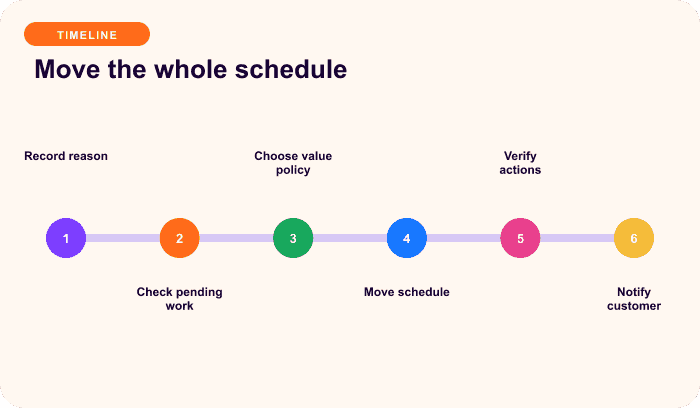
1. Define the promise
Record current and intended date/timezone, reason, whether payment/access/shipment move together, whether it is one cycle or permanent, and any credit, proration, or courtesy extension.
2. Snapshot dependencies
Capture subscription, status, cadence, next/end dates, open renewal order, gateway and remote ID, pending retry, skip, pause, cancellation, plan switch, all future actions, access, shipping cutoff, and customer communication.
3. Resolve in-flight work
Decide whether a pending/failed order remains payable, whether a retry can still charge first, whether cancellation or a switch moves, whether fulfillment is already committed, and which system owns the remote date.
4. Use the supported action
Execute the smallest workflow matching the outcome. Do not combine date repair with unrelated product, price, gateway, and address changes.
5. Verify proof
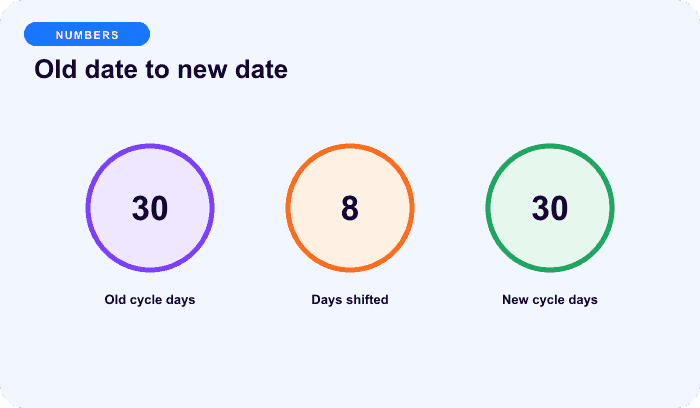
Confirm one correct future renewal action, one invoice action at the lead time, the new reminder, no stale retry, correct open-order disposition, remote/local agreement, and a private note with old/new values and actor.
Worked examples
One monthly skip from August 15:
new due date = September 15
new invoice job = September 15 minus configured lead
new reminder = September 15 minus configured reminder days
old jobs = removed
A 14-day pause with an August 15 next date and December 15 end date shifts them to August 29 and December 29 in current ArraySubs. This is plugin-specific; WooCommerce Subscriptions documents different suspension semantics.
Earlier versus later economics
Moving a charge earlier shortens paid time and generally requires explicit consent and amount review. Moving it later while access continues gives extra service time and may need a credit or documented courtesy extension. Skipping a whole cycle normally also skips the associated service/fulfillment. There is no universal proration answer.
Completion checklist
- intended UTC date displays correctly in site-local time;
- no duplicate invoice, charge, reminder, retry, or cancellation action;
- open order disposition is explicit;
- remote gateway and local state agree;
- access, grace, shipping, cancellation, and pending switch align;
- month-end and daylight-saving behavior are tested;
- customer confirmation states old/new date, amount, access, and shipment;
- audit history records actor, reason, and evidence.
For alignment at signup, read Renewal Synchronization Explained.
Final recommendation
Change the business outcome through a supported lifecycle workflow, then prove every dependent system moved with it. If the request is an arbitrary date edit, specify and test an atomic implementation rather than bypassing ArraySubs’ safety lock. Compare ArraySubs plans.
Frequently asked questions
Can I change the next payment date directly in ArraySubs?
Not through the current supported admin path. ArraySubs rejects arbitrary next-payment-date updates. Use skip, pause/resume, new-signup sync, or supported gateway reconciliation.
Why is editing the database not enough?
Invoice, renewal, reminder, retry, cancellation, access, and remote gateway schedules can remain on the old date and still create a charge or message.
Does pausing keep the original billing date?
Current ArraySubs shifts the next payment and end date by the pause duration, removes pending actions, and rebuilds them on resume. Other extensions can behave differently.
What if a renewal order already exists?
Decide whether it remains payable, should be cancelled, or must be regenerated. Moving the subscription schedule alone does not remove an open WooCommerce order.
Should a renewal-date change be prorated?
It depends on whether the customer gains or loses paid time and the product contract. State the amount and obtain consent before accelerating a charge.
Disclosure, verification, and update log
- July 2026: Verified against current ArraySubs scheduler, skip, pause, admin update, and gateway-sync paths. No arbitrary date-edit procedure is provided.
Continue from strategy to setup
Use a recipe when the model is settled
These articles own the decision and operating model. The ArraySubs feature map and recipes cover the exact product, billing, and customer-workflow configuration.
Written by
Emran // ArrayHash
Research and practical guidance for WooCommerce subscription operators and implementation teams.
Technical review
ArraySubs Engineering Team
Reviewed against current ArraySubs code, product documentation, and the linked primary platform sources.