Run WooCommerce recurring billing from first invoice to final refund
ArraySubs runs the entire renewal lifecycle: the free core schedules renewals, issues invoices payable through any WooCommerce gateway, and protects failed payments with a 2-phase grace period — Pro adds off-session collection, automatic retries, fallback downgrades, and synced renewal dates.
No credit card required · Free core on WordPress.org
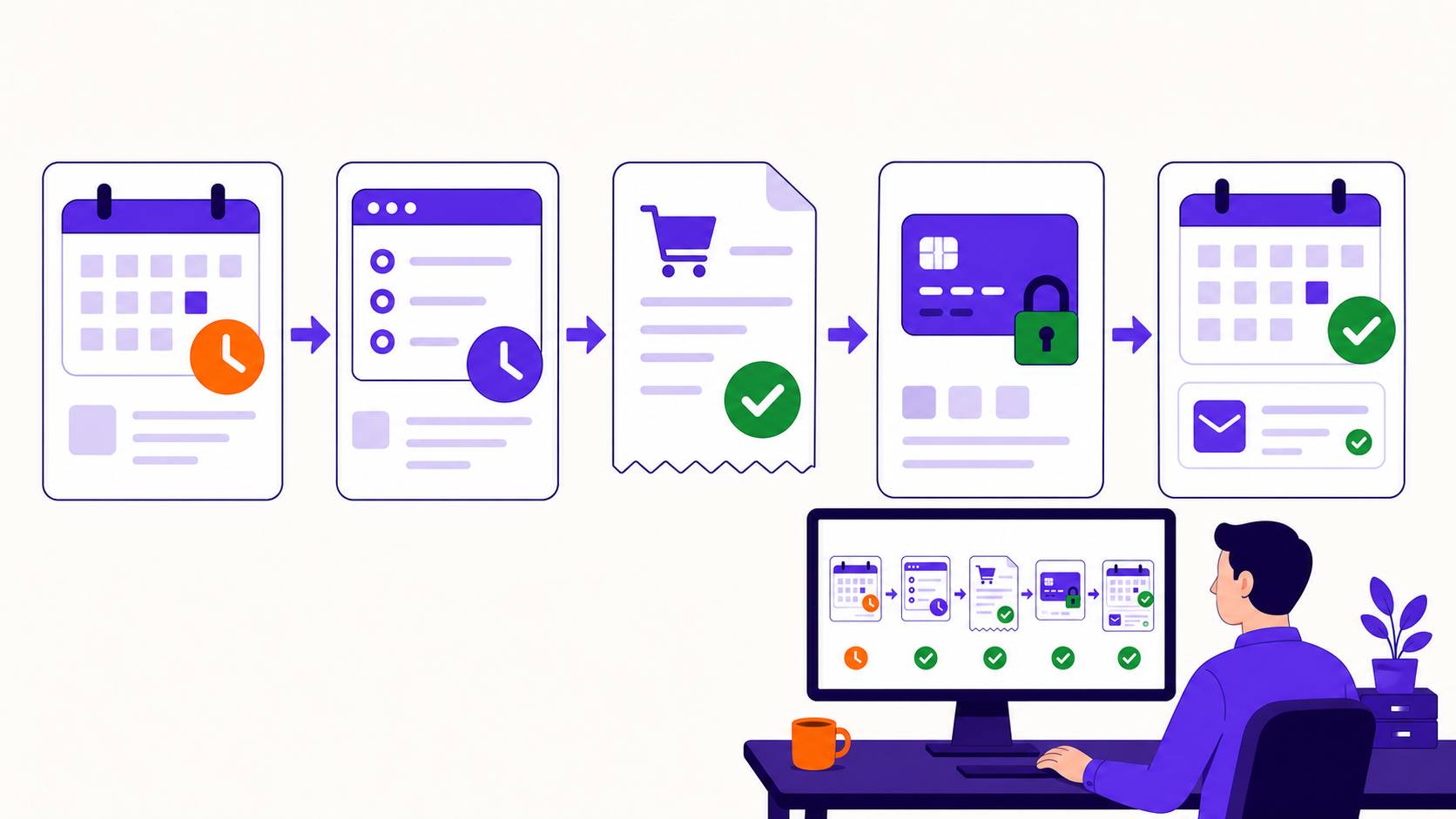
Renewals are where subscription revenue is actually won or lost, so ArraySubs ships the entire renewal engine in the free core: it schedules each cycle, generates the renewal invoice or order, converts trials to paid, and checks expirations. When a payment fails, a 2-phase grace period keeps access recoverable while the customer fixes billing — and Pro layers on automatic retries, fallback-plan downgrades, and synced renewal dates. Refund tooling is built into the same flow, from full and partial order refunds to prorated refunds based on unused time.
Capabilities
What Billing, Renewals & Refunds gives you
Every capability listed here reflects the current plugin build — free means free.
Free
Free renewal engine
Schedules every cycle, creates renewal invoices and orders, converts trials to paid, and checks expirations — all in the free core.
Free
Manual renewals on 500+ gateways
Each renewal issues a pending invoice with a payment link, payable through any WooCommerce gateway — including bank transfer and offline methods.
Pro
Automatic off-session collection
Charge renewals without the customer present via Stripe saved cards with SCA, PayPal billing agreements, or Paddle as merchant of record.
Free
2-phase grace period
A warning phase, then a final grace phase before hold or cancel — access stays recoverable while the customer fixes billing.
Pro
Auto-retry failed payments
Scheduled retry attempts with customer notices and recovery tracking, aligned with grace states so access doesn't end mid-recovery.
Pro
Auto-downgrade on failure
After retries and grace are exhausted, move the customer to a fallback plan instead of cancelling — access rules follow the new plan.
Pro
Flexible Renewal Sync
Align eligible new subscriptions to shared billing dates, with cycle segments deciding a full, prorated, or next-cycle first charge.
Free
Skip, pause & vacation mode
Customers or staff skip one cycle with a recorded reason, or pause the subscription temporarily and resume it later.
Free
Full, partial & prorated refunds
Refund whole orders, specific amounts, or unused time with a prorated preview — governed by store-level refund policy settings.
How do subscription renewals work in WooCommerce?
WooCommerce has no renewal engine of its own, so ArraySubs supplies one: when a billing cycle ends, it creates a renewal invoice or order, applies WooCommerce tax, and routes it for payment. The same engine converts trials into their first paid renewal — calculated from the trial end date — and checks expirations so fixed-length plans stop exactly on schedule.
The entire engine ships in the free core: scheduling, invoices, trial conversion, and expiration checks. The free-vs-Pro line is collection — free renewals are paid by the customer through a payment link on any of 500+ WooCommerce gateways, while Pro charges automatically off-session through Stripe, PayPal, or Paddle.
What is the difference between manual and automatic renewals?
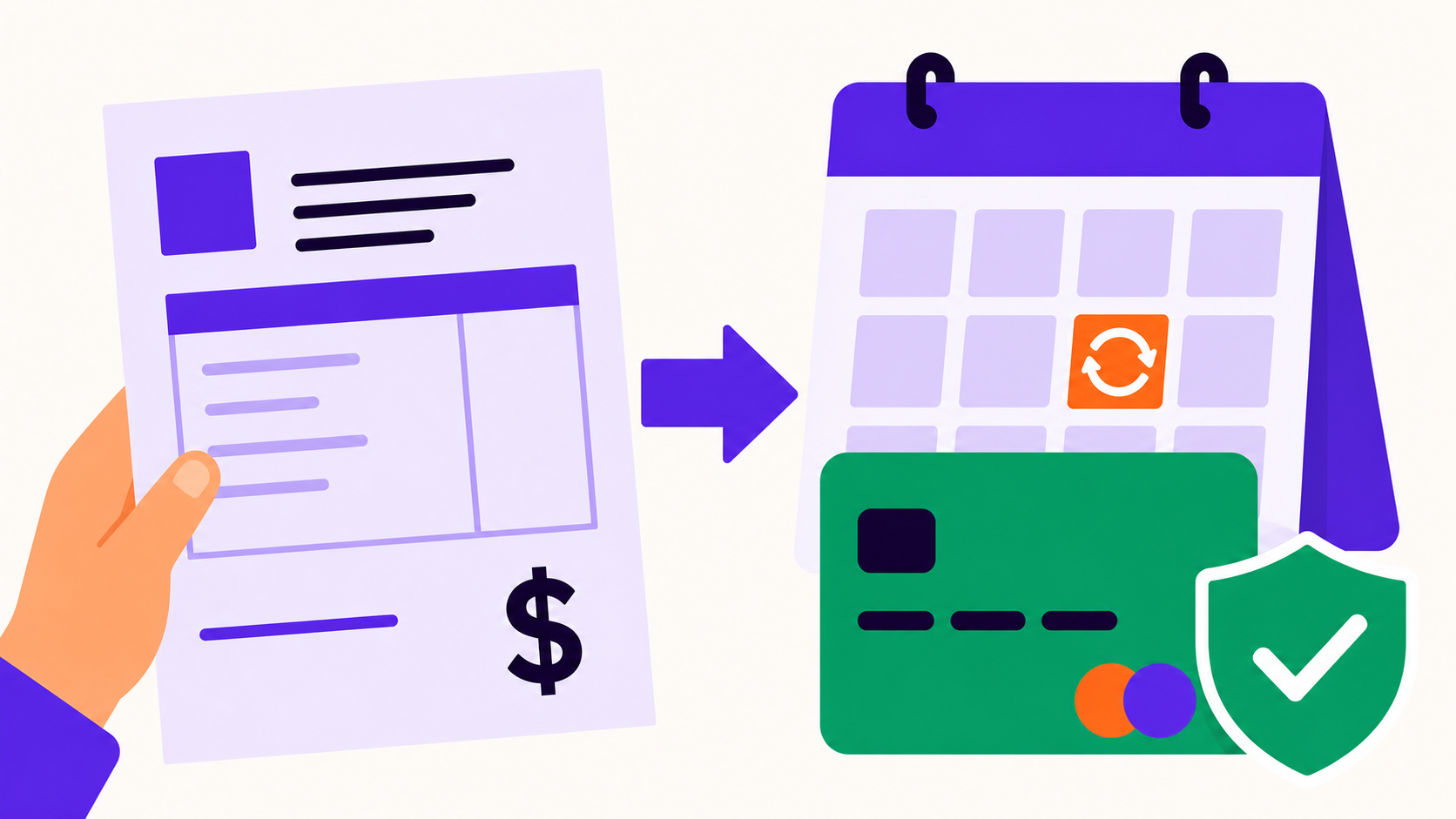
A manual renewal creates a pending invoice with a payment link and waits for the customer to pay it — through any of the 500+ WooCommerce-compatible gateways, including offline methods like bank transfer. It is free, works with the gateways you already have, and suits invoicing-driven businesses.
An automatic renewal collects without the customer present: with Pro, Stripe charges saved cards off-session with SCA handling, PayPal collects through billing agreements, and Paddle bills as merchant of record. Automatic collection is the retention default; manual remains the right fit for B2B invoicing, bank-transfer markets, and unsupported gateways.
Manual (Free): renewal invoice + payment link on any WooCommerce gateway
Automatic (Pro): Stripe, PayPal billing agreements, or Paddle
Both run on the same free schedule, invoices, and renewal emails
What happens when a subscription payment fails?
A failed payment starts a 2-phase grace period, not a cancellation: first a warning phase where the customer is notified, then a final grace phase before the subscription moves to hold or cancellation under your policy. Access stays recoverable throughout, so one expired card doesn't end a good customer relationship.
Pro adds automation to the recovery window. Auto-retry re-attempts the charge on a schedule, sends customer notices, and tracks recovery; if retries and grace are exhausted, auto-downgrade moves the customer to a fallback plan instead of cancelling — and access rules follow the downgraded plan.
Can I sync all renewals to the same billing date?
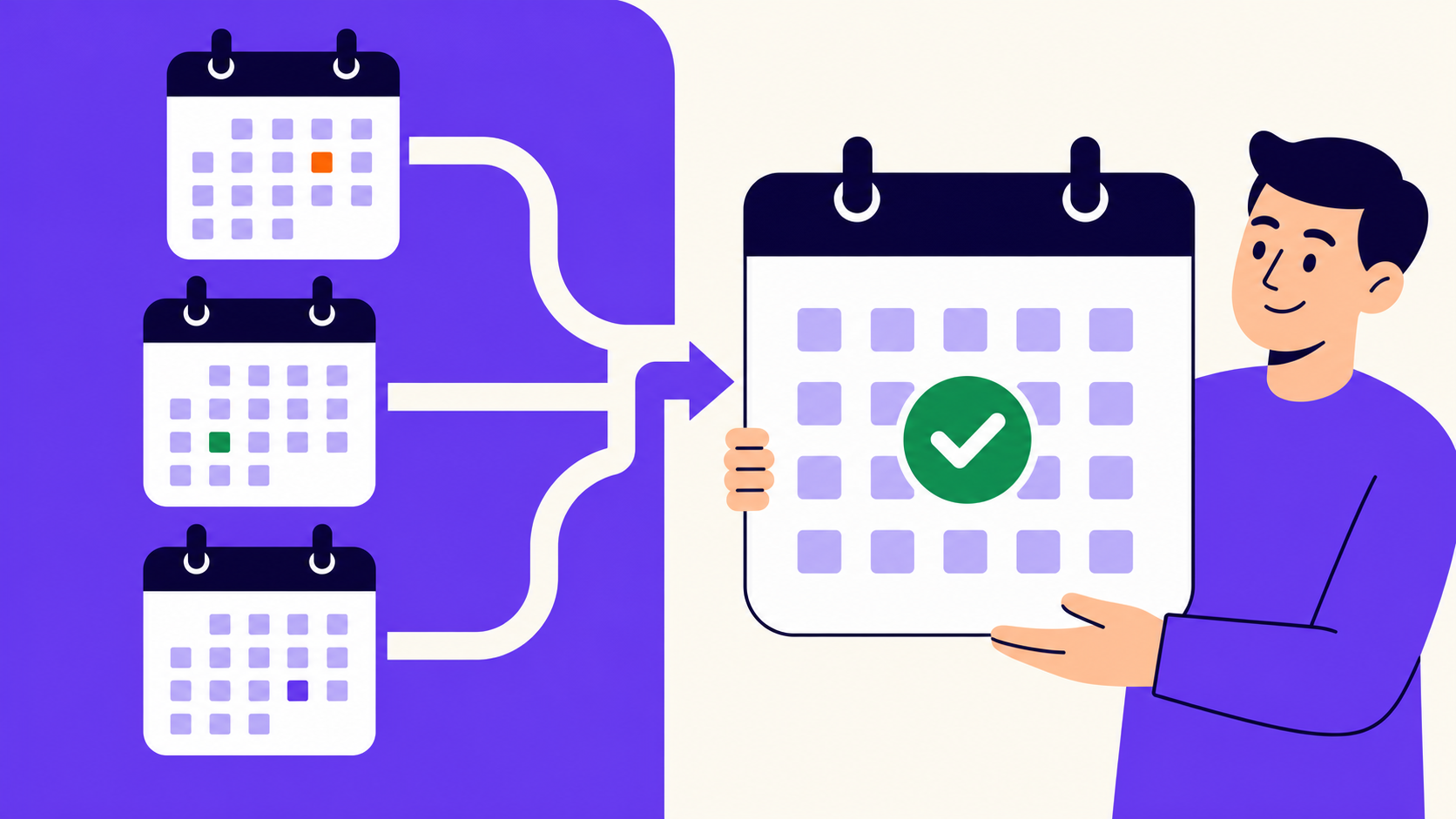
Yes — Flexible Renewal Sync (Pro) aligns eligible new subscriptions to shared billing-cycle boundaries: the next day, the store week, the first of the month, or January 1, depending on the billing period. Renewals stop scattering across the calendar, which makes batch billing and revenue days predictable.
Product-level cycle segments decide the first charge for early, middle, and late signups: full amount, prorated amount, or the full amount covering the next cycle. Synced checkout works with manual and offline gateways plus Stripe — unsupported automatic gateways are hidden while a synced item is in the cart — and existing subscriptions are never modified.
Can customers skip or pause a renewal instead of cancelling?
Yes — both options ship free. Skip next renewal moves the schedule forward one cycle: the customer (or staff, as a support action) skips one payment, the subscription stays active, and the skip reason can be recorded on the record.
Pause — vacation mode — covers longer breaks: the subscription is temporarily suspended and resumes when the customer is back, with account and history intact. Both act as retention valves; a subscriber who needs a month off keeps subscribing instead of cancelling.
How do prorated subscription refunds work?
A prorated refund returns the value of unused subscription time: ArraySubs shows a preview of the exact prorated amount on the subscription record, and staff process it from there — free, alongside standard full and partial WooCommerce order refunds.
Refund policy settings set the defaults: how cancellations are refunded, whether the gateway refund fires automatically, and the minimum refund amounts worth processing. Pro adds one more route — refund to store credit instead of cash — which resolves the ticket while keeping the value in your store.
Set up
Set it up in 4 steps
From install to live — no developer required.
01
Install the free renewal engine
Install ArraySubs free — scheduling, renewal invoices, trial conversion, and expiration checks activate on any WooCommerce store.
02
Set your grace and refund policy
Configure the 2-phase grace period plus cancellation refund behavior, automatic gateway refunding, and minimum refund amounts.
03
Choose how renewals are collected
Stay on manual invoices through any WooCommerce gateway, or connect Stripe, PayPal, or Paddle with Pro for off-session charging.
04
Add Pro recovery automation
Enable auto-retry, auto-downgrade to a fallback plan, and Flexible Renewal Sync where they fit your billing model.
Free vs Pro
Billing, Renewals & Refunds: what's free, what's Pro
The free core is a real product, not a demo. Pro adds the automation and revenue layer.
Yes. The full renewal engine is free: it schedules renewals, creates renewal invoices, converts trials to paid, and checks expirations. Pro changes how payment is collected — automatically off-session instead of through a customer payment link.
Stripe, PayPal, and Paddle, all with ArraySubs Pro. Every other WooCommerce-compatible gateway — 500+ of them — works with free manual renewals, where the customer pays each renewal invoice through a payment link.
Through both grace phases: a warning phase followed by a final grace phase, after which your policy applies hold or cancellation. Access stays recoverable during recovery, and Pro can extend the window with scheduled retries.
Yes, with Pro. Auto-retry schedules follow-up charge attempts, notifies the customer, and tracks recovery status, working alongside the grace period. If every retry fails, Pro can auto-downgrade the customer to a fallback plan instead of cancelling.
Yes — Flexible Renewal Sync (Pro) aligns eligible new subscriptions to boundaries like the first of the month or January 1, with product-level segments deciding whether the first charge is full, prorated, or covers the next cycle. Existing subscriptions are not changed.
No. Prorated refund preview and processing based on unused time is free, as are full and partial WooCommerce order refunds and refund policy settings. Pro adds the option to refund to store credit instead of cash.
Yes. WooCommerce tax applies on checkout and on every renewal, using your store's tax configuration. The exception is Paddle, which handles tax and VAT natively as merchant of record.
Try it on your store
Put billing, renewals & refunds to work
Install the free core from WordPress.org today, then start a Pro trial when you want the automation and revenue features.