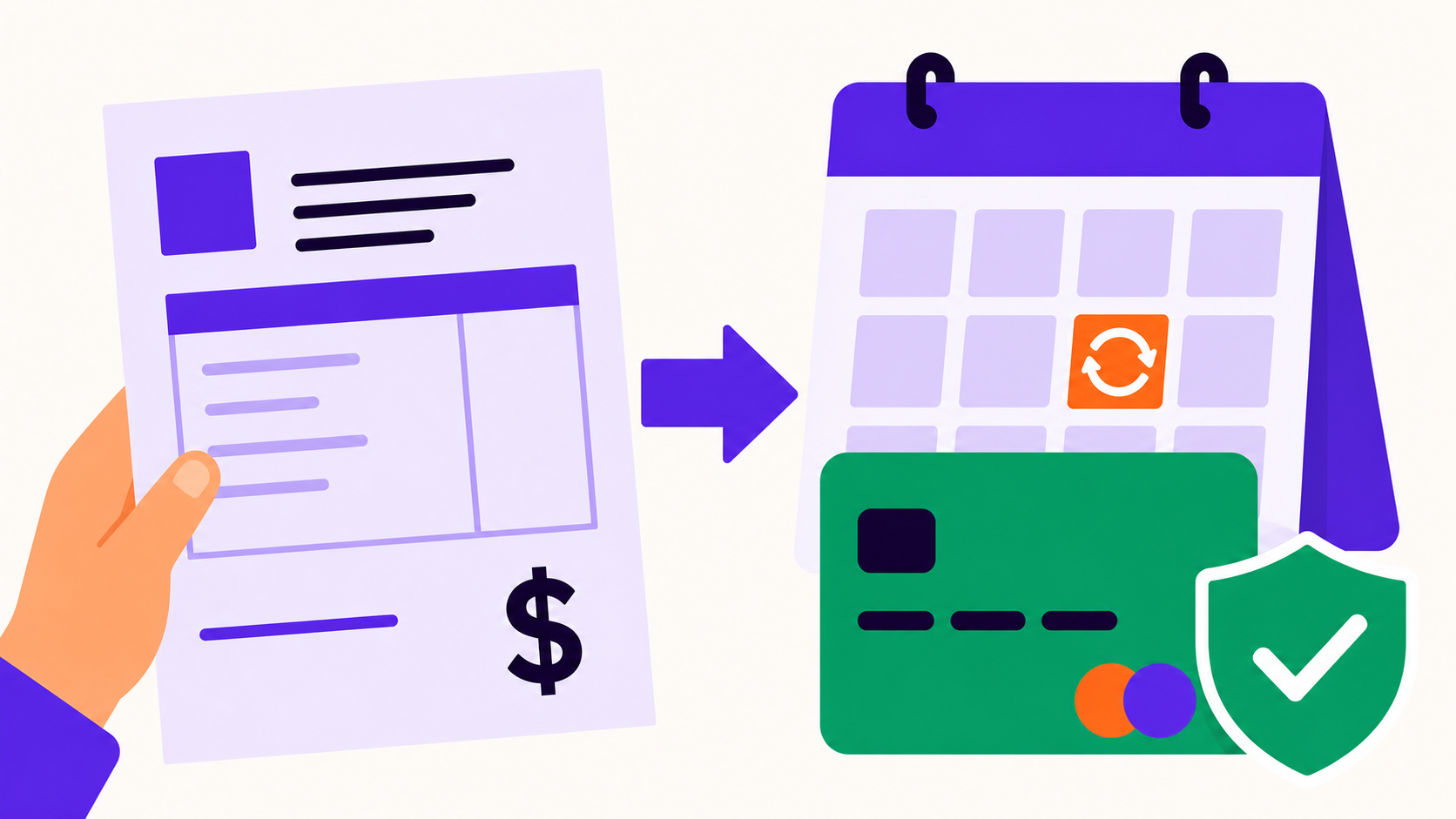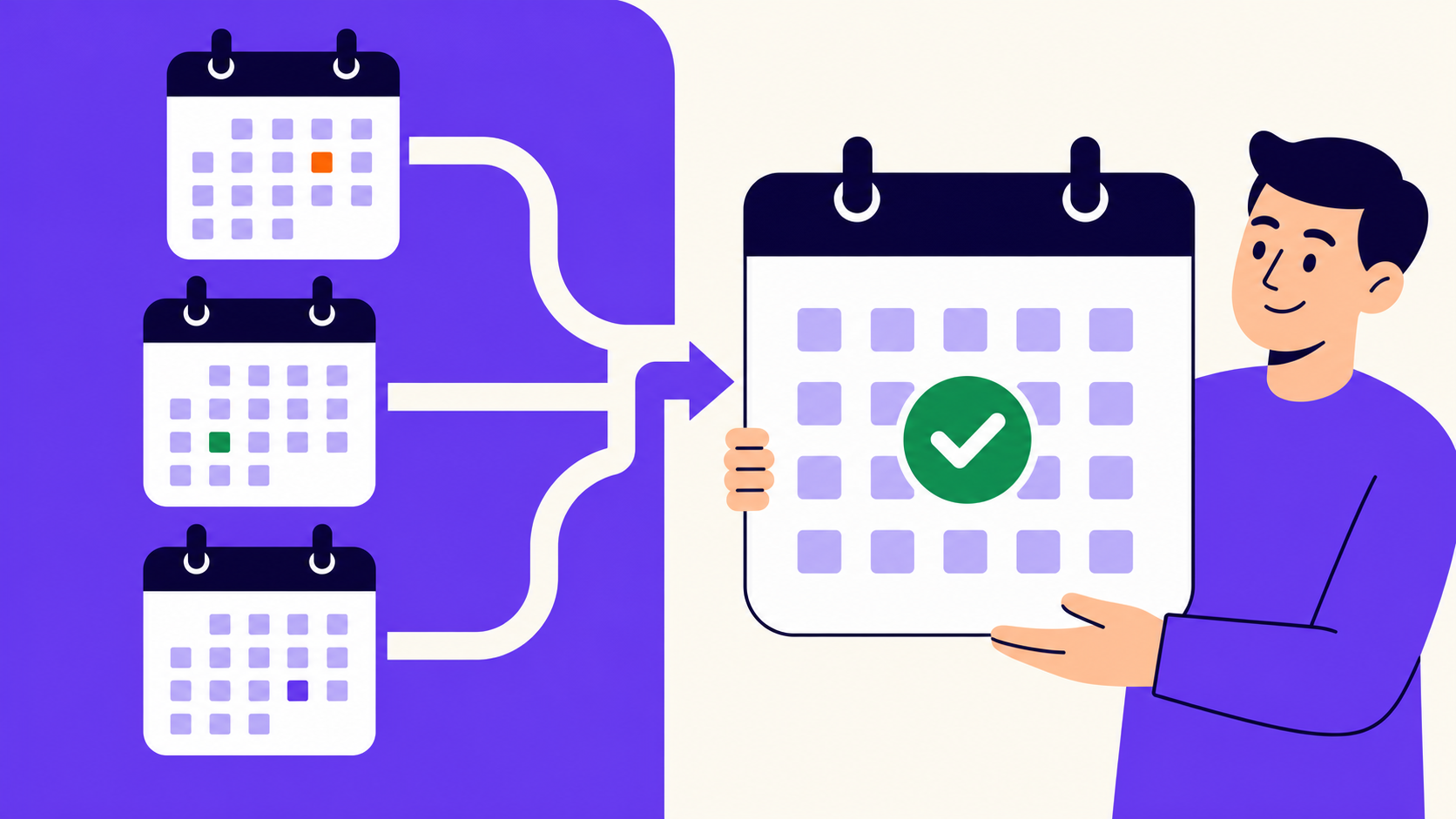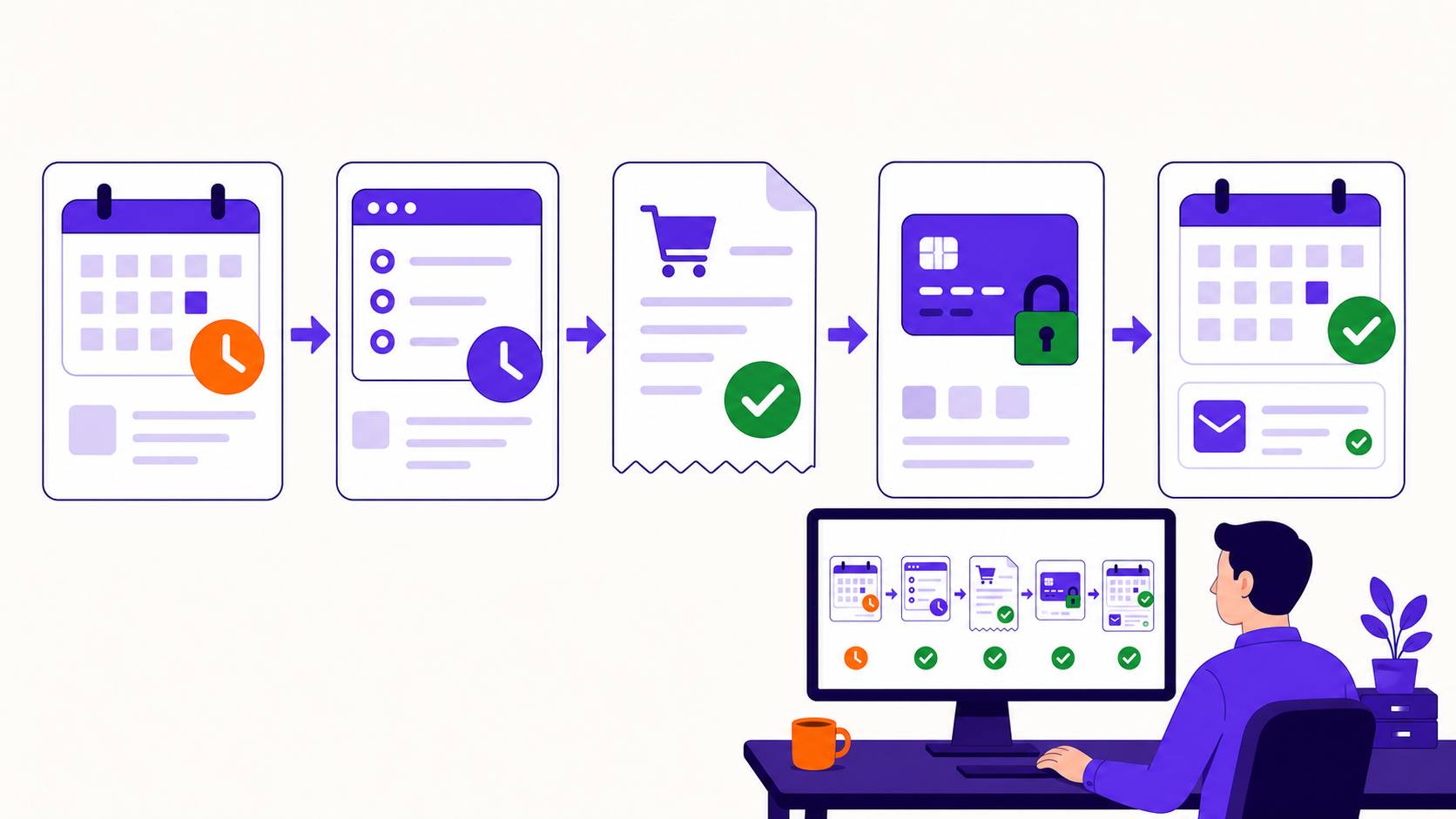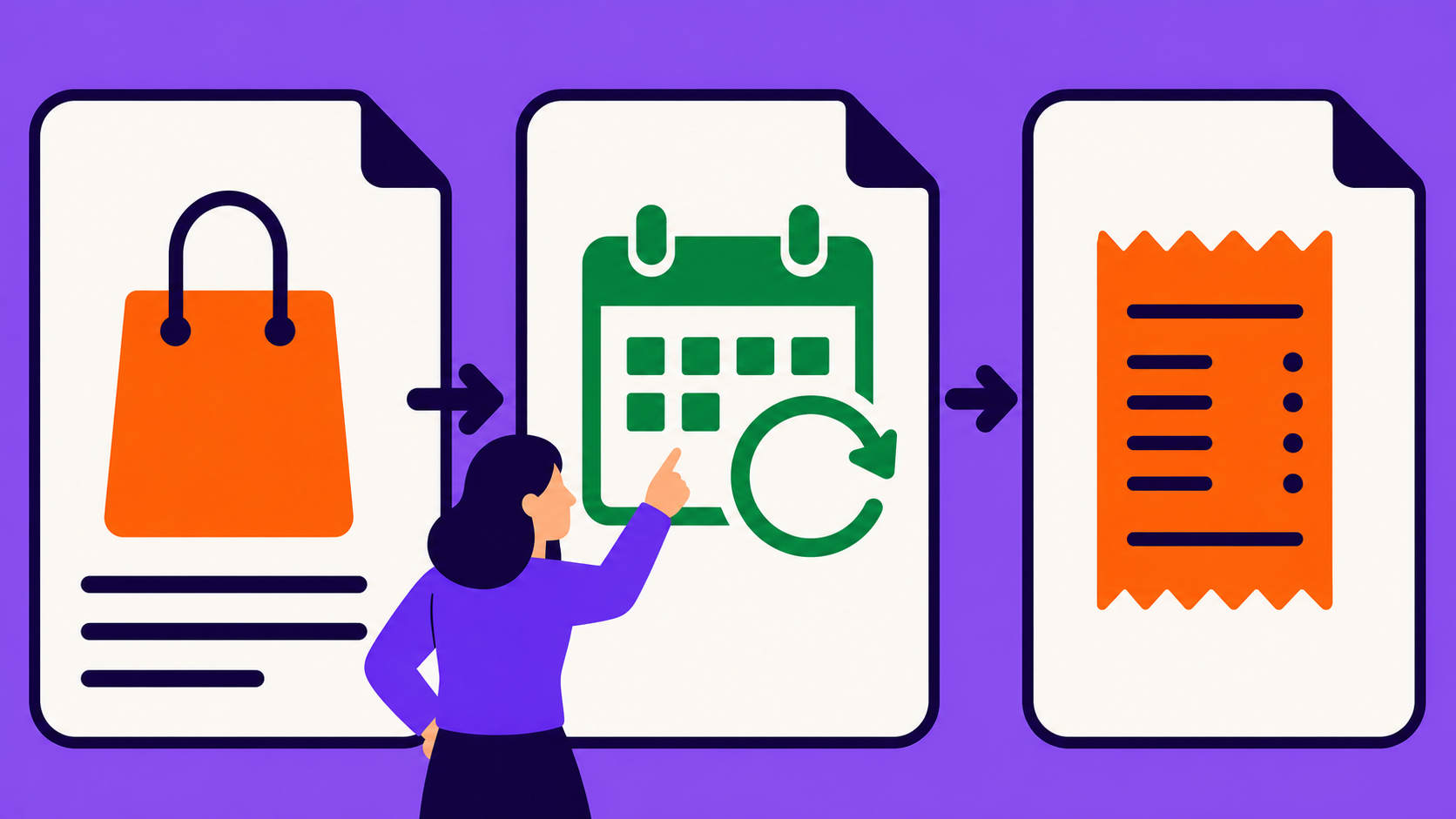
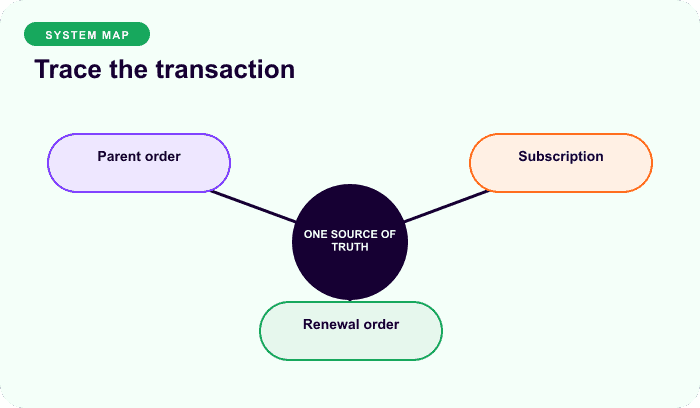
A subscription is the customer’s ongoing agreement, a parent order records the initial checkout, and a renewal order records one later billing cycle. They link to each other but are not interchangeable. Diagnose dates, status, and recurring terms on the subscription; diagnose a specific charge, tax, shipping, payment, or refund on its order.
Key takeaways
- The subscription is not a WooCommerce order in current ArraySubs; it is its own WordPress record.
- The parent order proves signup or the first paid transaction.
- Each renewal order is a separate invoice and payment record.
- Product defaults do not automatically rewrite an existing customer agreement.
- Troubleshoot from the affected transaction outward, then verify the schedule.
The record relationship
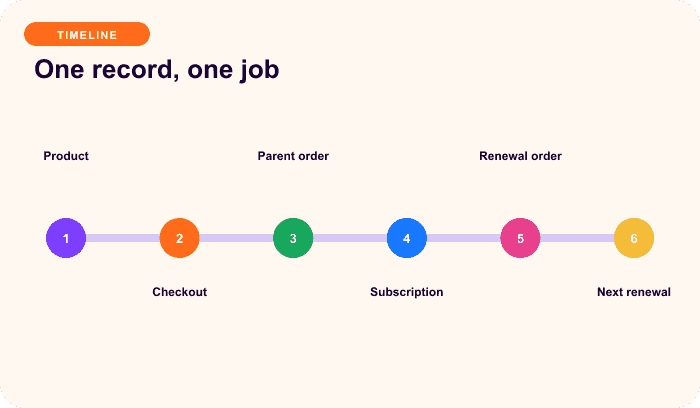
| Record | Owns | Does not own |
|---|---|---|
| Product | Catalog copy, default price, available schedule and options | A particular customer’s future dates or paid history |
| Parent order | Initial checkout lines, payment, tax, shipping, coupon, customer | Every future renewal transaction |
| Subscription | Customer-specific items, quantity, recurring amount, dates, gateway, status | A settled payment ledger by itself |
| Renewal order | One recurring obligation, line totals, gateway result, refund state | The complete future agreement |
WooCommerce’s subscription documentation similarly describes subscriptions and orders as related records with different responsibilities (data structures). The exact storage model depends on the extension. Current ArraySubs represents a subscription as a dedicated WP_Post, not as a WC_Order; code integrations should use the ArraySubs subscription APIs and retrieve order records separately.
What the parent order tells you
The parent order answers questions about signup:
- What products and quantities were purchased?
- Which coupon, signup fee, tax, and initial shipping applied?
- Which customer and addresses were captured?
- Which gateway completed the initial transaction?
- Did checkout create one or several subscription records?
It does not prove the current recurring price, next date, status, address, or payment method. Those may change later through supported subscription workflows.
What the subscription tells you
The subscription is the authoritative local agreement for:
- recurring product/variation and quantity;
- stored recurring amount and cadence;
- next, trial, end, pause, skip, or cancellation dates;
- status such as active, trial, on-hold, cancelled, or expired;
- payment mode and gateway context;
- shipping/address data captured on the agreement;
- counters, pending switches, discounts, and lifecycle metadata;
- links to related orders and private notes.
A catalog price change does not automatically reprice current ArraySubs subscriptions. That protects existing cohorts but means a deliberate migration or plan change is required.
What a renewal order tells you
A renewal order is the evidence for one cycle. Inspect it for product subtotal, recurring shipping, tax, fees, discounts, currency, payment method, transaction ID, failure message, timestamps, refund, and notes.
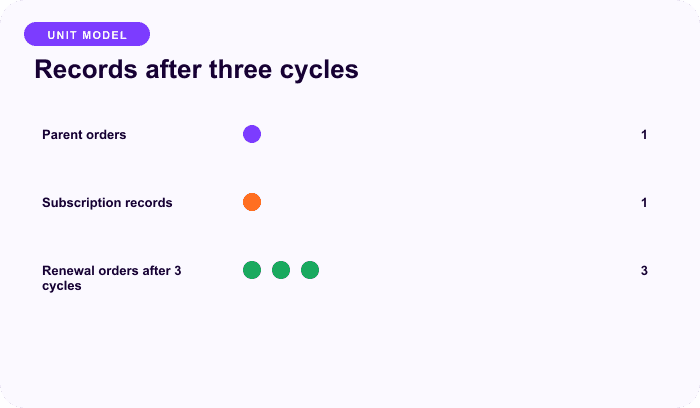
Information-density illustration, not measured data.
Renewal orders should remain separate because each cycle can have a different address, tax result, shipping line, gateway response, payment time, refund, or support incident. A paid order does not automatically prove the next schedule was advanced correctly; check both.
ArraySubs creation model
Current ArraySubs creates one subscription for each subscription line item in the initial order. Quantity remains on that line’s subscription. A cart with a monthly box quantity two, an annual membership, and a regular mug creates two subscriptions and one ordinary product line on the parent order.
This differs from the grouping model documented by WooCommerce Subscriptions for some same-schedule products. Always name the engine whose records you are explaining.
A troubleshooting map
| Problem | Start here | Then verify |
|---|---|---|
| Checkout amount wrong | Parent order/cart | Product configuration, coupons, tax, initial shipping |
| Renewal total wrong | Renewal order | Stored recurring amount, address, renewal shipping, discounts |
| Charged twice | Gateway transactions and renewal orders | Webhooks, retry jobs, order-to-cycle links |
| Next date wrong | Subscription | Paid renewal source date and scheduled actions |
| Access wrong | Subscription status | Entitlement mapping and cache/integration logs |
| Refund missing | Affected order/gateway | Subscription cancellation or credit handled separately |
| Catalog edit had no effect | Product versus subscription | Cohort and migration policy |
Reporting without double counting
Do not sum parent and renewal orders as if every parent order were recurring revenue. Define the event:
new subscription starts = paid eligible parent orders that created subscriptions
renewal revenue = paid renewal orders in the reporting window
active agreements = subscriptions in included lifecycle statuses at the observation time
Count refunds and chargebacks against the affected transaction. Use closed cohorts for renewal and recovery reporting. A subscription status is not cash, and an administrative “resolved” marker is not payment.
Integration rules
- Treat ArraySubs subscription payloads as
WP_Postobjects. - Use
arraysubs_get_subscription()rather than assuming an order API. - Pass the subscription object through subscription hooks.
- Resolve the related
WC_Orderfor transaction operations. - Keep subscription and order identifiers in logs and external fulfillment records.
- Make webhook and job handlers idempotent.
- Never update a next date without reconciling scheduled actions.
For the transaction sequence, read How WooCommerce subscription renewals work.
Final recommendation
Give every record one job: product for the reusable offer, subscription for the agreement, parent order for signup, and renewal order for a cycle’s money movement. Troubleshooting becomes much safer when teams stop calling all four “the subscription order.” Explore ArraySubs.
Frequently asked questions
Is a WooCommerce subscription the same as an order?
No. A subscription stores an ongoing agreement and schedule; an order records a transaction. Current ArraySubs subscriptions are dedicated WordPress posts, while parent and renewal transactions are WooCommerce orders.
What is a parent order?
It is the initial checkout order associated with the subscription. It records signup products, payment, coupons, taxes, shipping, customer data, and the first transaction—not every future cycle.
Can one parent order create multiple subscriptions?
Yes. Current ArraySubs creates one subscription per subscription line item. Quantity stays on the line’s subscription, while regular products remain ordinary parent-order items.
Where should I refund a renewal?
Refund the affected renewal order through the supported WooCommerce/gateway workflow. Then separately apply the store’s subscription cancellation, credit, or future-billing policy; a refund alone is not the complete lifecycle decision.
Why did changing the product price not change existing renewals?
Current ArraySubs captures the recurring amount on the customer’s subscription. Product edits affect future purchases by default, not existing agreements. Use a tested, disclosed plan-change or migration process.
Disclosure, verification, and update log
- July 2026: Verified against current ArraySubs subscription creation and order integration plus official WooCommerce subscription data-structure guidance.
Continue from strategy to setup
Use a recipe when the model is settled
These articles own the decision and operating model. The ArraySubs feature map and recipes cover the exact product, billing, and customer-workflow configuration.
Written by
Emran // ArrayHash
Research and practical guidance for WooCommerce subscription operators and implementation teams.
Technical review
ArraySubs Engineering Team
Reviewed against current ArraySubs code, product documentation, and the linked primary platform sources.