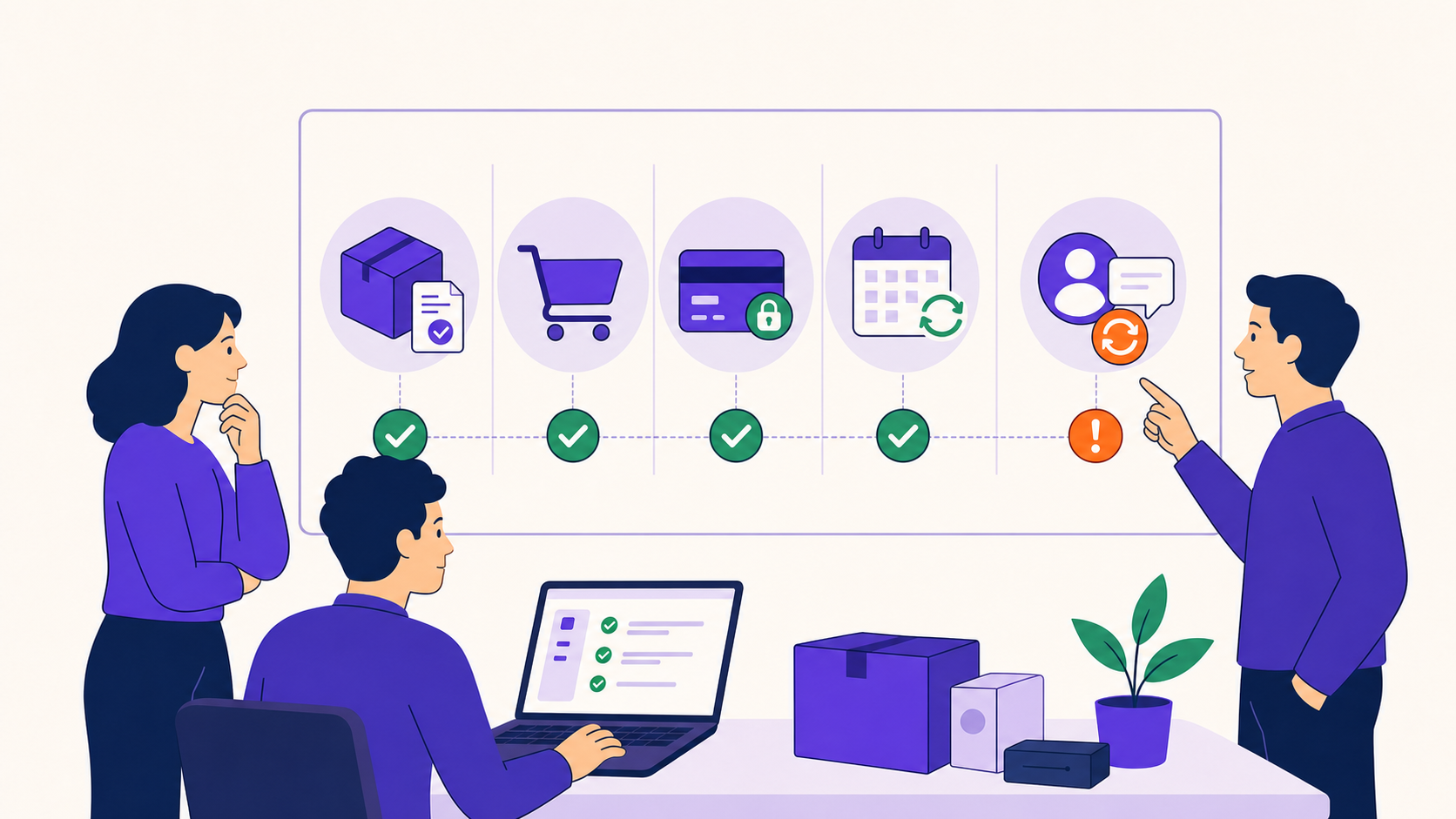
Set up WooCommerce subscriptions with a guided wizard
The free Easy Setup Wizard interviews you about your business in plain language — 9 steps, 7 business profiles, and a review screen before anything is saved — then settings import/export carries the result to your next site.
No credit card required · Free core on WordPress.org
Most subscription plugins hand you a settings tree and wish you luck. ArraySubs starts with a 9-step guided interview instead: pick one of 7 business profiles, answer plain-language questions about billing, cancellation, and access, review every answer, and apply. The wizard and settings import/export ship free, so the fastest setup path costs nothing — and the finished configuration exports as JSON for the next site.
Capabilities
What Easy Setup gives you
Every capability listed here reflects the current plugin build — free means free.
Free
Plain-language guided interview
Nine steps walk from business basics through billing, checkout, switching, retention, access, and emails — questions, not settings keys.
A final summary shows every answer with per-step editing, so nothing is saved until you have seen all of it.
Free
Safe re-runs
Run the wizard again anytime — it overwrites only the settings it controls and leaves your unrelated manual changes intact.
Free
Settings export
Export supported plugin settings as JSON, with section-level control over exactly what is included.
Free
Settings import
Import the JSON on another site — staging to production, agency template setups, repeatable launches.
Pro
Pro-aware wizard options
Pro-only options appear in the interview when ArraySubs Pro is active; saved Pro settings stay dormant if Pro is deactivated.
How does the subscription setup wizard work?
The Easy Setup Wizard is a free, guided interview that configures the plugin's key settings across 9 steps. You answer plain-language questions about how your business bills, cancels, and gates content; the wizard translates the answers into the right settings.
Nothing is applied silently: the final step is a review-before-apply summary showing every answer, with the option to edit any step before saving. The steps in order:
Your Business
Billing & Renewal Rules
Checkout & Cart Rules
Plan Switching
Cancellation & Retention
Access Control & Content Gating
Emails & Notifications
Additional Features & Tools
Review & Apply
Which business types does the wizard understand?
The wizard understands seven business profiles, and picking one preloads recommended defaults so setup starts from how stores like yours actually run instead of from zero. Every suggested answer stays editable before anything is applied.
Profiles change defaults, not limits — the settings the wizard writes remain fully editable afterward, and Other / Custom keeps the interview useful when your model fits none of the presets:
SaaS / Digital Software
Physical Subscription Box
Membership / Community
Digital Content
Professional Services
Nonprofit / Donations
Other / Custom
What does the wizard configure — and what does it not?
The wizard configures the plugin's key settings: billing and renewal rules, checkout and cart rules, plan switching, cancellation and retention behavior, access control, and email notifications. It is the first configuration pass done right — the store-level decisions everything else builds on.
It deliberately does not create content: products, member-access rules, cancellation reasons, and email body copy are still yours to write. That is a scope decision, not a gap — settings generalize across stores; products don't.
Can I export subscription plugin settings to another site?
Yes — supported plugin settings export as JSON with section-level control, and import on any other ArraySubs site. Build the configuration once on staging, verify it, then import to production instead of re-clicking every screen.
For agencies, that turns a tuned configuration into a repeatable launch template: keep a JSON per store type and start every new build from a known-good setup. Combined with the wizard, a new store goes from install to configured in one sitting.
Can I re-run the wizard without breaking my store?
Yes — the wizard is re-runnable by design. Running it again overwrites only the settings it controls; anything you configured manually outside the wizard stays intact.
That makes it a reset lever, not a one-shot: pivot the business model, re-run with a different profile, review, apply. Pro-only wizard options appear when ArraySubs Pro is active, and if Pro is later deactivated, saved Pro settings stay dormant rather than breaking anything.
What do I set up after the wizard finishes?
Three things remain after the wizard: products, access rules, and email copy — the content it deliberately does not create. Create your subscription products, write the member-access rules that gate your content, and put your own words into the email notifications the wizard configured.
From there the remaining surfaces are polish: the checkout page builder (Pro) when the default checkout isn't enough, and the My Account page builder for the customer-facing account area. Settings first, content second — the wizard ordered the work so the store opens sooner.
Set up
Set it up in 4 steps
From install to live — no developer required.
01
Install ArraySubs free
The Easy Setup Wizard is part of the free core — no license key or card required.
02
Pick your business profile
Choose one of 7 profiles — SaaS, box, membership, content, services, nonprofit, or custom — to preload recommended defaults.
03
Answer the steps and review
Work through the plain-language steps, then check the final summary and edit any answer before applying.
04
Export the settings as JSON
Download the finished configuration for staging-to-production moves or your next client build.
Free vs Pro
Easy Setup: what's free, what's Pro
The free core is a real product, not a demo. Pro adds the automation and revenue layer.
In the free core
Free
Full 9-step Easy Setup Wizard
7 business profiles with recommended defaults
Review-before-apply summary with per-step editing
Safe re-runs that only touch wizard-managed settings
Settings export as JSON with section-level control
Settings import for staging, migration, and agency templates
Pro adds
Pro
Pro-only options appear in the wizard when Pro is active
One interview configures free and Pro settings together
Saved Pro settings stay dormant — not lost — if Pro is deactivated
Yes. The full 9-step wizard and settings import/export ship in the free core. Pro only changes what appears inside the wizard: Pro-only options show up when ArraySubs Pro is active.
No. The wizard configures supported plugin settings. Products, member-access rules, cancellation reasons, and email body copy are created manually afterward.
Yes. Re-running the wizard overwrites only the settings it controls and leaves unrelated manual settings intact, so it doubles as a safe reconfiguration tool.
Export supported settings as JSON — with section-level control over what is included — and import the file on the production site. Agencies use the same flow to keep repeatable launch templates.
They stay dormant. Nothing breaks and nothing is deleted — the saved Pro settings simply wait until ArraySubs Pro is active again.
Seven profiles: SaaS / Digital Software, Physical Subscription Box, Membership / Community, Digital Content, Professional Services, Nonprofit / Donations, and Other / Custom. Each preloads recommended defaults you can override.
ArraySubs is the only major WooCommerce subscription plugin with a business-profile-aware setup wizard plus settings import/export. Most alternatives start you in a raw settings tree.
Try it on your store
Put easy setup to work
Install the free core from WordPress.org today, then start a Pro trial when you want the automation and revenue features.