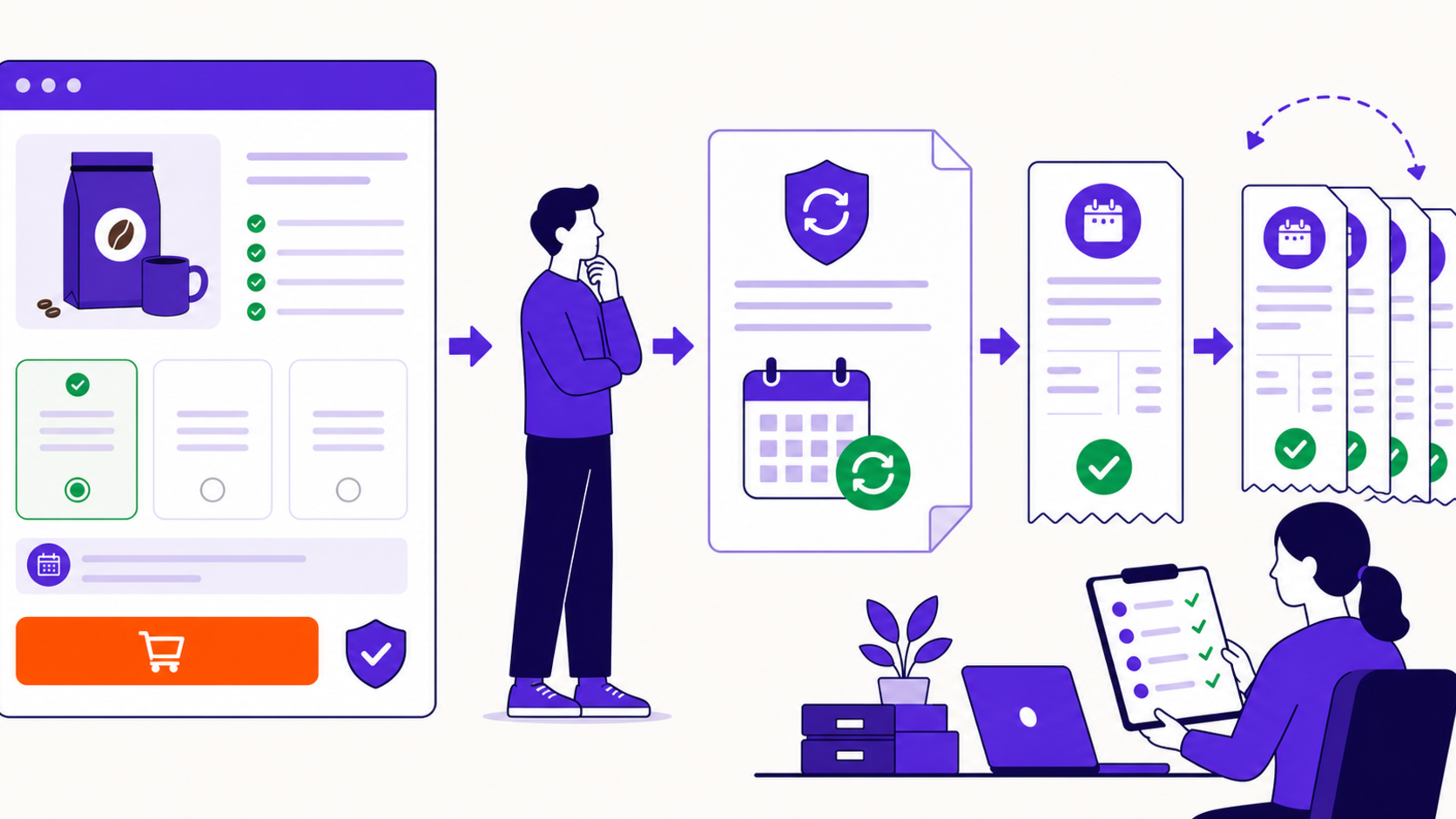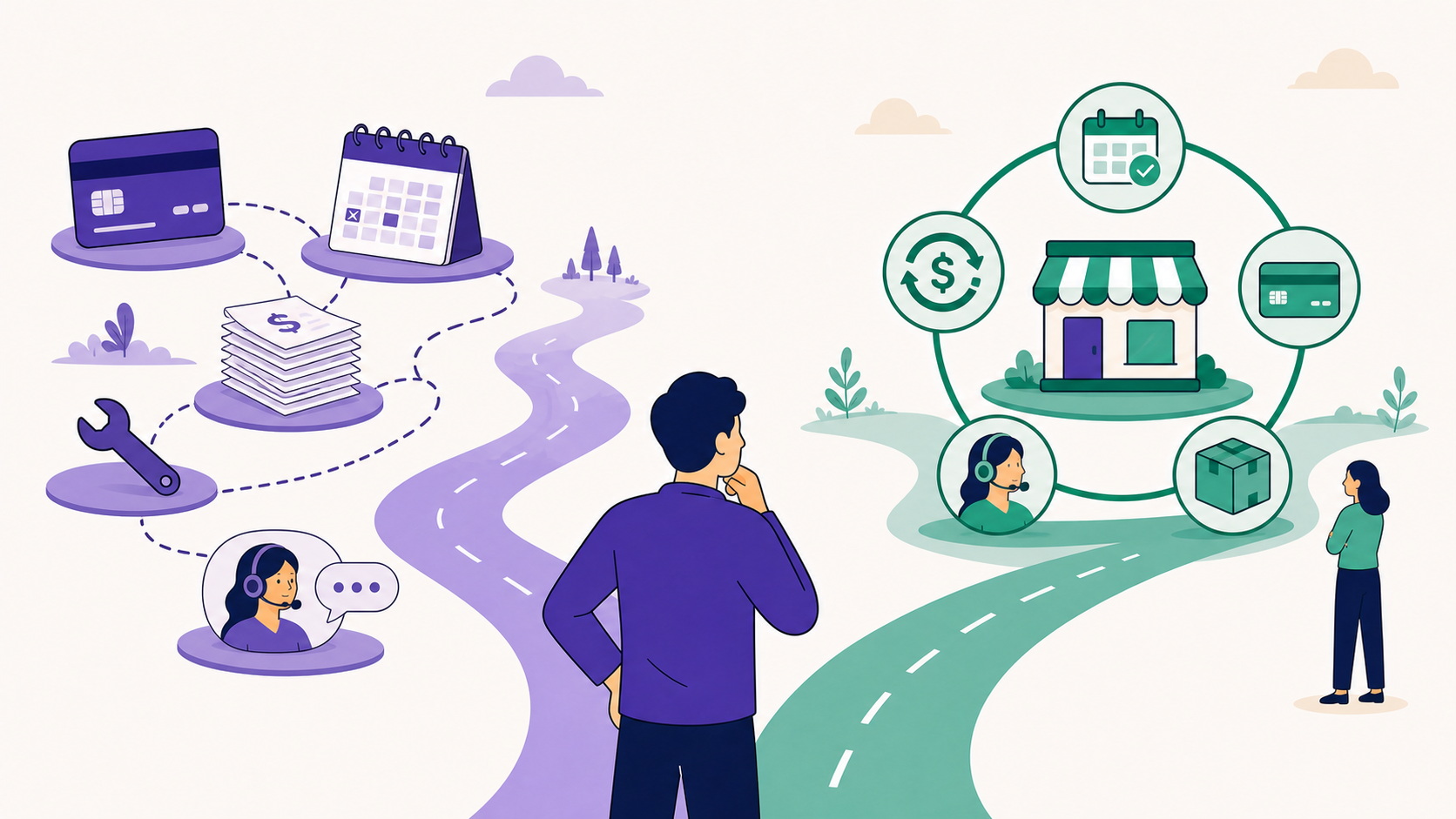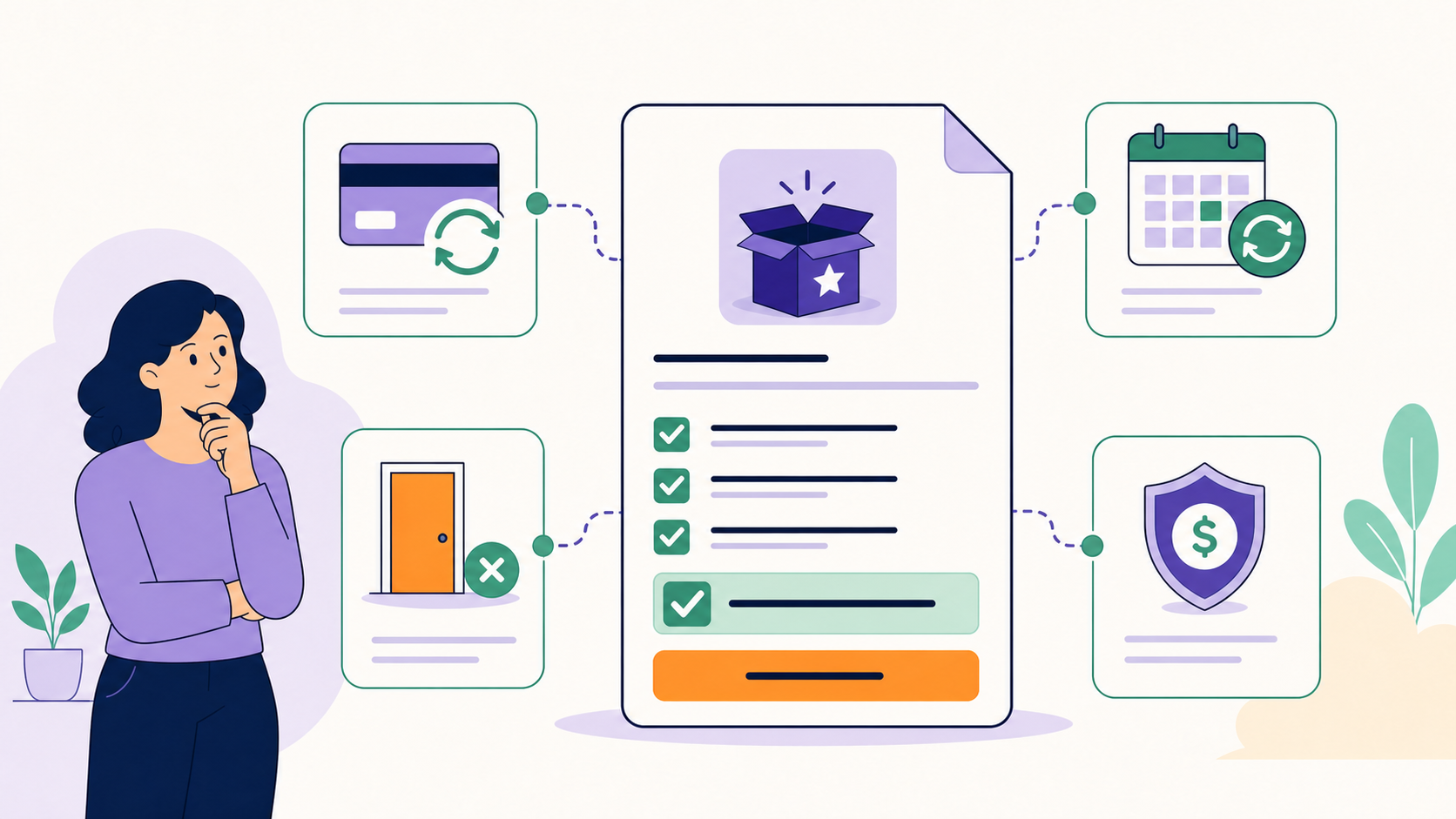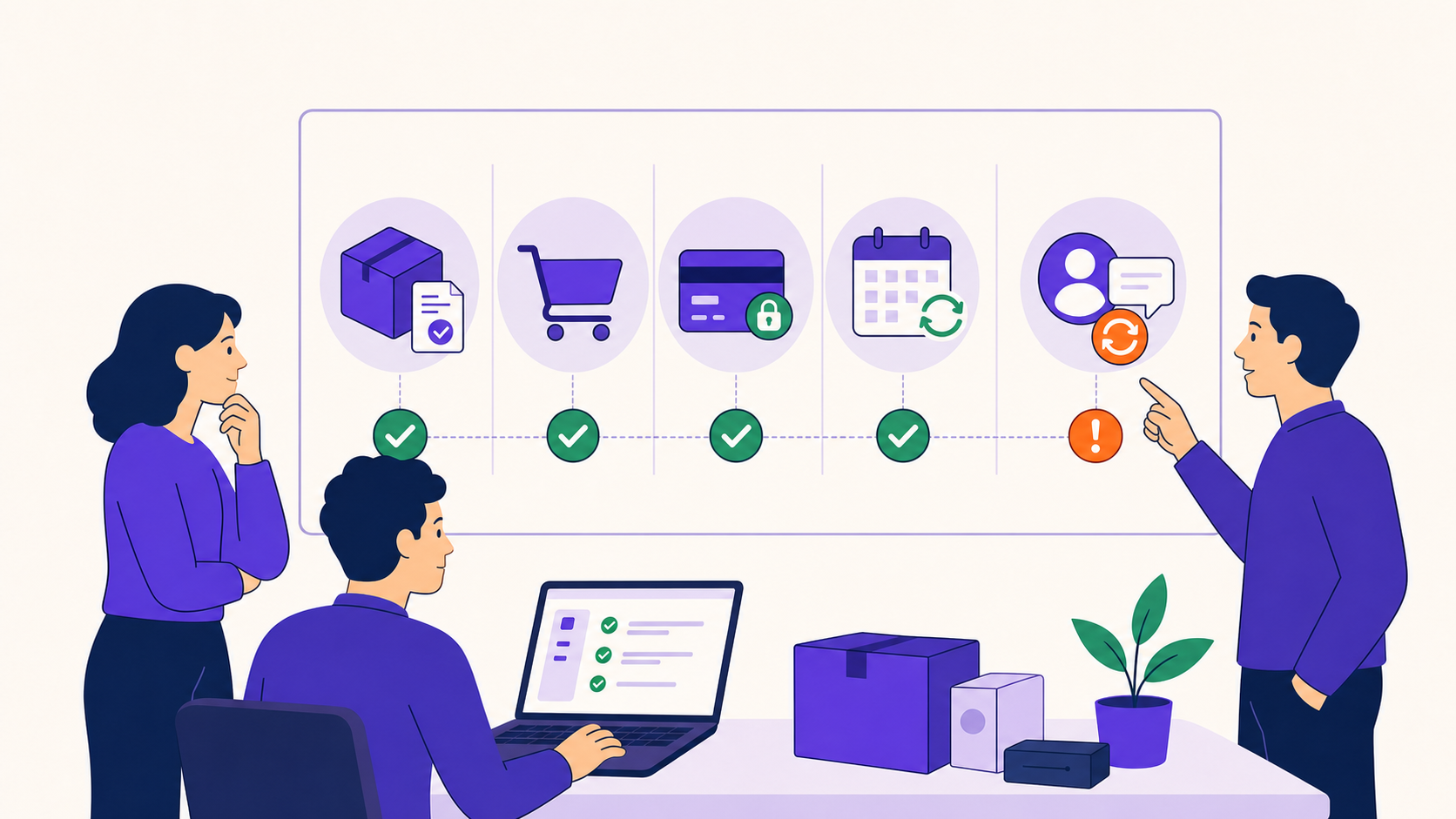
A WooCommerce subscription is ready to launch only after the offer, checkout, renewal, failure, cancellation, fulfillment, and reporting paths have been proven with real test orders. Confirm the customer promise first, then validate product settings, gateways, schedules, taxes, shipping, access, emails, recovery, support ownership, monitoring, backups, and rollback evidence.
Key takeaways
- Treat signup as the start of testing, not the finish.
- Verify one successful renewal and one recovery path for every supported gateway mode.
- Check the customer-facing promise against the created subscription and renewal order.
- Assign owners and evidence to each launch gate.
- Do not launch with unresolved tax, fulfillment, duplicate-charge, or access-loss risks.
Gate 1: freeze the commercial model
Write one approved sentence for each field before touching configuration:
| Decision | Approved answer |
|---|---|
| What repeats? | product, access, service, or shipment |
| Billing model | ongoing, fixed-cycle, fixed-date, prepaid, or lifetime |
| Amount today | product, signup fee, shipping, tax, discount |
| Later amount | recurring price and cadence |
| End condition | cancellation, payment count, date, or no renewal |
| Fulfillment | what is delivered after each paid obligation |
| Cancellation | immediate or period-end; refund handled separately |
If the team cannot answer these consistently, return to the subscription product-type guide.
Gate 2: verify product and checkout truth
- Product title, variation names, quantities, cadence, trial, fee, and price sequence match the approved offer.
- The product page distinguishes due-today and future amounts.
- Cart and checkout show the same recurring terms.
- Coupon copy matches finite-cycle and initial-checkout counting.
- Tax and shipping lines are visible and explainable.
- Terms, privacy, refund, cancellation, and contact links resolve.
- Guest/account creation and email identity behavior match policy.
- Every supported device and keyboard path can complete checkout.
WooCommerce describes the subscription as a continuing agreement that produces later renewal orders, so a valid initial order is not enough evidence (renewal process).
Gate 3: build the gateway matrix
Record what each enabled gateway actually supports: automatic renewal, manual renewal, mixed carts, multiple subscriptions, different cycles, payment-method updates, authentication, refunds, and remote schedule ownership.
ArraySubs core supports manual renewal invoices. Current ArraySubs Pro automatic-payment integrations include Stripe, PayPal, and Paddle, but their ownership differs: ArraySubs controls the local Stripe schedule, while PayPal and Paddle maintain remote billing schedules. Test each claimed path; do not infer one gateway’s behavior from another.
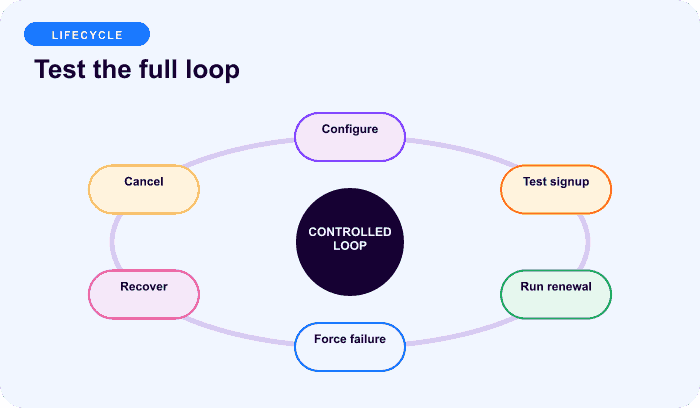
Gate 4: run the lifecycle tests
At minimum, retain screenshots, IDs, amounts, timestamps, and logs for:
- successful signup;
- subscription record creation;
- invoice generation before renewal;
- successful renewal order and next-date advancement;
- manual Pay Now flow, if supported;
- automatic renewal, if supported;
- failed payment and customer action;
- retry or gateway reconciliation;
- cancellation at the configured timing;
- access or fulfillment after each state change.
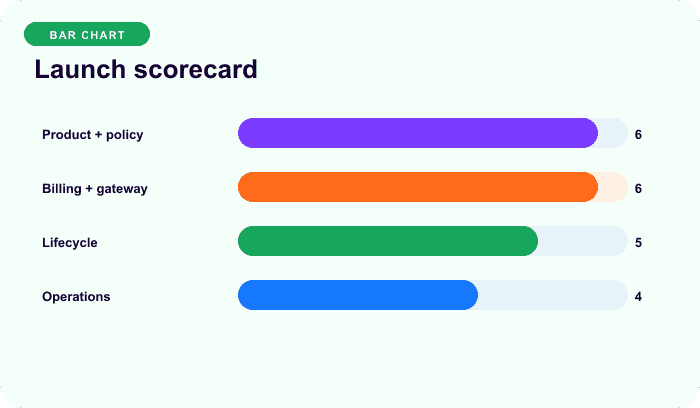
The scorecard is a planning aid, not a performance benchmark.
Gate 5: reconcile money and operations
For one initial and one renewal order, compare:
expected total
= product amount
+ eligible signup or switch fee
+ shipping
+ tax
− coupon, credit, or retention discount
Then trace the gateway transaction, WooCommerce order, subscription note, and accounting/export entry. For physical goods, verify inventory, address cutoff, packing trigger, and whether one payment creates one or several fulfillment obligations. For digital access, verify active, grace, on-hold, cancelled, and expired behavior.
Tax settings explain software calculation, not legal liability. Have a qualified tax adviser review the real products, jurisdictions, invoices, refunds, and discount treatment.
Gate 6: prove recovery and stop rules
Every failure path needs an owner and a customer action:
- classify the decline before retrying;
- verify the gateway has not already charged;
- show one usable Pay Now, authenticate, or update-method path;
- define active grace and on-hold access;
- stop attempts on payment, cancellation, hard decline advice, missing credentials, or retry exhaustion;
- reconcile PayPal/Paddle remote recovery before any local charge;
- distinguish paid recovery from an admin marking an audit item resolved.
Current ArraySubs defaults include three active-grace days, seven additional on-hold days, and up to three local Stripe retries at 24-hour intervals. These are defaults, not universal recommendations, and the day-three boundary requires real scheduler testing.
Gate 7: prepare customer communication
Preview all enabled messages on desktop and mobile:
- renewal reminder;
- manual invoice or automatic-payment notice;
- payment success and failure;
- authentication required;
- on-hold and cancellation;
- plan change, pause, skip, or downgrade;
- address or shipment cutoff;
- support and account-management links.
Use exact amounts, dates, timezones, status outcomes, and actions. Do not expose raw processor payloads. Confirm that the email system delivered the message; running a WordPress hook is not delivery proof.
Gate 8: define production observability
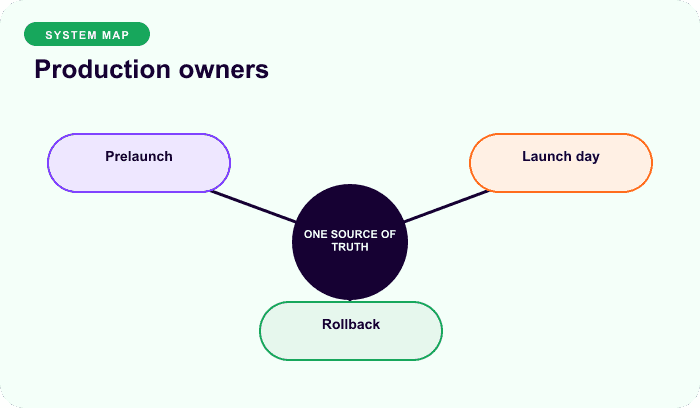
Before enabling sales, create views or alerts for:
- scheduled invoice, renewal, retry, pause, skip, and cancellation actions;
- renewal-order creation failures;
- local/remote gateway mismatches;
- failed-payment queue and age;
- missing next dates or duplicate future actions;
- email delivery failures;
- tax or shipping total exceptions;
- access and fulfillment incidents;
- refund, cancellation, and chargeback trends.
Define who responds, how quickly, where evidence is recorded, and when sales pause. Keep a rollback plan for product visibility, gateway availability, email copy, and scheduler changes.
Launch-day and first-renewal checklist
On launch day, place one production transaction using an approved low-risk product and immediately verify all records. Watch logs, scheduler queues, gateway webhooks, email delivery, analytics, and support. At the first real renewal boundary, sample orders across gateway, product, coupon, tax, shipping, and customer segments before declaring the system stable.
For a broader implementation sequence, read How to Add Subscriptions to WooCommerce.
Final recommendation
Launch when the team can show evidence for the complete lifecycle and explain every material difference between checkout and renewal. A checklist item without an owner, result, and proof is still open. Compare ArraySubs plans to match the product and gateway scope you have tested.
Frequently asked questions
What is the minimum subscription test before launch?
Complete a real sandbox signup, inspect the subscription and initial order, generate and pay a renewal, confirm the next date and scheduled actions, test cancellation, and test at least one failure or manual-payment path for every gateway mode you will offer.
Do I need to test manual and automatic renewals?
Yes, when both are offered. They use different customer actions and sometimes different gateway ownership. A working manual invoice does not prove an off-session charge, webhook, authentication, or retry path.
Who should approve a subscription launch?
At minimum, product/marketing should approve the promise, engineering or the implementer should approve lifecycle evidence, operations should approve fulfillment and support, finance should approve reconciliation, and qualified advisers should review applicable tax and legal obligations.
What should block launch?
Block launch for unexplained totals, duplicate-charge risk, unresolved gateway ownership, missing customer action paths, inaccurate cancellation copy, broken access or fulfillment, unverified tax treatment, duplicate scheduled jobs, or no responsible incident owner.
How long should the team monitor after launch?
Monitor continuously and intensively through the first full renewal cycle for every cadence and gateway in scope. A monthly product’s first month does not validate an annual product or a remote gateway’s later event sequence.
Disclosure, verification, and update log
- July 2026: Checklist verified against current ArraySubs lifecycle, gateway, scheduler, and communication behavior plus official WooCommerce renewal guidance. Product defaults are not benchmarks.
Continue from strategy to setup
Use a recipe when the model is settled
These articles own the decision and operating model. The ArraySubs feature map and recipes cover the exact product, billing, and customer-workflow configuration.
Written by
Emran // ArrayHash
Research and practical guidance for WooCommerce subscription operators and implementation teams.
Technical review
ArraySubs Engineering Team
Reviewed against current ArraySubs code, product documentation, and the linked primary platform sources.