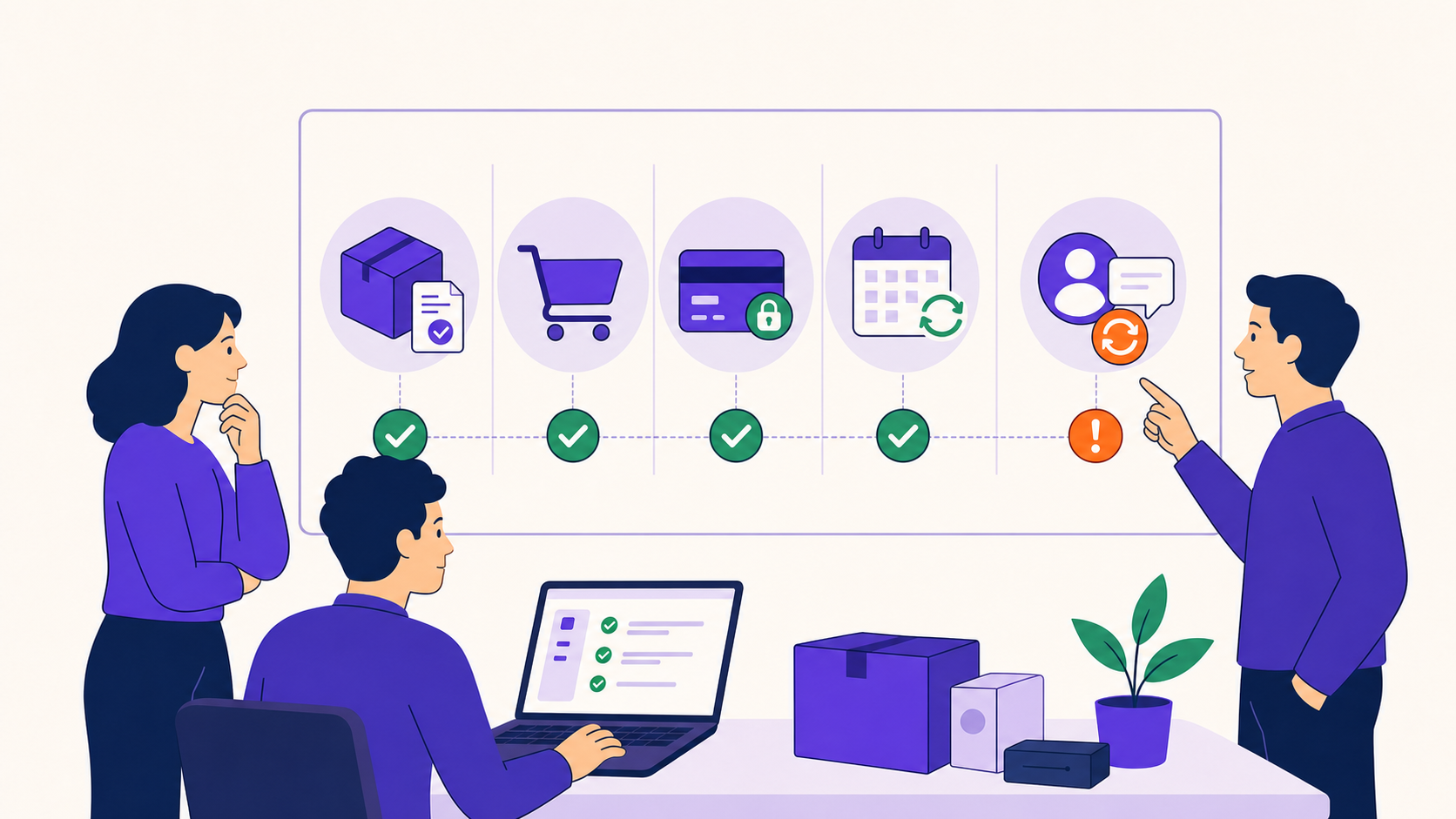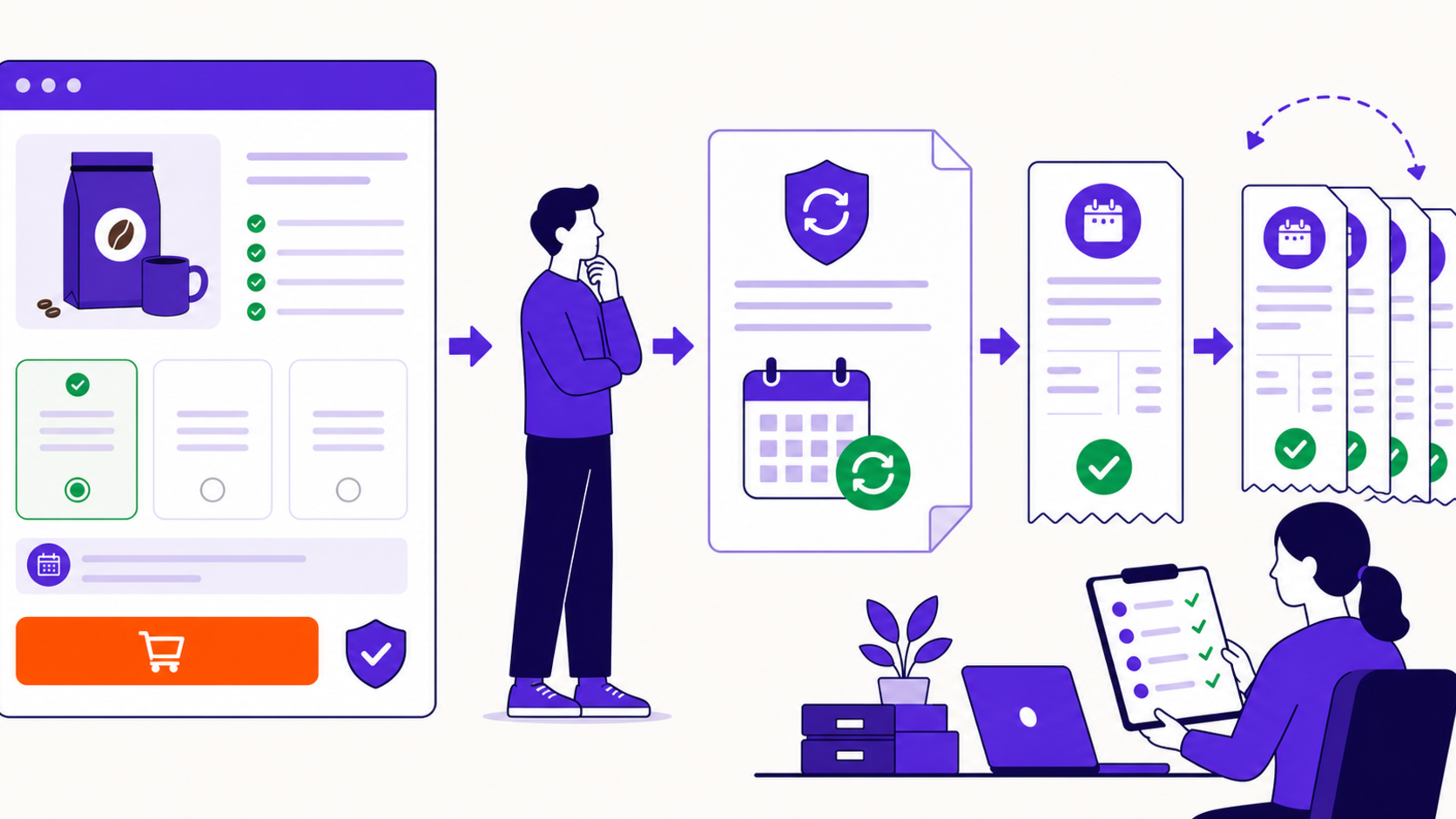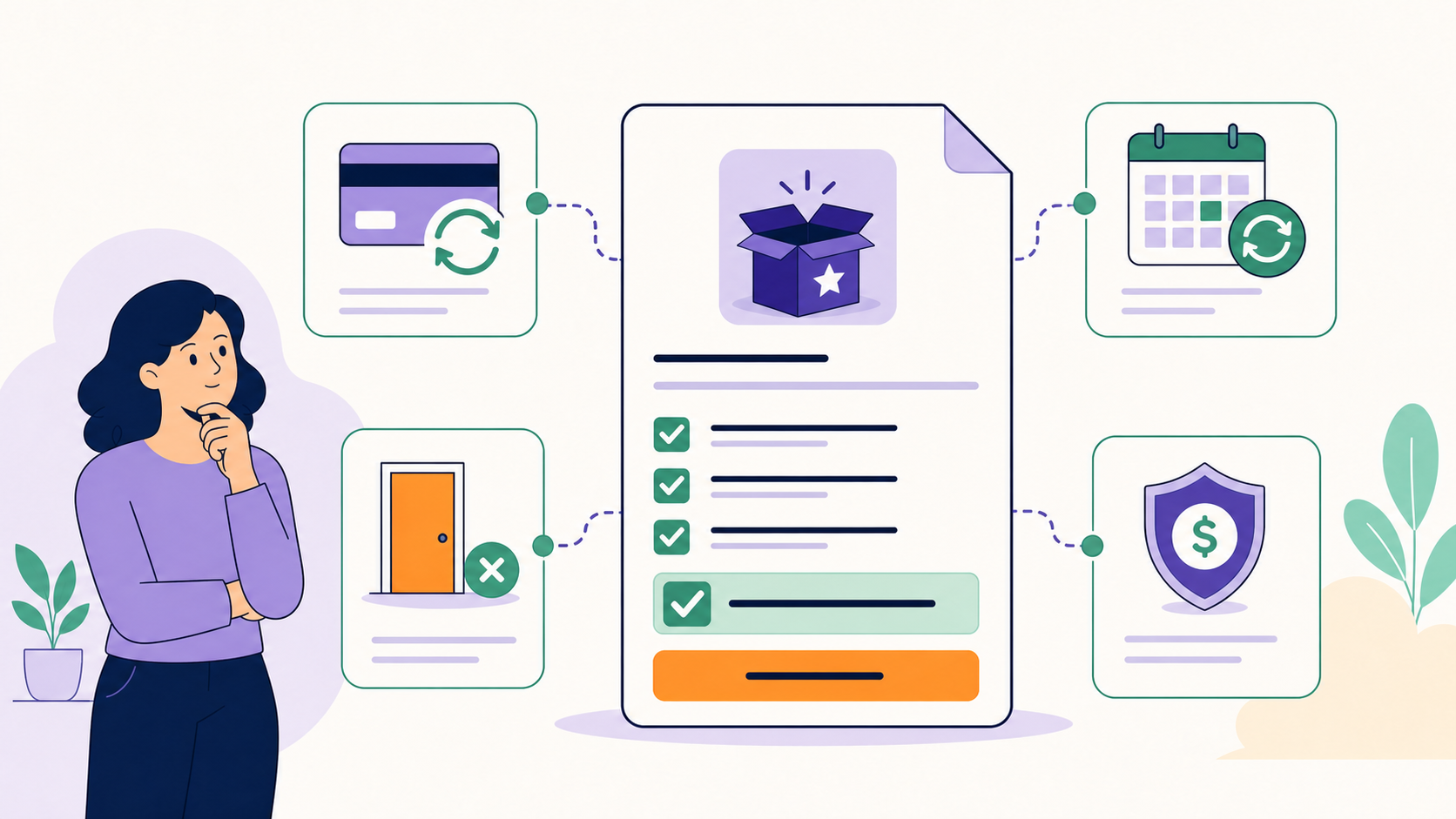
WooCommerce core can sell products and create one-time orders, but it does not provide a complete subscription agreement, renewal schedule, recurring-order lifecycle, customer self-service, or failed-payment recovery by itself. You can manually recreate simple repeat purchases, but a real subscription business normally needs a subscription extension or a purpose-built external billing system.
Key takeaways
- WooCommerce core does not ship a subscription engine.
- Saving a card or scheduling a cron task is not a complete recurring-billing system.
- Manual invoices can fit a small, high-touch workflow if the limitations are explicit.
- An extension should coordinate products, agreements, orders, gateways, schedules, and lifecycle states.
- Evaluate the complete operating model, not the checkout button alone.
What WooCommerce core already provides
WooCommerce core provides products, cart, checkout, customer accounts, one-time orders, coupons, taxes, shipping, emails, and payment-gateway integration. Those are essential building blocks. A normal order can represent a one-time purchase, and a store manager can create another order later.
What core does not create is the persistent customer-specific agreement that says what should renew, when it is due, how many cycles remain, which payment context applies, and what happens when payment, access, cancellation, or fulfillment changes. WooCommerce presents Subscriptions as a separate extension for recurring products and payments (WooCommerce Subscriptions).
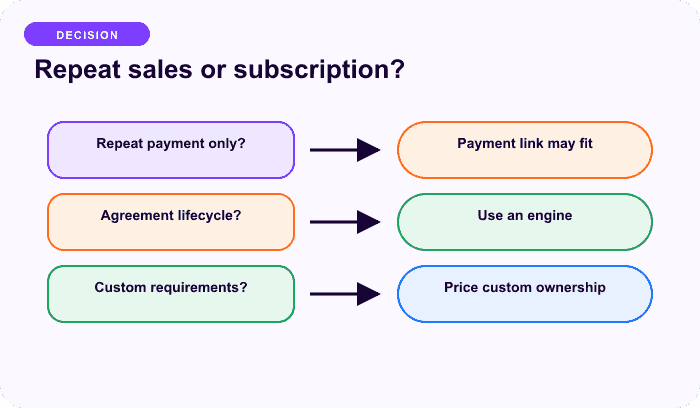
Why “charge the card every month” is incomplete
A production subscription system must coordinate:
- a catalog product and customer-specific agreement;
- initial, renewal, switch, and related orders;
- next-payment, trial, end, pause, skip, and cancellation dates;
- manual and automatic gateway ownership;
- duplicate-charge protection and webhook reconciliation;
- tax, shipping, discounts, credits, and price changes;
- customer emails and self-service;
- failed-payment retries, grace, on-hold, and stop rules;
- audit history, exports, refunds, access, and fulfillment.
Creating a repeated order with a scheduled script covers only one small step. Storing raw card details yourself also creates serious security and compliance exposure; use supported gateway tokenization and contracts instead.
When manual repeat orders can work
A manual workflow can be legitimate when all of these are true:
- the number of customers is small;
- the customer expects an invoice and actively pays each cycle;
- no automatic-charge promise is made;
- staff can create, reconcile, and follow up on every order;
- access or delivery waits for confirmed payment;
- missed cycles and cancellation are handled consistently;
- the economics support the operational labor.
This is closer to recurring invoicing than automatic subscription billing. It can fit retainers, wholesale reorders, or high-touch services, but it should not be marketed as “automatic renewal.”
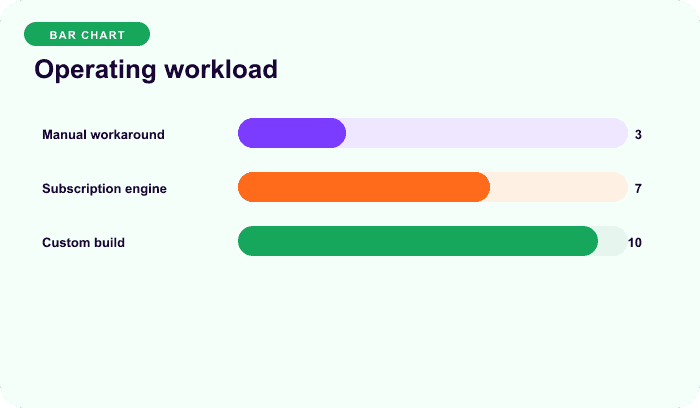
Conceptual comparison only; use your own order and support data.
What a subscription extension should add
At minimum, look for these capabilities:
| Capability | Why it matters |
|---|---|
| Subscription record | Keeps customer-specific items, totals, dates, gateway, and status |
| Renewal-order creation | Records every recurring obligation and payment separately |
| Scheduler integration | Coordinates invoice, charge, reminders, retry, pause, and cancellation |
| Gateway contract | Defines automatic versus manual collection and remote ownership |
| Customer management | Payment update, Pay Now, cancel, pause, skip, or switch as allowed |
| Recovery lifecycle | Handles declines, grace, on-hold, communication, and stop rules |
| Reporting/audit | Connects subscription, orders, actions, gateway events, and support history |
ArraySubs core provides WooCommerce-based subscription products and manual renewal workflows. ArraySubs Pro adds current automatic-payment integrations and premium operations. Review manual versus automatic renewals before choosing the required scope.
Plugin versus external billing platform
A WooCommerce extension keeps the product, checkout, orders, taxes, shipping, and customer account close to WordPress. An external billing platform can own more of the subscription and collection lifecycle, but then the store must reconcile remote subscriptions, webhooks, orders, access, cancellations, refunds, and reporting.
Neither architecture is automatically simpler. Choose the source of truth intentionally:
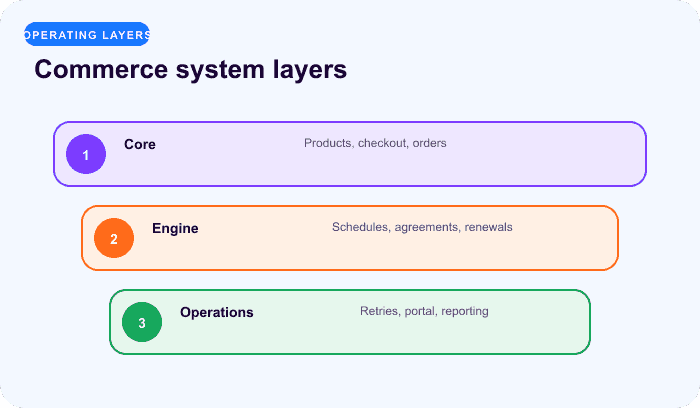
- Plugin-owned schedule: WordPress schedules invoices and charges; the gateway processes payment.
- Gateway-owned schedule: the remote provider bills on its schedule; WordPress follows webhooks and reconciles local records.
- Manual renewal: WordPress creates the payable obligation; the customer or admin completes payment.
Do not run two independent schedulers against the same charge.
How to evaluate a plugin safely
- Map the offer and end condition.
- List the gateways and who owns each schedule.
- Verify renewal orders, not only signup.
- Test payment failure, duplicate-webhook, and late-payment behavior.
- Confirm tax, shipping, coupon, price, and plan-change rules.
- Inspect customer self-service and exact cancellation outcomes.
- Check Action Scheduler or the extension’s job system.
- Review data ownership, exports, uninstall/migration, support, updates, and security.
- Test core behavior with premium components disabled where the architecture claims that separation.
- Use the subscription launch readiness checklist.
The real cost comparison
Compare total operating cost, not only license price:
annual operating cost
= software and gateway fees
+ implementation and maintenance
+ manual billing and reconciliation labor
+ failed-payment and support labor
+ incident, refund, and migration risk
Do not publish a universal savings claim without first-party evidence. A free manual workflow can be costly at scale; an expensive platform can also be unnecessary for a small invoice-based program.
Final recommendation
Use WooCommerce core for one-time commerce, not as a hidden subscription engine. If the customer promise includes recurring obligations, select a tested extension or external billing architecture that owns the full lifecycle. Compare ArraySubs plans for a WooCommerce-native path.
Frequently asked questions
Does WooCommerce include recurring payments by default?
No. WooCommerce core supports one-time product orders and payment gateways, but recurring agreements, renewal schedules, linked renewal orders, and lifecycle management require an extension or an external billing system.
Can I create renewal orders manually?
Yes, but that is an operational process rather than automatic recurring billing. Staff must create or manage each obligation, contact the customer, confirm payment, control access or fulfillment, and keep dates and records consistent.
Can a payment gateway make WooCommerce subscriptions by itself?
A gateway may provide remote subscriptions, but WooCommerce still needs a reliable integration for products, local records, webhooks, orders, customer access, taxes, shipping, cancellation, and reconciliation. A dashboard toggle alone does not complete that architecture.
Is a cron job enough for recurring billing?
No. A scheduled task can trigger work, but it does not define payment ownership, prevent duplicate charges, create correct orders, handle authentication and failures, update access, communicate with customers, or maintain an audit trail.
What is the simplest safe WooCommerce subscription setup?
Start with one simple product, one cadence, a documented manual or automatic gateway, one-payment/one-fulfillment behavior, explicit cancellation, and a full sandbox signup and renewal test. Add complexity only after that path is stable.
Disclosure, verification, and update log
- July 2026: Verified against current WooCommerce product positioning and ArraySubs core/Pro architecture. This article does not recommend storing payment credentials or building an ad-hoc charging system.
Continue from strategy to setup
Use a recipe when the model is settled
These articles own the decision and operating model. The ArraySubs feature map and recipes cover the exact product, billing, and customer-workflow configuration.
Written by
Emran // ArrayHash
Research and practical guidance for WooCommerce subscription operators and implementation teams.
Technical review
ArraySubs Engineering Team
Reviewed against current ArraySubs code, product documentation, and the linked primary platform sources.