Customize the WooCommerce My Account page for members
ArraySubs makes My Account the member home base — custom profile fields and avatars, a menu editor with custom endpoint pages, membership shortcodes, and Toolkit modules that keep customers out of wp-admin entirely.
No credit card required · Free core on WordPress.org
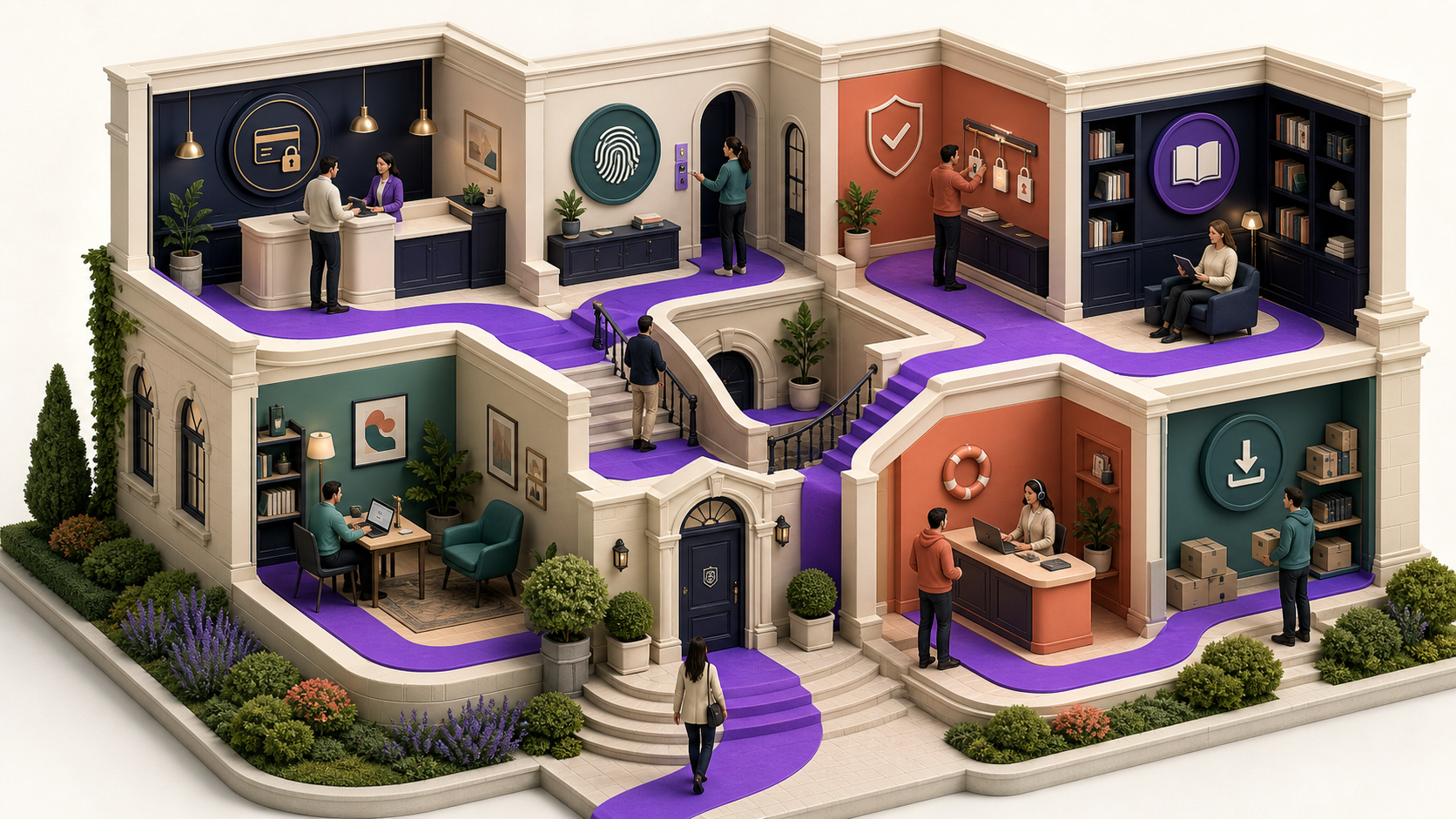
WordPress ships a generic profile and WooCommerce ships a generic account page — neither looks like a membership product. Profile Builder fixes that in the free core: collect member data with custom profile fields, let customers upload avatars, and reshape the My Account menu — reorder, rename, hide, and add custom endpoint pages that render any WordPress page, post, or custom post type inside the account layout. Membership shortcodes cover login links, personalized greetings, and content gating, while free Toolkit modules keep customers out of wp-admin entirely.
Capabilities
What Profile Builder gives you
Every capability listed here reflects the current plugin build — free means free.
Free
Custom profile fields
Collect member data on My Account with display controls — the profile becomes yours, not the WordPress default.
Free
Customer avatars
Customers upload and manage a profile picture from the account area — a real identity for membership sites.
Free
My Account menu editor
Reorder, rename, and hide WooCommerce My Account menu items until the navigation matches your member experience.
Free
Custom endpoint pages
Add account tabs that render linked WordPress pages, posts, or custom post types — no endpoint code.
Free
Membership shortcodes
Login/logout links, personalized user data, and content-gating visibility and restriction shortcodes.
Free
Native builder gating
The same gating engine sits in the Elementor Container Advanced tab and Gutenberg blocks — no shortcode wrapping.
Free
wp-admin-free frontend
Hide the admin bar, redirect customers away from wp-admin, and route login and registration through My Account.
Free
Login as User
Support opens a customer's exact frontend session — no password requests, admins-impersonating-admins blocked.
Pro
Pro account pages & credit form
My Features and Store Credit pages join the menu, plus a store-credit purchase shortcode for landing pages.
How do I customize the WooCommerce My Account page?
With ArraySubs you customize My Account from a settings screen instead of PHP templates: the free My Account Page Builder reorders menu items, renames labels like Orders or Downloads, hides entries you do not use, and adds new pages. Profile fields and avatars extend the profile itself, so the account area collects and displays real member data.
The point is coherence — subscriptions, profile, downloads, and your own custom pages under one navigation you control. Members get a portal-grade account area without a theme rebuild or endpoint code.
Can I add custom profile fields and avatars?
Yes — both are free. Custom profile fields collect member data on My Account with display controls over how each field appears, so onboarding details, preferences, and membership data live on the profile instead of in a spreadsheet.
Avatar upload is built in as well: customers add and manage a profile picture from the account area. For membership sites and communities, a profile with a face on it is the difference between a login and a member identity.
Can I add my own pages to the account menu?
Yes — add a custom endpoint, link it to any WordPress page, post, or custom post type, and it renders inside the My Account layout as a normal menu tab. Member handbooks, getting-started guides, community rules, or a support page all become account pages with no endpoint code.
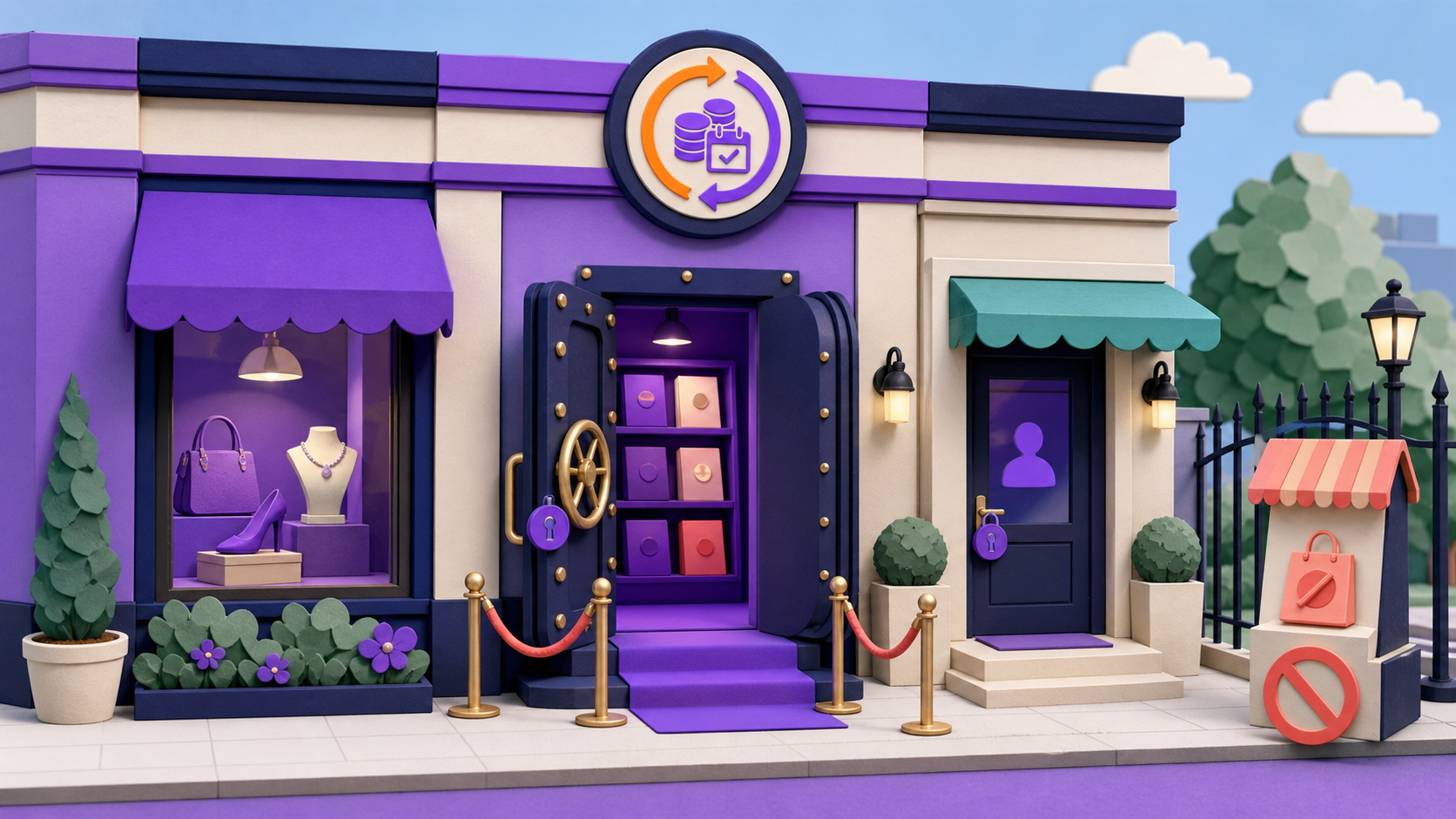
One nuance worth knowing: hiding a menu item controls navigation visibility only — the URL itself still resolves. When the endpoint content must be protected, put a member access rule on it; the menu editor and the rule engine are designed to work together.
Which membership shortcodes are included?
The free core ships shortcodes for account links, personalized output, and content gating, and Pro adds one for selling store credit. They drop into posts, pages, widgets, and builder text elements — anywhere WordPress renders shortcodes.
In Elementor and Gutenberg you often need none of them: the same gating engine is exposed natively, through restriction controls on the Elementor Container Advanced tab and Gutenberg block restriction, so sections are gated from the builder UI.
Login / logout links — send members to the right door from any page
Personalized user data — greetings and profile output for logged-in members
Visibility & restriction shortcodes — show, hide, or tease content by access rules
Store-credit purchase form (Pro) — sell store credit from any landing page
How do I hide wp-admin and the WordPress login from customers?
Three free Toolkit modules strip WordPress chrome from the member experience: hide the admin bar for customers, redirect non-staff away from wp-admin with a role allow-list (AJAX, REST, and cron paths stay safely excluded), and route login and registration through My Account instead of wp-login.php. Customers only ever see the storefront.
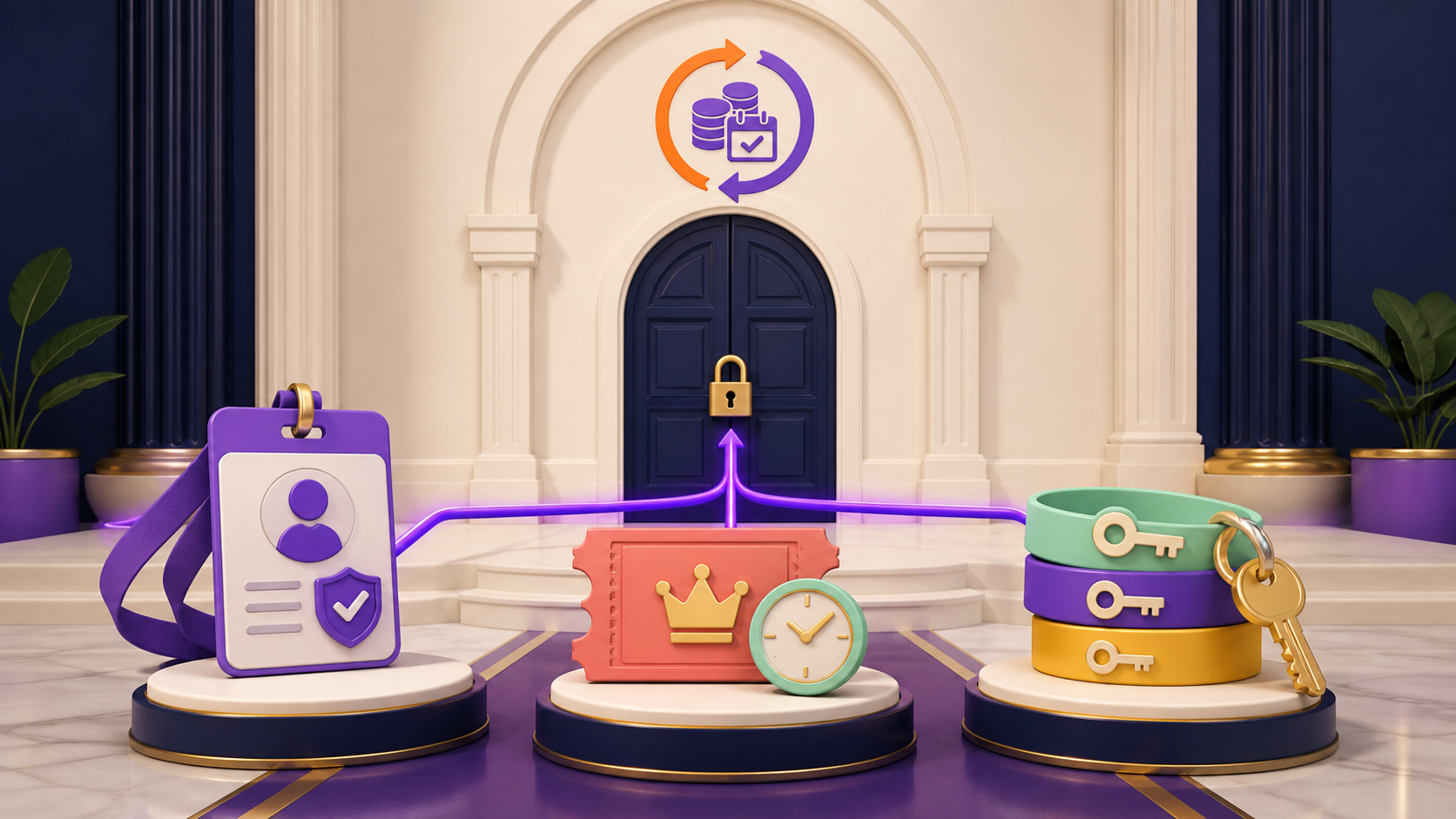
The fourth access module serves your team: Login as User opens a customer's frontend session for support — no password requests, and administrators cannot impersonate other administrators. Staff keep every WordPress shortcut while the member side stays clean.
What do the Pro account pages add?
Pro adds two purpose-built pages to the same menu. My Features shows each member the feature entitlements their plan includes, powered by Feature Manager, and Store Credit shows the customer's balance and transaction history. Both behave like any other menu item — reorder, rename, or hide them from the same editor.
Because they ride the existing menu editor, the upgrade needs no template work — activate the modules and the pages appear. Members check plan entitlements and credit where they already manage everything else.
Set up
Set it up in 4 steps
From install to live — no developer required.
01
Install ArraySubs free
Install the free core — Profile Builder, the menu editor, shortcodes, and the Toolkit modules are all included.
02
Shape the account menu
Reorder, rename, and hide My Account items, then add custom endpoints for the member pages you need.
03
Add profile fields and avatars
Enable avatar uploads and create the custom profile fields your membership actually uses.
04
Turn on the Toolkit modules
Hide the admin bar, redirect wp-admin, and route login through My Account — then browse as a customer to confirm.
Free vs Pro
Profile Builder: what's free, what's Pro
The free core is a real product, not a demo. Pro adds the automation and revenue layer.
In the free core
Free
Custom profile fields with display controls
Customer avatar upload and management
My Account menu editor — reorder, rename, hide
Custom endpoint pages rendering any WordPress content
Login/logout, personalized-data, and content-gating shortcodes
Admin bar hiding, wp-admin redirect, and My Account login routing
Login as User for support
Pro adds
Pro
My Features page showing each member's plan entitlements
Store Credit page with balance and transaction history
Store-credit purchase form shortcode
Multi-Login Prevention — concurrent-session limits per account
Yes. The free My Account Page Builder reorders, renames, and hides menu items from settings, and custom endpoints render existing WordPress content as account pages. No endpoint registration or template overrides are involved.
Yes. Avatar upload and management is a free Profile Builder feature on My Account, alongside the custom profile fields you define for member data.
No — hiding only removes the item from navigation; the endpoint URL still resolves. Protect the content itself with a member access rule when the page must be members-only.
Yes, and builders often need no shortcode at all: the gating engine is native in the Elementor Container Advanced tab and in Gutenberg block restriction. Shortcodes remain available for classic content, widgets, and text elements.
Effectively, yes. Free Toolkit modules hide the admin bar, redirect customers away from wp-admin with a role allow-list, and route login and registration through My Account instead of wp-login.php. Customers experience only the storefront.
Yes, by design. Only non-admin accounts can be impersonated, the impersonation state is visible with a way back to the admin session, and these sessions never count against Multi-Login Prevention limits.
My Features lists the feature entitlements included in the member's plan, powered by Feature Manager. Store Credit shows the customer's balance and transaction history. Both appear as normal My Account menu items you can reorder or rename.
Try it on your store
Put profile builder to work
Install the free core from WordPress.org today, then start a Pro trial when you want the automation and revenue features.