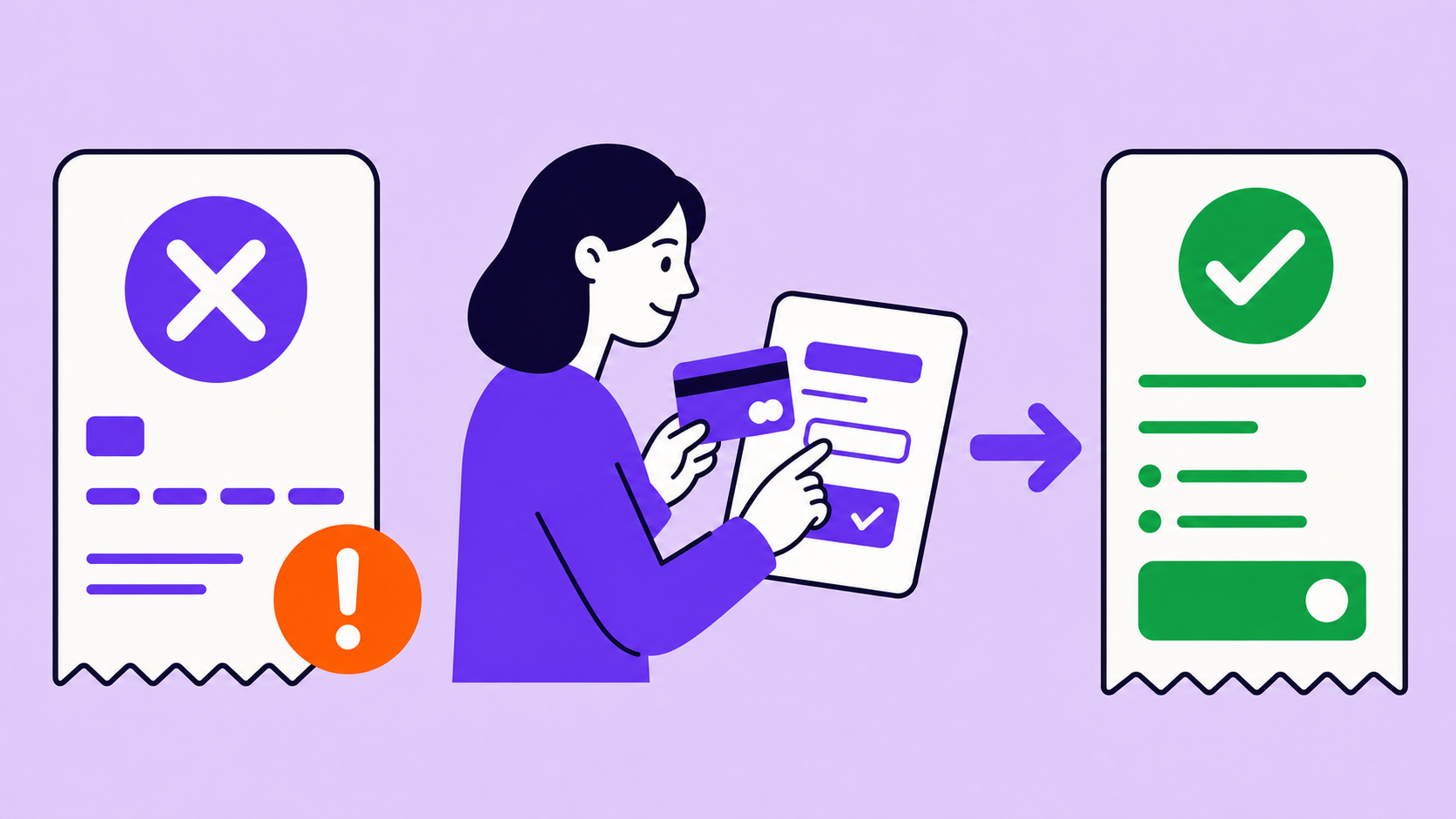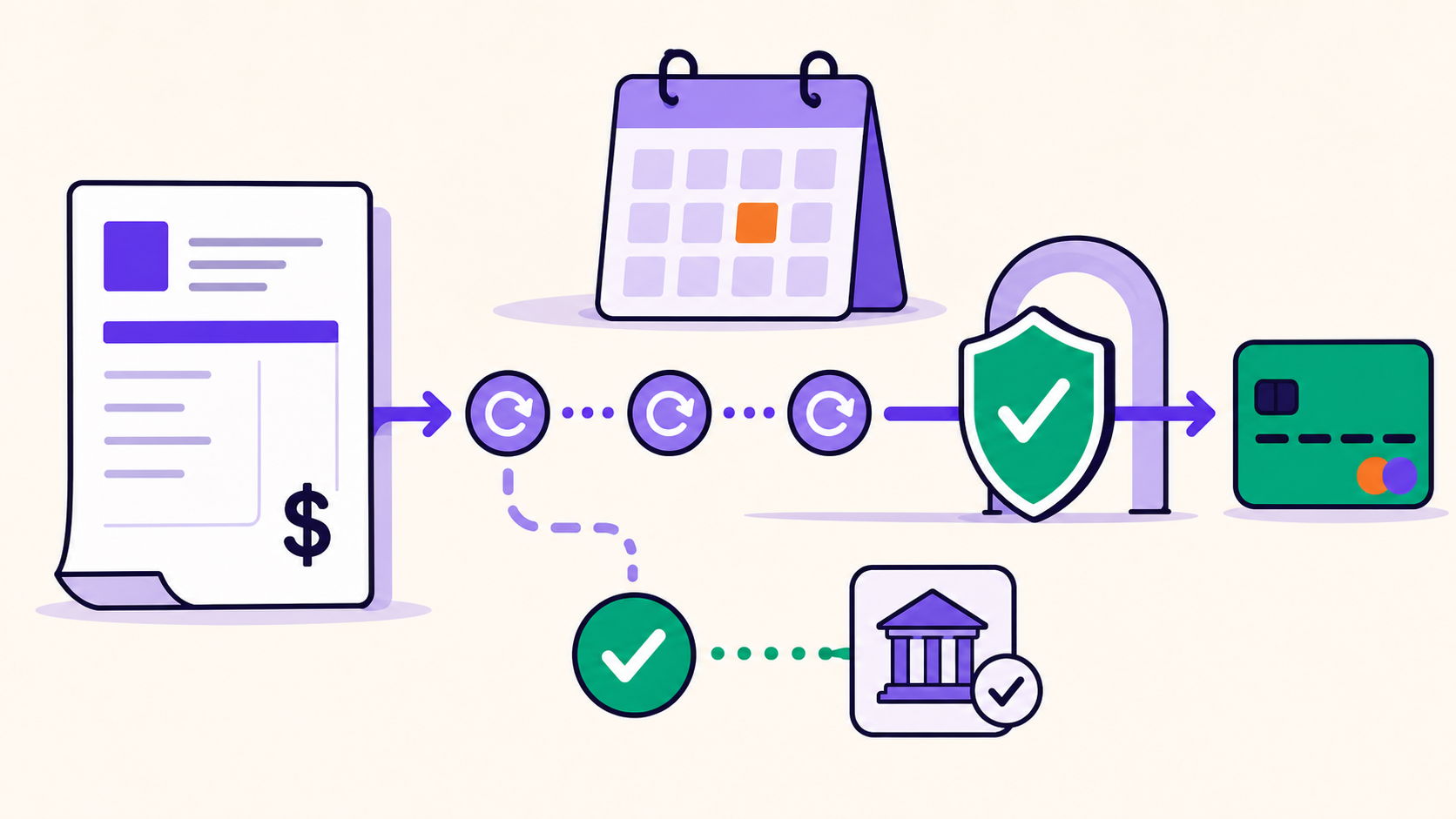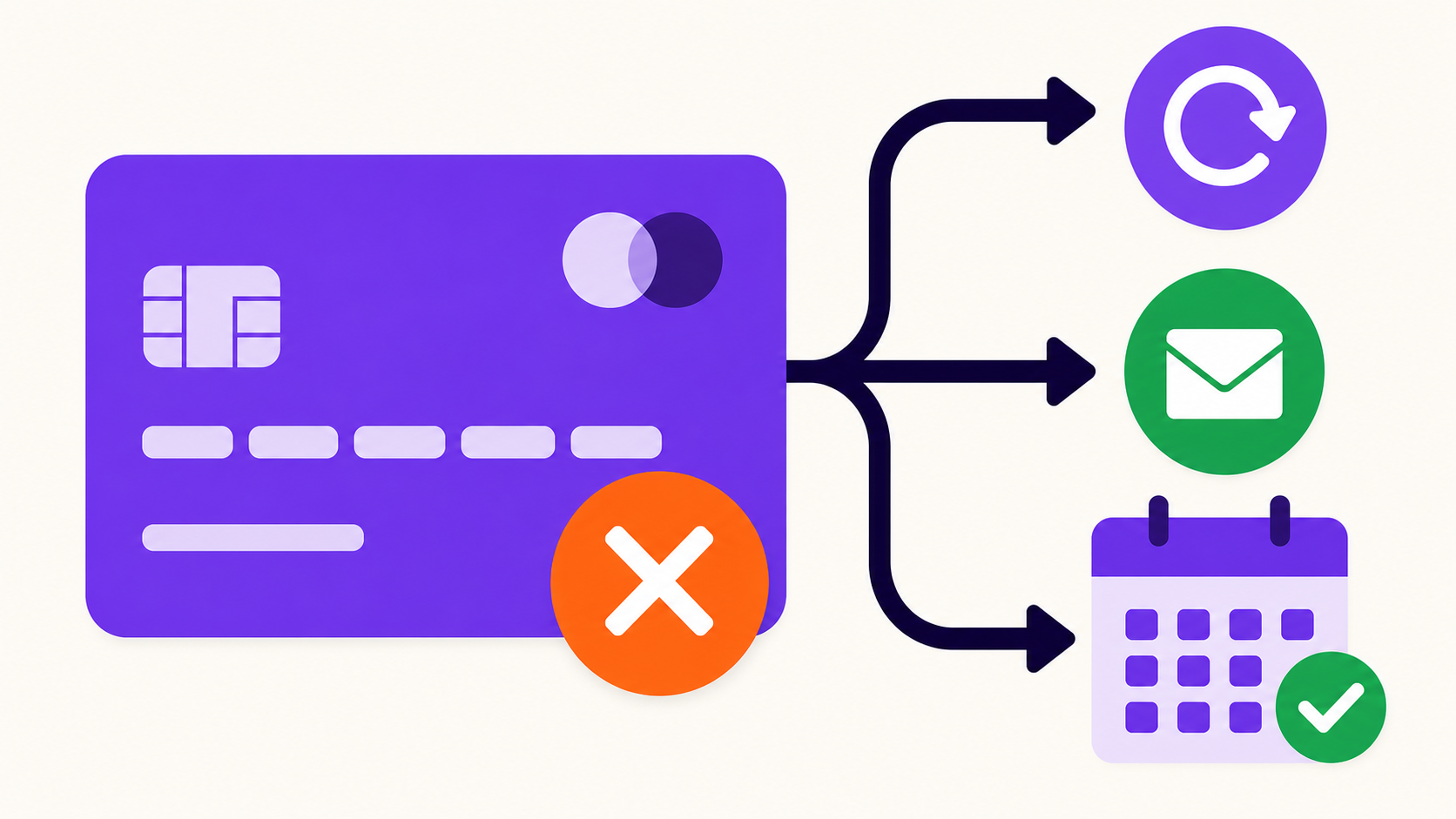
When a subscription payment fails, the renewal order remains unpaid or becomes failed, the reason is logged, and the customer is prompted to fix or pay it. With ArraySubs defaults, access stays active for three grace days, then the subscription moves on-hold; cancellation follows seven days later if it remains unpaid. Gateway retry behavior varies.
Key takeaways
- Order, subscription, gateway, and access states can differ.
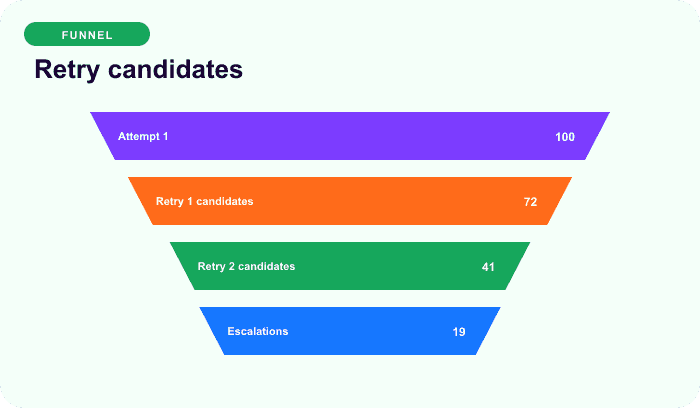
- Current Stripe renewals can receive up to three local 24-hour retries.
- PayPal and Paddle own their remote retry schedules; manual invoices wait for payment.
- Verify an order is unpaid at the gateway before retrying.
- Late recovery normally preserves the original billing anchor in current ArraySubs.
The default timeline
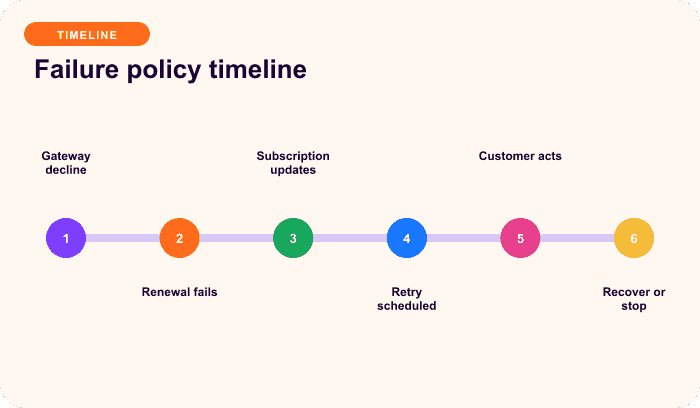
| Relative time | Renewal order | Subscription/customer action |
|---|---|---|
| Day −3 | Reminder can be scheduled | Review upcoming renewal/method |
| Hour −6 | Pending order normally created | Manual payer may receive invoice |
| Day 0 | Automatic attempt fails or manual order remains unpaid | Active; use Pay Now/update/authenticate |
| Days 1–2 | Stripe retries may run | Active grace |
| Around day 3 | Retry and overdue checks can share a boundary | Active → on-hold if unpaid |
| Days 3–10 | Open/failed renewal remains | On-hold; payment can recover it |
| After total grace | Unresolved obligation | Cancelled unless configured fallback applies |
The overdue checker runs hourly, so status may change after the exact threshold. The day-three third-retry/on-hold ordering depends on Action Scheduler execution; say “up to three retries,” not that all three must run before on-hold.
What changes immediately
For an ordinary automatic decline, current ArraySubs can store time and reason, normalize a category, mark the renewal order failed, add private notes/audit data, send customer/admin emails, keep the subscription active during grace, and schedule a supported local Stripe retry.
If the system cannot create a usable renewal order, a technical fallback may put the subscription on-hold sooner. Not every infrastructure failure follows the clean decline timeline.
Branch by payment mode
- Manual/offline: no automatic card attempt; the customer/admin pays the open renewal.
- Stripe: ArraySubs owns the local order, attempt, and up-to-three retry path.
- PayPal: remote PayPal subscription bills; ArraySubs reconciles webhooks.
- Paddle: remote Paddle subscription and transactions drive collection events.
Do not apply WooCommerce Subscriptions’ documented default retry rules to ArraySubs; they are different engines (Woo failed-payment retry).
Customer action by reason
| Reason | Action |
|---|---|
| Insufficient funds | use another method or make funds available before permitted retry |
| Expired card | update method |
| Incorrect data | correct details or use another method |
| Authentication required | complete secure authentication/Pay Now |
| Generic issuer decline | contact issuer or use another method |
| Processing error | try later while merchant checks gateway/logs |
| Unknown | preserve raw code and investigate |
What on-hold and recovery mean
On-hold stops normal renewal scheduling and may restrict access through store rules. The open order can still be paid while recoverable. Successful payment clears pending, retry, failure, and on-hold state; restores active status; advances the next date; and schedules the next cycle.
Illustrative monthly recovery:
scheduled date = July 15
paid late = July 17
next date basis = July 15 + one month = August 15
Current default configuration, not a universal recommended grace policy.
Merchant response checklist
- Open the subscription and affected renewal order.
- Confirm unpaid state at WooCommerce and gateway.
- Identify schedule/retry owner.
- Read raw error, normalized category, retry count, and next job.
- Verify the failure message and customer action work.
- Check grace, on-hold, access, and fulfillment policy.
- Use supported retry only when appropriate; it performs pre-charge verification.
- Reconcile remote/local disagreement before another attempt.
- After payment, verify paid order, active subscription, next date, jobs, and cleared failure state.
- Do not confuse Pro “Mark Resolved” with payment.
For the complete recovery program, read Failed Subscription Payment Recovery.
Final recommendation
Tell the customer exactly what failed, what remains active, what they must do, and when the next status change occurs. Operators should reconcile payment before retrying and verify recovery across every state. Compare ArraySubs plans.
Frequently asked questions
Does ArraySubs cancel after one failed payment?
Usually no for an ordinary decline. Current defaults provide three active-grace days and seven more on-hold days before cancellation. Technical order-creation failures can differ.
Will ArraySubs retry automatically?
Current Stripe renewals can receive up to three local retries 24 hours apart. Manual orders wait for payment; PayPal and Paddle use remote recovery policies.
Can the customer keep access?
The subscription remains active during active grace. On-hold access depends on configured entitlement rules. Physical fulfillment needs its own cutoff policy.
What if the gateway shows paid but WooCommerce shows failed?
Do not retry blindly. Compare the transaction, renewal order, webhook/logs, and use supported reconciliation. Current retry processing checks for an existing successful charge.
Does late payment move the next date?
Current ArraySubs normally advances from the original scheduled due-date basis, so a two-day-late payment keeps the existing monthly anchor.
Disclosure, verification, and update log
- July 2026: Verified against current ArraySubs failure, retry, overdue, and recovery paths. Exact scheduler ordering and email delivery require sandbox verification.
Continue from strategy to setup
Use a recipe when the model is settled
These articles own the decision and operating model. The ArraySubs feature map and recipes cover the exact product, billing, and customer-workflow configuration.
Written by
Emran // ArrayHash
Research and practical guidance for WooCommerce subscription operators and implementation teams.
Technical review
ArraySubs Engineering Team
Reviewed against current ArraySubs code, product documentation, and the linked primary platform sources.