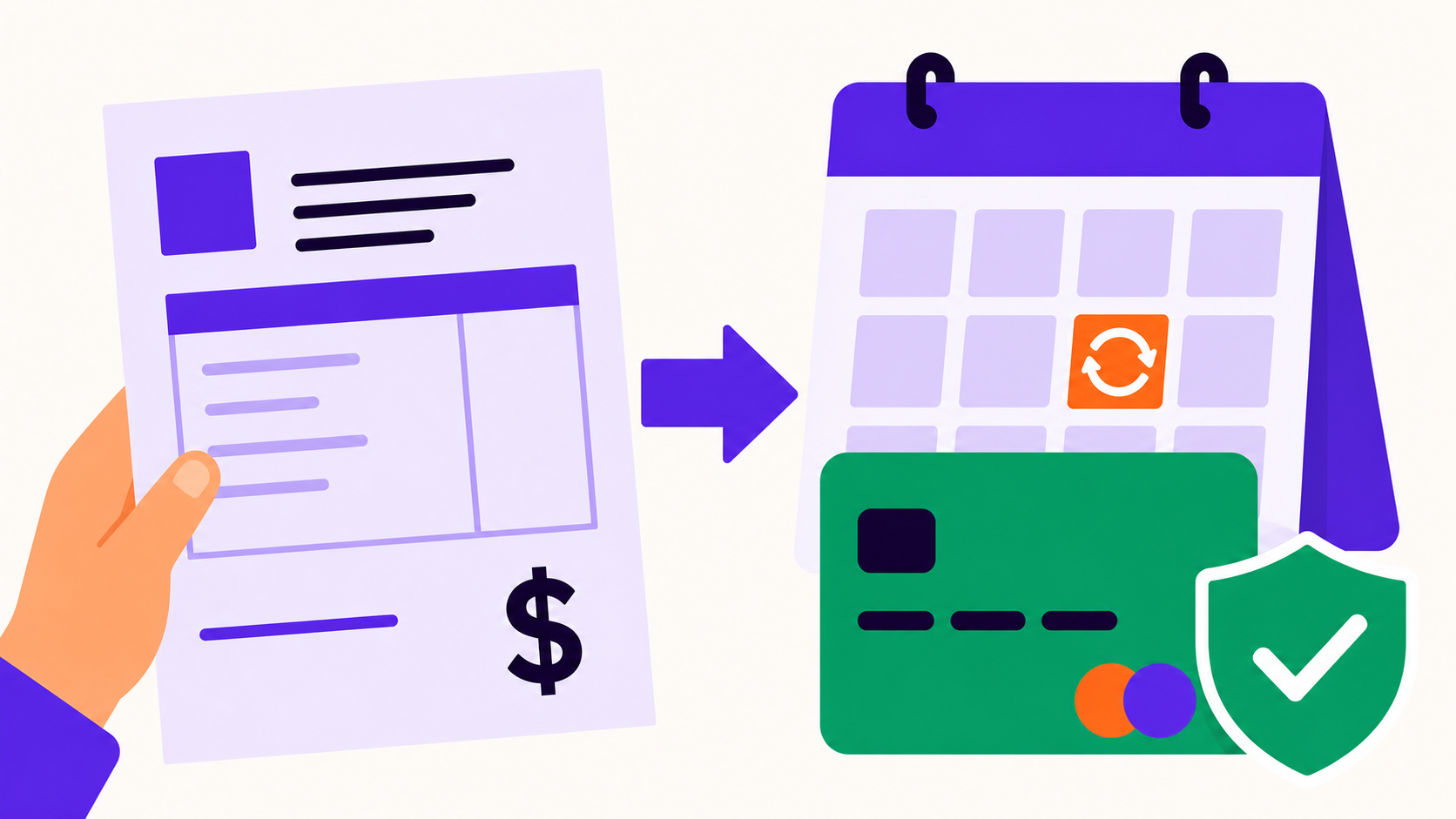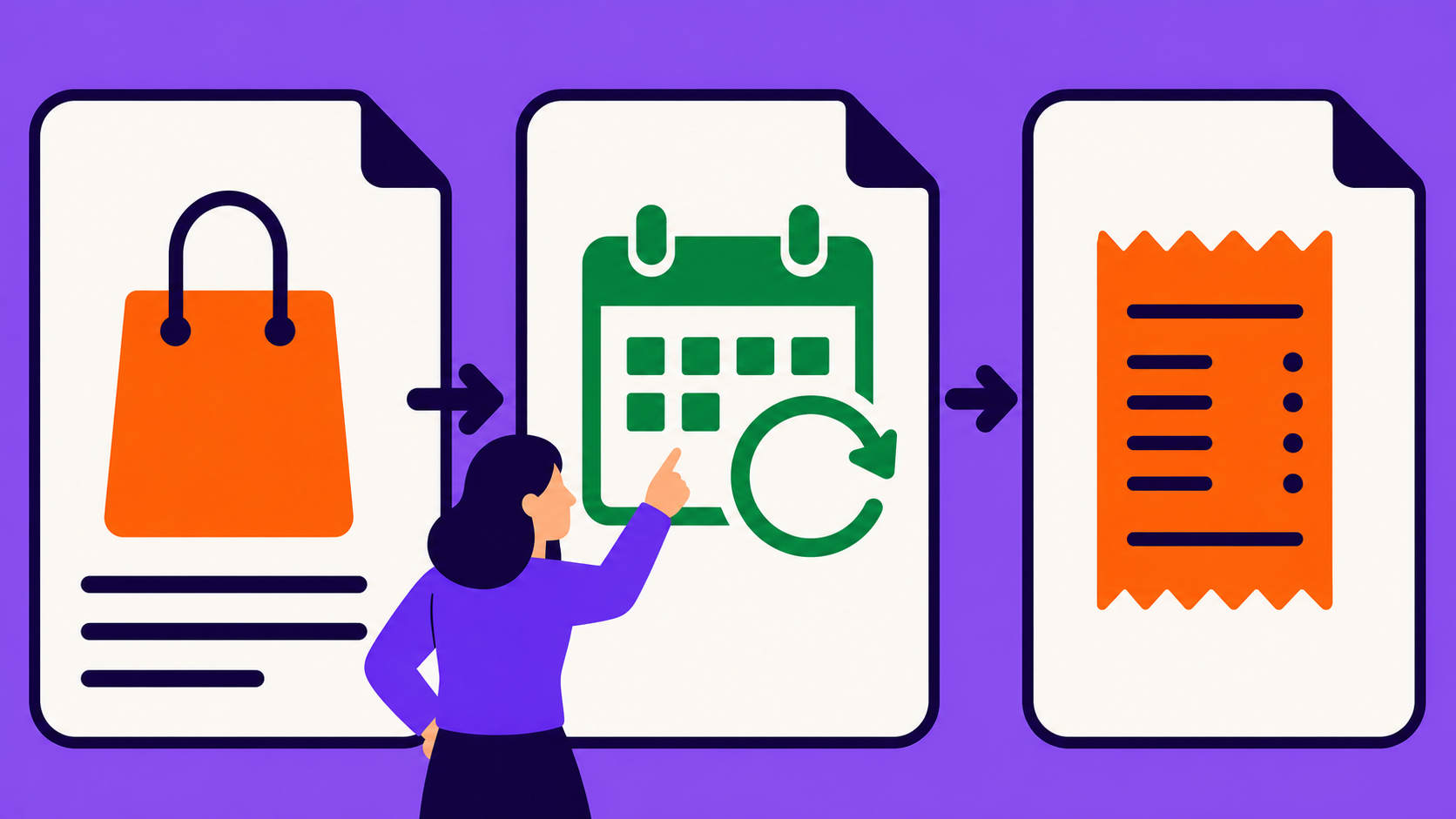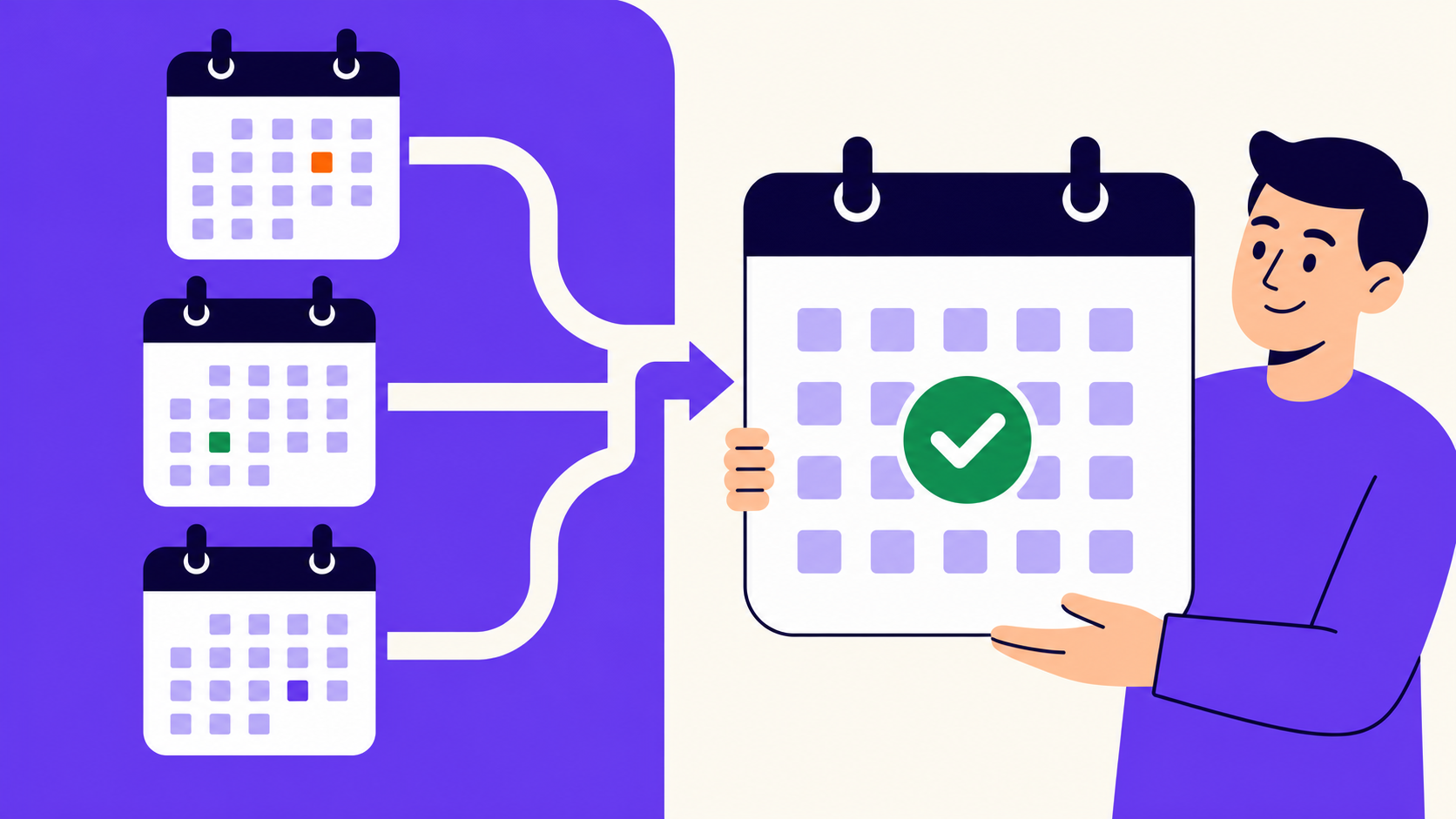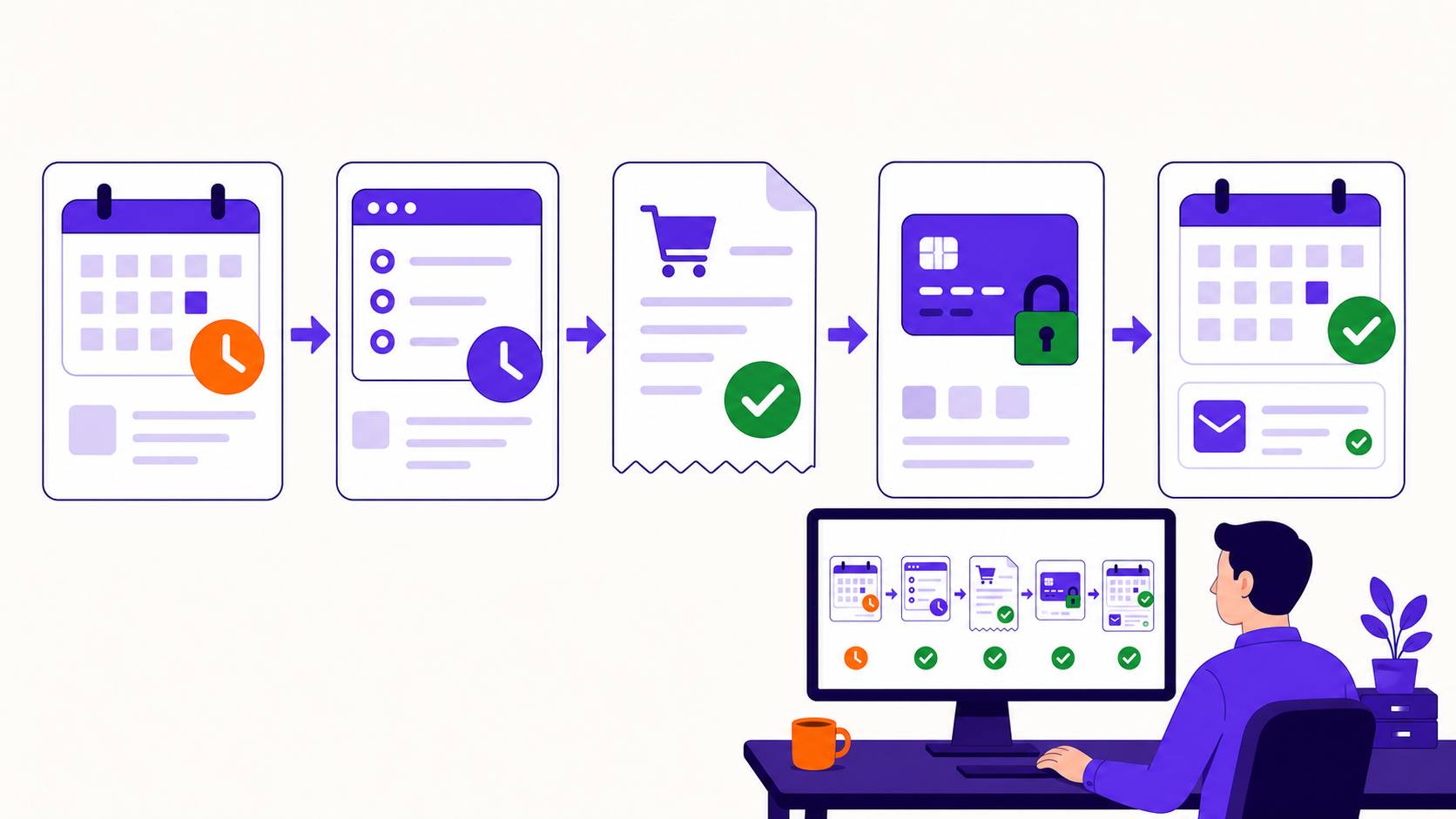
A WooCommerce subscription renewal turns a stored customer agreement into a new payable order. The subscription engine determines the due date and amount, creates a renewal order, collects automatically or waits for manual payment, reconciles gateway events, updates status and access, then advances the next date only after the cycle reaches the required result.
Key takeaways
- The subscription is the schedule-bearing agreement; each renewal is a separate order.
- Invoice creation, payment due time, and payment completion are distinct events.
- Manual, local automatic, and remote-gateway renewals have different owners.
- Successful late payment should not silently create a new billing anchor.
- Verify scheduled jobs, the gateway transaction, the order, and the next date together.
The renewal lifecycle
Current ArraySubs uses the stored next-payment date to coordinate an invoice-generation action and a due-time renewal action. Its default invoice lead is six hours, although the setting is configurable. WooCommerce’s general renewal documentation likewise separates the subscription from the renewal orders it creates (renewal process).
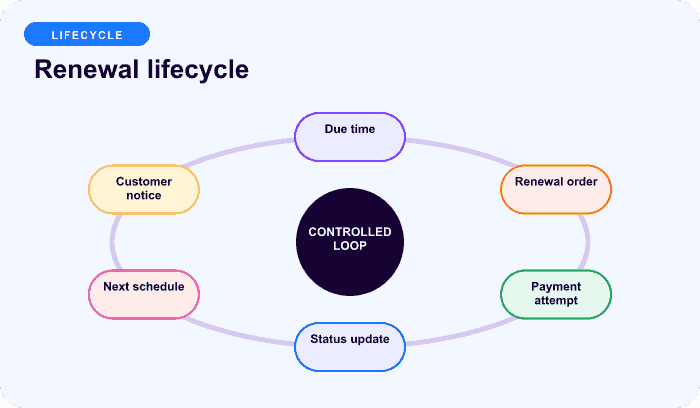
The practical sequence is:
- read the subscription’s items, quantity, recurring amount, dates, address, gateway, and lifecycle state;
- create or find the renewal order for the due cycle;
- add product, eligible recurring shipping, tax, discounts, credits, or deferred-switch fees;
- attempt automatic payment or expose a manual Pay Now route;
- record gateway success, failure, or pending state;
- on payment, clear pending failure state and update the subscription;
- calculate and schedule the next cycle;
- send the appropriate customer and admin communication.
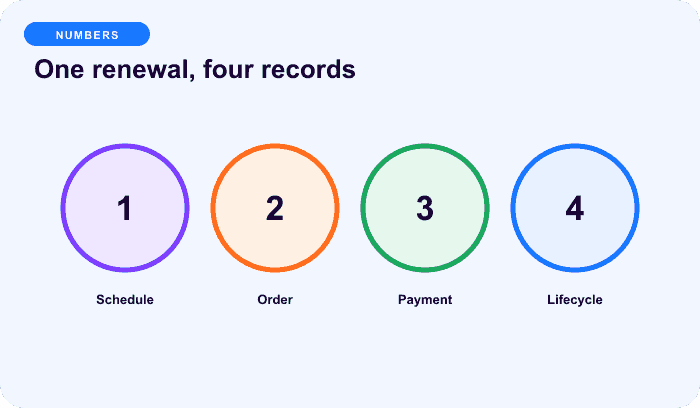
The records have different jobs
| Record | Purpose |
|---|---|
| Product | Reusable catalog offer and default configuration |
| Subscription | Customer-specific agreement, recurring price, dates, quantity, gateway, status |
| Parent order | Initial signup or first-payment transaction |
| Renewal order | One later cycle’s invoice, payment, tax, shipping, discounts, and status |
| Scheduled action | Future invoice, charge, retry, reminder, pause, or cancellation work |
| Gateway event | Processor-side result or remote schedule update |
The parent order should not be reused for every charge. Separate renewal orders provide a transaction ledger for tax, shipping, refunds, gateway IDs, and reporting. Read subscription orders explained for the full record model.
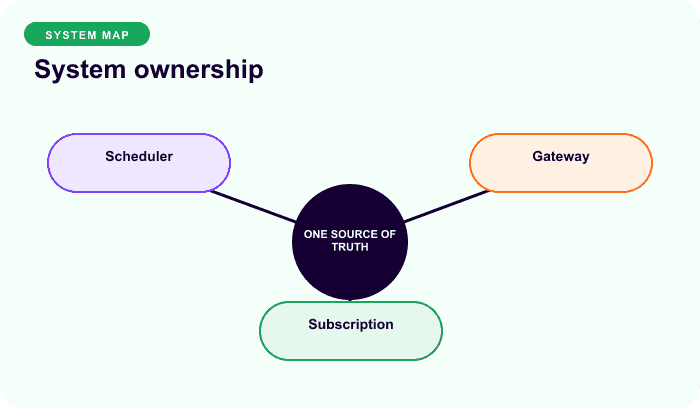
Three payment ownership models
Manual renewal
The plugin creates a pending renewal order and the customer or administrator completes payment. The message must include the amount, due date, order, secure payment link, and consequence of remaining unpaid.
Plugin-controlled automatic renewal
ArraySubs controls the local schedule for its current Stripe integration, creates the WooCommerce renewal order, and initiates an off-session PaymentIntent through the supported gateway contract. The gateway processes the charge, but it does not own a separate Stripe Billing subscription schedule.
Remote gateway renewal
PayPal and Paddle can own the remote recurring schedule. ArraySubs waits for and reconciles webhooks into local renewal orders and subscription state. Operators must not start a second local retry engine without confirming the remote obligation is unpaid.
Responsibility comparison, not performance data.
What determines the renewal total
For a normal current ArraySubs renewal:
renewal total
= stored recurring unit amount × quantity
+ eligible stored renewal shipping
+ tax calculated on the constructed order
+ one-time deferred-switch fee, if applicable
− supported renewal discounts or credits
The recurring product price is captured on the subscription, so a later catalog price edit does not automatically reprice existing subscribers. Signup fees are initial-only. Ordinary checkout coupons should not be assumed to recur. Tax and shipping behavior depends on the installed stack and must be reconciled from actual order lines.
What success changes
After a successful renewal, the system should:
- mark the renewal order paid;
- link it to the correct subscription and cycle;
- clear pending-order, retry, failure, and on-hold state where applicable;
- apply a deferred switch or other payment-gated change;
- update payment counters and fixed-length progress;
- restore active status when recovery allows it;
- advance the next date from the scheduled due-date basis;
- schedule the next invoice and charge;
- send payment-success communication.
If a July 15 monthly renewal is paid on July 17, current ArraySubs normally advances from July 15 to August 15, not from the late payment date to August 17. This preserves cadence.
What failure changes
A failed automatic attempt can mark the renewal order failed, store a normalized reason, notify the customer/admin, and schedule a supported retry while the subscription remains active during configured grace. Manual renewals remain open for payment. Technical failures that prevent order creation can follow a different fallback path.
Before retrying, current ArraySubs asks the gateway whether a missed webhook hid a successful charge. That reconciliation step reduces duplicate-charge risk and belongs before every manual intervention.
How to verify a renewal
- Record subscription ID, next date, amount, quantity, gateway, and status.
- Find exactly one invoice action and one due-time renewal action where local scheduling applies.
- Inspect the created renewal order’s product, shipping, tax, fee, discount, and total lines.
- Match the order to the gateway transaction or manual payment.
- Confirm customer communication and account action.
- After payment, verify status, counters, notes, next date, and new future actions.
- Check fulfillment or access only after the payment state required by policy.
Do not edit the date or order independently to “fix” a renewal. Use changing a renewal date safely for dependency-aware options.
Final recommendation
Treat renewal as a distributed state transition, not a recurring button press. The subscription, scheduled actions, WooCommerce order, gateway, customer communication, and access outcome must agree. Compare ArraySubs plans for manual and automatic renewal options.
Frequently asked questions
Does WooCommerce reuse the original order for every renewal?
No. A subscription extension normally creates a separate renewal order for each recurring obligation. The initial or parent order records signup; the subscription holds the agreement and schedule.
When is a renewal order created?
It depends on the extension and configuration. Current ArraySubs defaults to creating it six hours before the due date. That lead time is separate from the payment attempt and can be configured.
Does late payment change the next renewal date?
Current ArraySubs advances from the scheduled due-date basis, so a payment recovered late normally preserves the original billing anchor. Verify the actual order and next scheduled action after recovery.
Who retries a failed renewal?
Manual renewals need customer/admin action. Current Stripe renewals use local ArraySubs retry logic. PayPal and Paddle own remote recovery schedules. Never assume one policy applies to all gateways.
Why can the renewal total differ from checkout?
Checkout can include a signup fee, initial-only coupon, or initial shipping. Renewal can use stored recurring price, recurring shipping, current address/tax inputs, discounts, credits, or a plan-switch fee. Reconcile components rather than comparing only grand totals.
Disclosure, verification, and update log
- July 2026: Verified against current ArraySubs renewal scheduler, order creation, payment processing, and official WooCommerce renewal documentation. Gateway behavior remains integration-specific.
Continue from strategy to setup
Use a recipe when the model is settled
These articles own the decision and operating model. The ArraySubs feature map and recipes cover the exact product, billing, and customer-workflow configuration.
Written by
Emran // ArrayHash
Research and practical guidance for WooCommerce subscription operators and implementation teams.
Technical review
ArraySubs Engineering Team
Reviewed against current ArraySubs code, product documentation, and the linked primary platform sources.