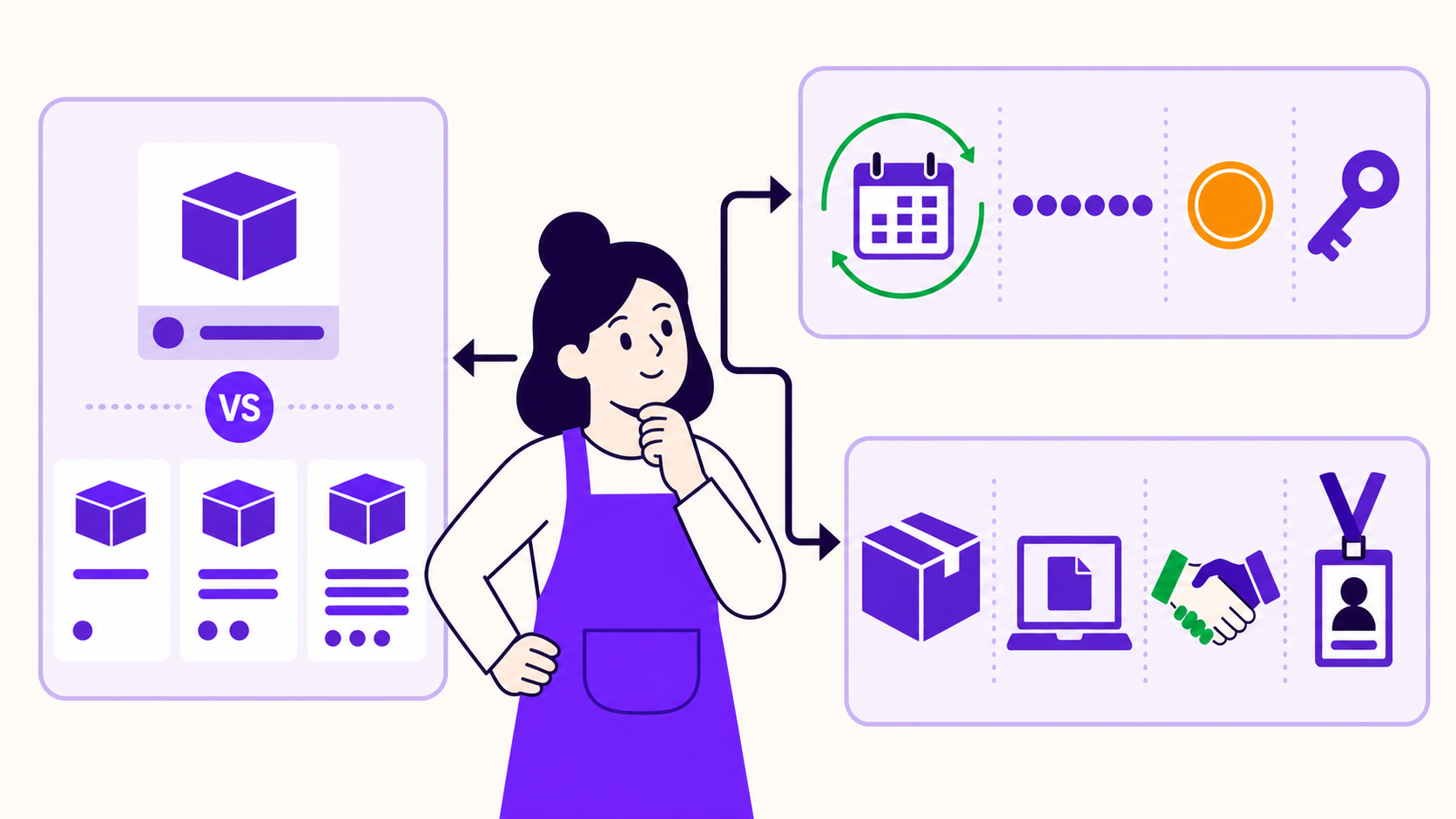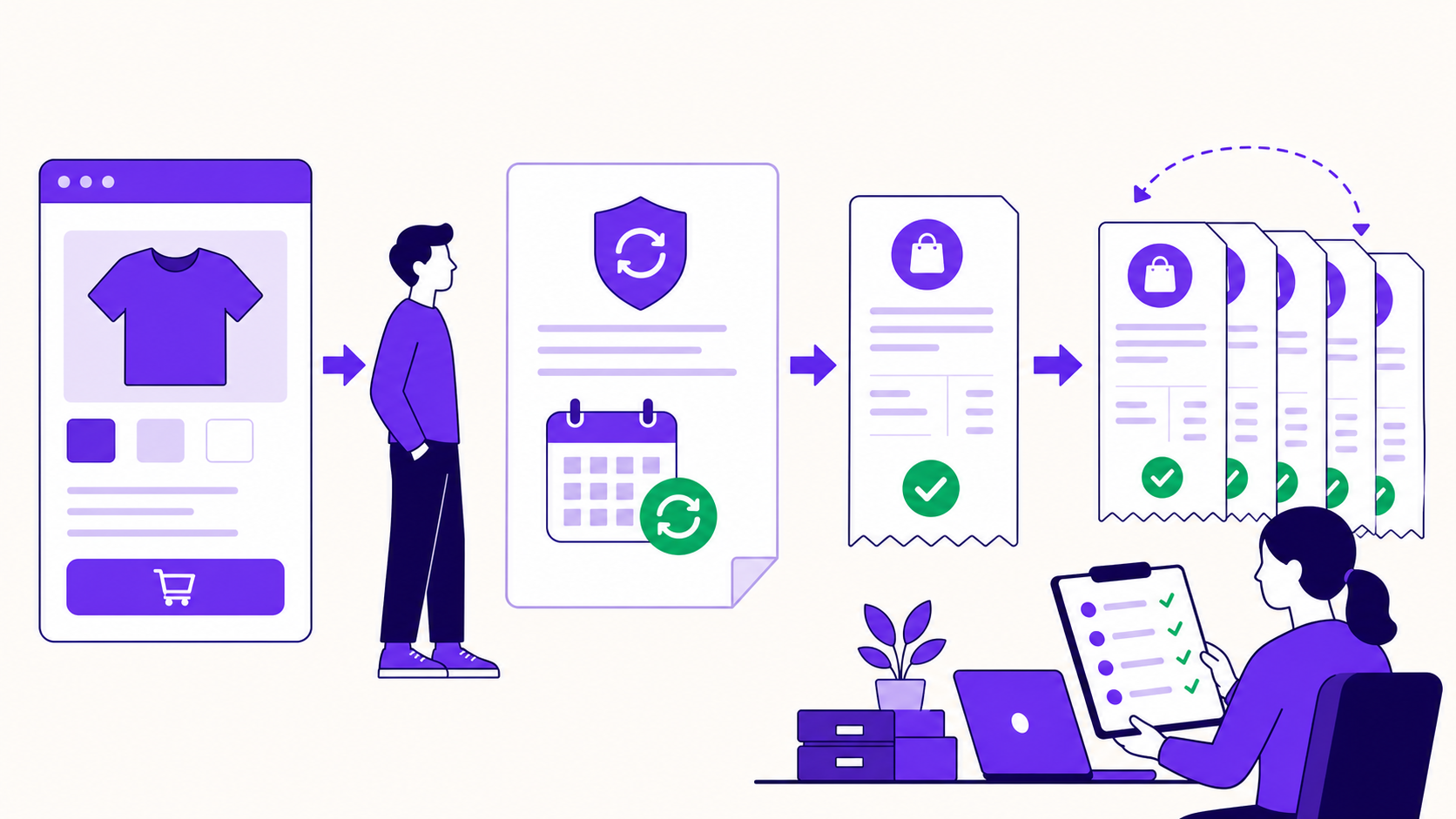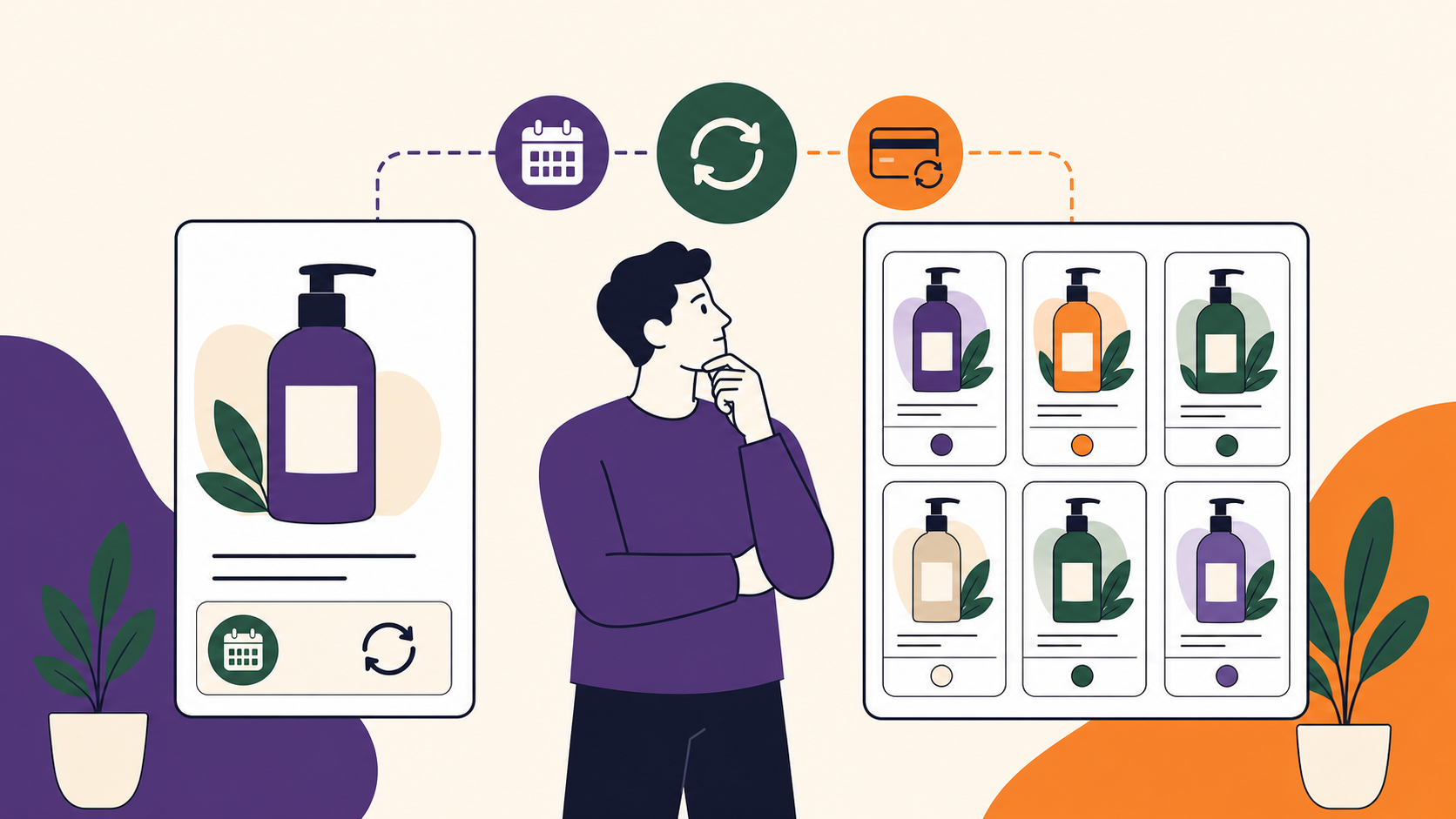
Choose a simple WooCommerce subscription when one product has one price, billing schedule, and entitlement. Choose a variable subscription when customers must select related options—such as tier, size, or monthly versus annual billing—on one product page. Variable products consolidate choice, but they multiply configuration, testing, switching, and reporting work.
The default should be simple. Add variations only when the choice is meaningful to the customer and every combination can be maintained safely.
Key takeaways
- Simple means one purchasable configuration; variable means a parent product with selectable child variations.
- Product structure does not determine payment-gateway support.
- Each enabled variation adds pricing, schedule, stock, shipping, switching, reporting, and QA decisions.
- Keep products or variations referenced by active subscriptions; hide legacy offers instead of deleting them.
- ArraySubs currently applies subscription behavior to all variations under a subscription-enabled variable parent.
The decision in one table
| Question | Simple subscription | Variable subscription |
|---|---|---|
| Buyer choice | One fixed offer | Related options selected on one page |
| Product records | One product | Parent plus child variations |
| Price and schedule | One configuration | Can differ per variation |
| Landing pages | Independent page per offer | One consolidated product page |
| Reporting | Product-level | Parent aggregate and variation-level |
| QA surface | One purchase path | Every valid variation and switch path |
| Best fit | One membership, retainer, or box | Tier, size, format, or cadence choices |
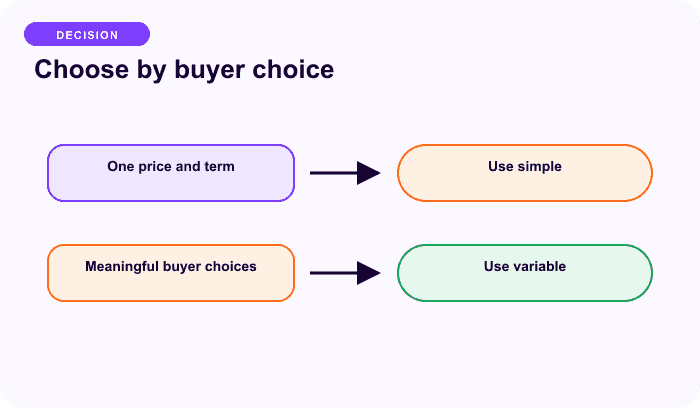
Use variations only when they clarify a real buying decision.
What a simple subscription means
A simple subscription attaches one recurring promise to one WooCommerce simple product. The buyer does not choose between child configurations. One product record owns the displayed price, schedule, optional trial, sign-up fee, term, shipping, and entitlement rules supported by the subscription engine.
Good examples include one monthly community tier, one annual support package, one fixed six-month program, or one box size shipped on a fixed cadence. A simple product also works when plans deserve separate URLs, positioning, audiences, or campaigns—even if they could technically be grouped as variations.
The main advantage is operational containment. Product copy, checkout disclosure, renewal testing, and reporting all point to one purchasable identity.
What a variable subscription means
A variable subscription uses a WooCommerce variable parent and child variations. Attributes such as Billing, Tier, Size, or Format determine the child the customer buys. WooCommerce lets variations carry their own price, SKU, stock, image, tax, and shipping data; the subscription engine may add per-variation schedule and lifecycle fields (WooCommerce Variable Products).
Strong uses include:
- Monthly and Annual billing for the same service;
- Basic, Pro, and Business tiers with one shared promise;
- small, medium, and large replenishment boxes;
- digital plans whose price, trial, or access differs by tier.
Do not use a variation merely to represent an internal fulfillment detail. The difference should help the customer choose.
Count the combinations before building them
The configuration surface grows multiplicatively:
Potential combinations = values in attribute 1 × values in attribute 2 × … × values in attribute N
Two billing cadences and three tiers create six possible variations. Add four box sizes and the theoretical matrix becomes 24. You may omit invalid combinations, but every enabled one still needs coherent terms and a test path.
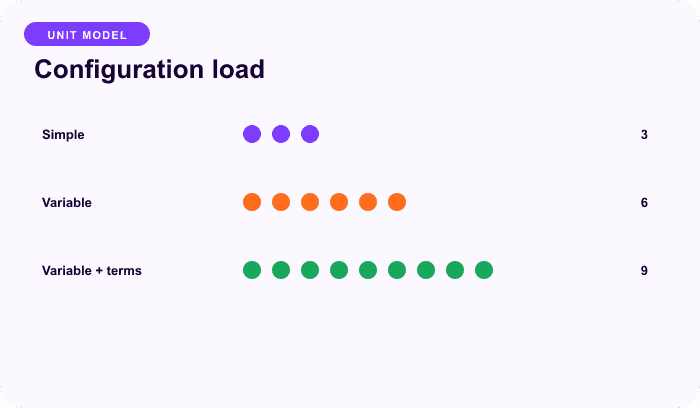
Illustrative planning model, not measured store performance.
For each sellable variation, verify the price due today, recurring price, billing interval, trial, sign-up fee, total term, tax, shipping, stock, entitlement, gateway eligibility, and switching policy. WooCommerce also notes that product-page dropdown behavior changes above 30 variations; that is an interface behavior, not a universal performance limit.
Monthly and annual: one worked example
Suppose a service has Basic and Pro tiers, each sold monthly or annually:
| Tier | Monthly | Annual |
|---|---|---|
| Basic | Child variation 1 | Child variation 2 |
| Pro | Child variation 3 | Child variation 4 |
One variable parent is a strong fit when all four options share one product promise and the page makes price and cadence differences obvious. Four separate simple products may be clearer when each plan needs different copy, onboarding, fulfillment, or audience targeting.
The monthly and annual ArraySubs recipe owns the exact configuration steps.
Switching is a separate system
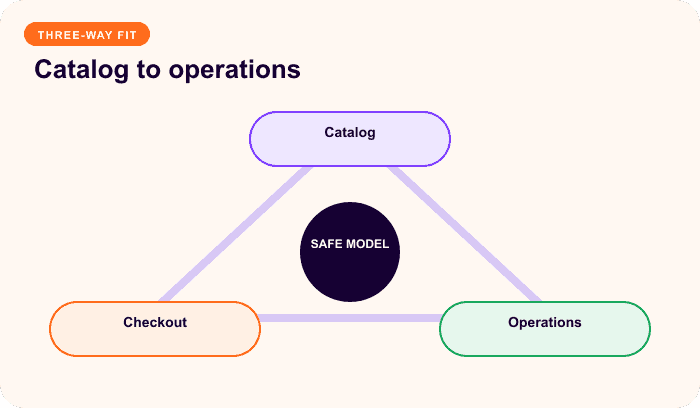
Putting plans under one parent does not automatically make them switchable. A safe switch needs defined targets, effective timing, proration, fees, entitlement changes, gateway support, and a failure path.
WooCommerce Subscriptions can switch between eligible variations when switching is enabled, but the selected gateway must support required recurring amount or date changes (Switching Guide, Payment Gateways). ArraySubs likewise requires explicit eligible targets and policy; it supports product and variation identities separately.
Reporting and catalog maintenance
Variable products need stable, readable attributes and SKUs. Decide which reports should aggregate at parent level and which must compare child variations. Avoid casual renaming when exports, fulfillment, support, or analytics depend on those identities.
Never delete a product or variation referenced by active subscription agreements. WooCommerce warns that deletion can prevent renewal creation because the original line item no longer resolves. Hide the legacy offer from new buyers, preserve its record, create the replacement, and migrate only through a tested, auditable plan (Subscriptions FAQ).
Current ArraySubs product truth
ArraySubs 1.8.9 uses normal WooCommerce Simple and Variable products with a Subscription toggle. Each subscription variation can store its own schedule, term, trial, fee, and renewal-price data. Current code synchronizes the parent subscription flag to all child variations, so one parent cannot mix ordinary one-time variations with subscription variations.
Automatic or manual renewal routing depends on payment and gateway context, not simple versus variable structure. Current automatic Stripe, PayPal, and Paddle integrations are part of ArraySubs Pro; core supports manual renewal workflows. Review the current products and checkout feature map before launch.
WooCommerce Subscriptions 9.0 now recommends subscription plans on supported standard product types while retaining its older dedicated subscription product types. ArraySubs already follows its own standard-product-plus-toggle model. Do not mix screenshots or instructions between the two engines (Woo subscription product guidance).
When each model is not a fit
A simple product is not a fit when buyers must compare meaningful tier, size, or cadence choices in one flow. A variable product is not a fit when options have different audiences, promises, fulfillment policies, or sales journeys—or when the team cannot test every valid combination.
ArraySubs is not currently a fit for mixed one-time and subscription variations under one parent. It may also be unsuitable when the required automatic gateway is outside its supported Pro integrations and manual renewal is unacceptable.
Final recommendation
Start with one simple subscription unless consolidation clearly improves the customer's decision. Choose a variable product only when the options share one promise, belong on one page, and justify the added QA and lifecycle work. Then document switching and migration separately from catalog structure.
For the wider model decision, read WooCommerce Subscription Product Types Explained and Recurring vs Fixed-Term Subscriptions.
Compare ArraySubs plans after you have chosen the product structure and renewal requirements.
Frequently asked questions
Can one variable subscription offer monthly and annual billing?
Yes, when the subscription engine supports per-variation schedules. Verify the amount due today, renewal cadence, gateway eligibility, and switching behavior for both variations.
Do I need a variable subscription to sell multiple tiers?
No. Use variations when tiers share one buying context. Use separate simple products when each tier needs its own URL, audience, copy, or operational policy.
Can I mix one-time and subscription variations in one product?
It depends on the engine. ArraySubs 1.8.9 currently synchronizes subscription status to all variations under an enabled parent, so it does not support that mixed structure.
Does a variable subscription require a different gateway?
No. Verify the exact gateway and payment method against every cadence and any amount or date changes required by switching.
Can I convert a live simple subscription product to variable?
Treat it as a migration, not a cosmetic edit. Preserve the old product, build and test the new offer, and move existing customers only through an explicit plan.
Disclosure, verification, and update log
ArraySubs is the product discussed by this site. Product behavior was checked against ArraySubs 1.8.9, ArraySubs Pro 1.1.0, and current official WooCommerce documentation on July 13, 2026. This review inspected code and documentation; it did not run every gateway, renewal, switch, or analytics path.
- July 2026: Initial publication; WooCommerce Subscriptions 9.0 product-plan guidance and current ArraySubs simple/variable implementation verified.
Continue from strategy to setup
Use a recipe when the model is settled
These articles own the decision and operating model. The ArraySubs feature map and recipes cover the exact product, billing, and customer-workflow configuration.
Written by
Emran // ArrayHash
Research and practical guidance for WooCommerce subscription operators and implementation teams.
Technical review
ArraySubs Engineering Team
Reviewed against current ArraySubs code, product documentation, and the linked primary platform sources.