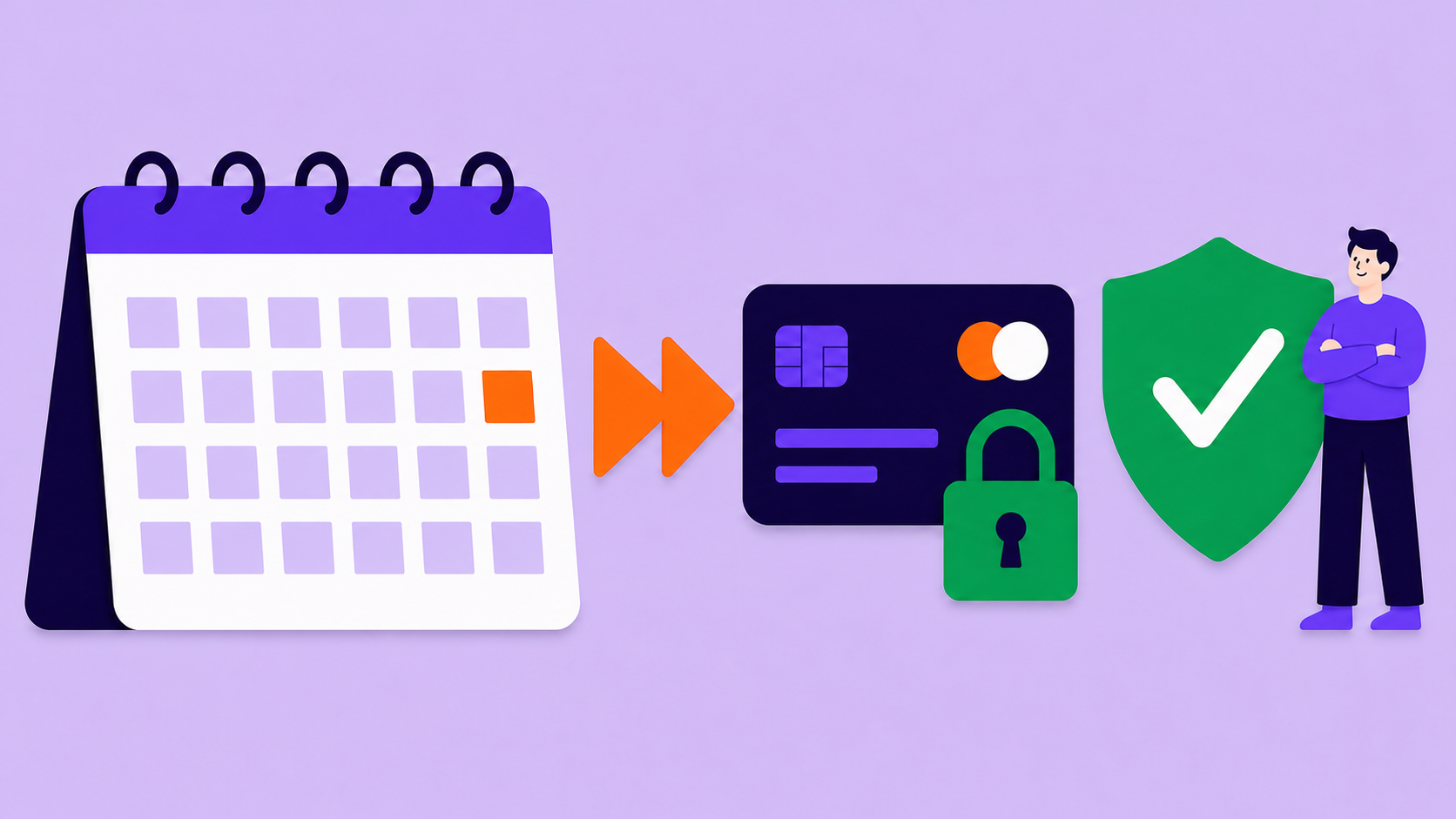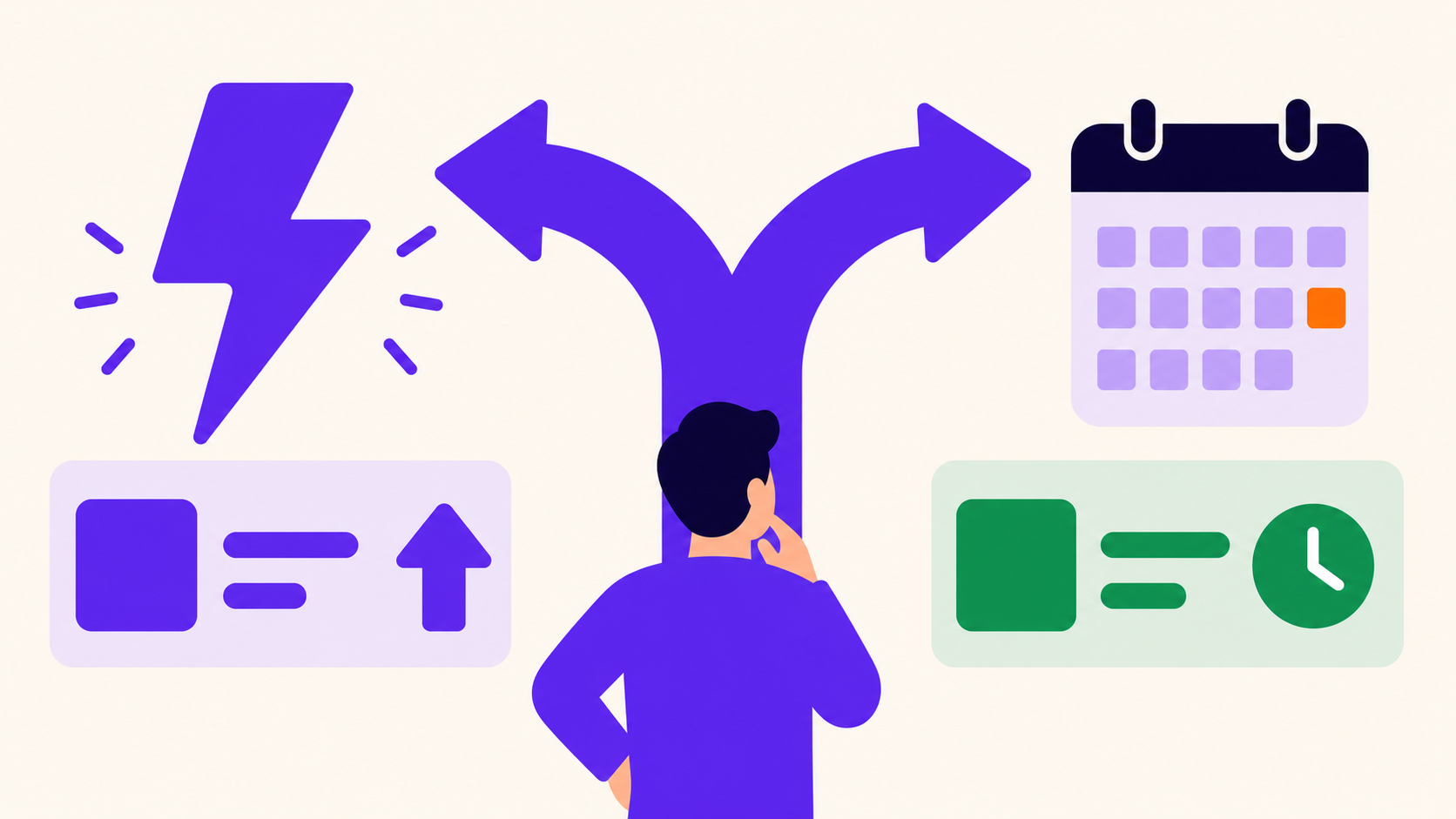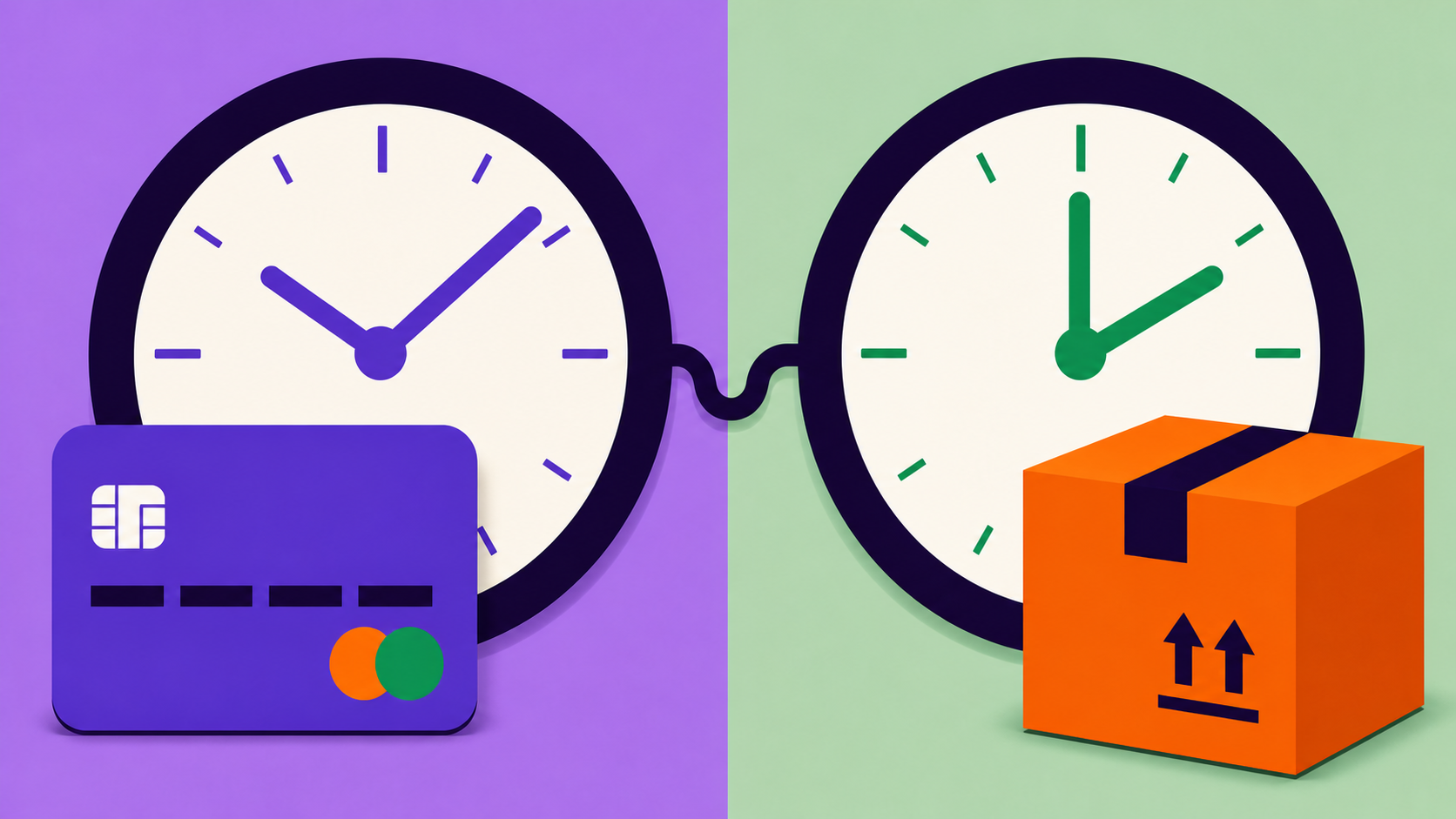
A billing schedule decides when the customer is charged; a shipping schedule decides when goods are allocated and delivered. They can differ, but every extra shipment needs its own fulfillment record, inventory, address cutoff, shipping-cost recovery, tax review, and failed-payment rule. ArraySubs Pro configures renewal shipping charges, not an independent delivery cadence.
Key takeaways
- Billing, renewal orders, fulfillment, delivery, and shipping charges are separate controls.
- One quarterly payment does not automatically create three monthly shipment records.
- ArraySubs Pro supports recurring or one-time shipping charges and amount overrides.
- Renewal shipping uses captured/override amounts; do not promise a fresh carrier quote each cycle.
- Paid, failed, paused, skipped, cancelled, and refunded states need fulfillment rules.
The five schedules
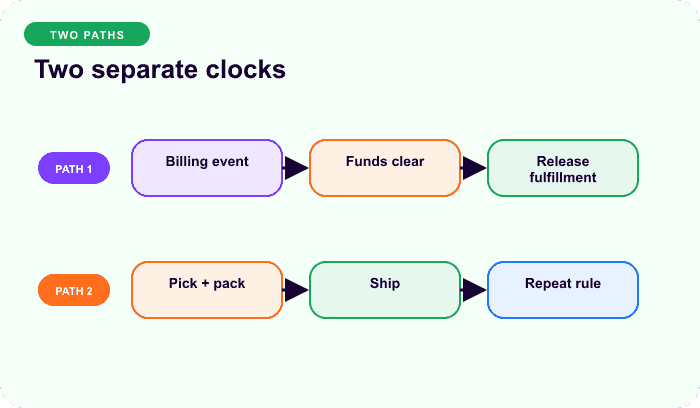
| Schedule | Governs | Typical evidence |
|---|---|---|
| Billing | when and how much is due | subscription and renewal order |
| Renewal order | when the recurring invoice is generated | order and scheduled action |
| Fulfillment | allocation, pick, pack, or service delivery | shipment/fulfillment record |
| Delivery | promised arrival or collection date | delivery window/tracking |
| Address cutoff | last time an address change affects the event | rule and audit history |
WooCommerce’s standard physical-subscription guidance recommends aligning payment and shipment cadence when possible; its FAQ notes that recurring billing and shipping schedules do not natively diverge into patterns such as quarterly billing with monthly shipping (Subscriptions FAQ). A separate delivery layer can date renewal-order shipments, but it still needs one fulfillment obligation per delivery.
What ArraySubs Pro Subscription Shipping does
For physical subscription products, current ArraySubs Pro supports:
- Recurring shipping: charge shipping initially and on eligible renewals.
- One-time shipping: charge shipping only at initial checkout.
- Initial override: use a distinct first shipping amount.
- Renewal override: use a distinct later shipping amount.
Without an override, checkout uses WooCommerce shipping and the result can be captured for future renewal use. Current renewal creation uses the stored renewal amount, with an initial-total fallback; it is not a promise to request a new live carrier quote every cycle.
The feature does not create multiple deliveries per renewal, build custom boxes, reserve inventory, create labels, or manage a prepaid-shipment ledger.
Worked model: bill quarterly, ship monthly
Assume four quarterly payments, twelve monthly boxes, and $8 packaging/postage per box:
annual fulfillment shipping cost = 12 × $8 = $96
shipping allocation per quarterly bill = $96 ÷ 4 = $24
additional fulfillment records beyond renewal orders = 12 − 4 = 8
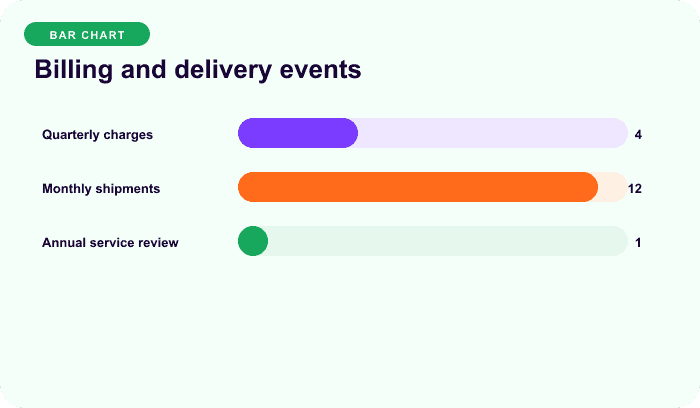
Illustrative operations arithmetic, not a shipping-cost benchmark.
ArraySubs Pro can place the modeled $24 renewal shipping charge on four orders. It does not create the eight additional monthly fulfillment records. The merchant needs a separate ledger/integration or should align billing and delivery.
Architecture choices
Match billing and shipment cadence
One monthly paid renewal creates one monthly shipment. This is the simplest relationship for payment failures, inventory, addresses, refunds, cancellations, and reporting.
Prepay several shipments
On successful quarterly payment, create three dated fulfillment obligations. Each needs an ID, paid cycle, contents, address cutoff, inventory state, shipment date, tracking, skip/cancel/refund status, and idempotency key.
Connect an operations platform
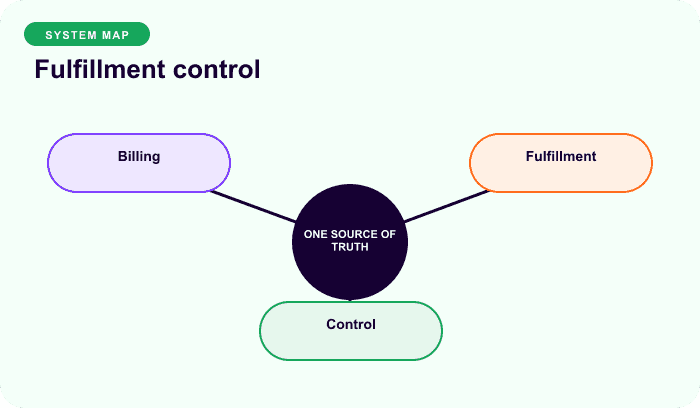
Let the subscription system record the paid-through obligation and an operations system release shipments. Reconcile subscription ID, renewal order, fulfillment ID, promised date, actual shipment, and refund state. Never let two systems create the same obligation independently.
Failure, skip, and cancellation decisions
Answer these before launch:
- Does a failed quarterly payment pause all three future boxes?
- Do already-funded boxes continue after a later status change?
- Does “skip” mean one payment, one box, or all boxes funded by that payment?
- What happens when inventory or a label already exists?
- Which future fulfillment records receive an updated address?
- How is a refund allocated across delivered and future goods?
- Does cancellation stop future billing only or also paid fulfillment?
There is no universal answer. Product terms, consumer law, tax, accounting, and warehouse capability require appropriate review.
Shipping recovery and inventory formulas
shipping recovery gap
= (billing events × shipping charge per bill)
− (fulfillment events × actual shipping/packaging cost)

units needed in lead-time window
= active eligible subscribers × units per fulfillment × fulfillments in window
+ merchant-defined safety stock
Use actual carrier, packaging, handling, damage, and reshipment data. One-time shipping does not make later deliveries costless; the merchant may simply embed the cost in product price.
For tax and renewal reconciliation, read How Taxes and Shipping Behave on Subscription Renewals.
Final recommendation
Keep one-payment/one-shipment unless there is a documented reason and a fulfillment system for every additional obligation. Treat ArraySubs Pro shipping as charge policy, not a delivery scheduler. Compare ArraySubs plans.
Frequently asked questions
Are billing and shipping schedules the same?
No. Billing controls money; shipping controls fulfillment and delivery. They often align because one renewal order naturally funds one shipment, but a prepaid multi-delivery offer needs separate fulfillment records.
Can ArraySubs bill quarterly and ship monthly automatically?
ArraySubs Pro can add shipping charges to initial and renewal orders, but it does not generate an independent monthly delivery schedule from a quarterly renewal. Use a separate fulfillment architecture or align cadences.
What is one-time versus recurring shipping?
One-time shipping charges only at initial checkout. Recurring shipping adds an eligible stored charge to renewals. These options control money on orders, not the number of shipments.
What happens to shipments after a failed renewal?
The store must decide. One-payment/one-shipment models can hold fulfillment until payment. Prepaid models may already have funded obligations, so a status change alone may not decide every box.
How should shipping be priced when billing happens less often?
Model every fulfillment’s actual shipping, packaging, handling, and exception cost, then allocate the expected total across billing events. Review tax and customer disclosure separately.
Disclosure, verification, and update log
- July 2026: Verified against current ArraySubs Pro Subscription Shipping behavior and official WooCommerce subscription guidance. Cost examples are illustrative.
Continue from strategy to setup
Use a recipe when the model is settled
These articles own the decision and operating model. The ArraySubs feature map and recipes cover the exact product, billing, and customer-workflow configuration.
Written by
Emran // ArrayHash
Research and practical guidance for WooCommerce subscription operators and implementation teams.
Technical review
ArraySubs Engineering Team
Reviewed against current ArraySubs code, product documentation, and the linked primary platform sources.